— 10 —
Replacing the Back-up Battery
Important!
• Never remove both the main batteries and the back-up battery from the A-10/A-11 at the same time. If
you do, data stored in memory can be corrupted or lost entirely.
A back-up battery comes installed in the A-10/A-11 when you purchase it. Be sure to replace the back-up
battery as soon as possible after it shows signs of low power.
1. Make sure the A-10/A-11 is turned off.
If the A-10/A-11 is on, press the power switch to turn it off.
2. Close the A-10/A-11 and turn it over.
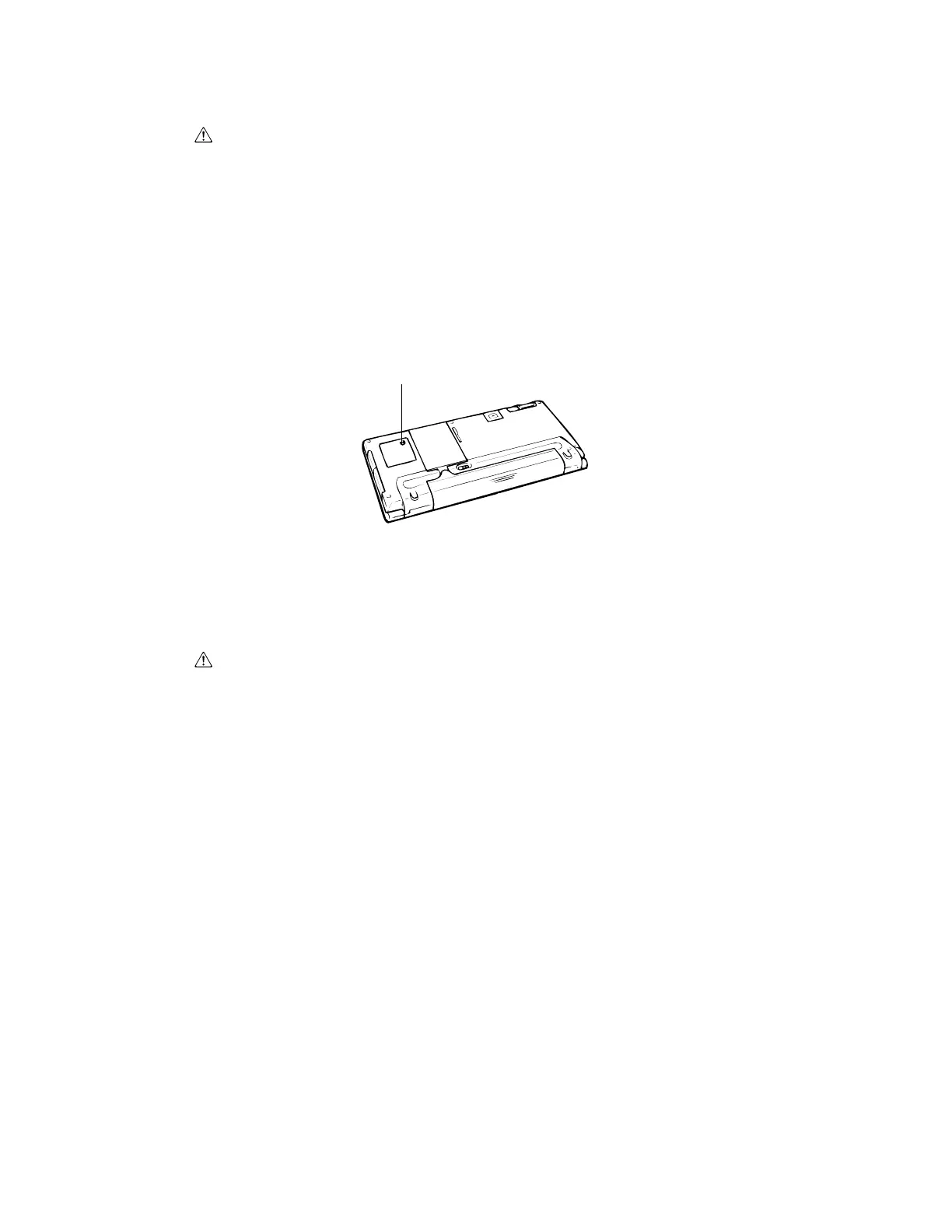
3. Remove screw A and then remove the back-up battery compartment cover.
Optional Battery Pack
Main power can also be supplied to the A-10/A-11 using a rechargeable battery pack that is available as an
option. Charging of the optional battery pack is performed using an optional charger.
4. Remove the old battery.
5. Wipe the surfaces of the new battery with a soft cloth, and then load it into the back-up battery compart-
ment with the + side facing up (so you can see it).
6. Replace the back-up battery compartment cover and secure it in place with its screw.
Important!
Battery Precautions
Improper handling of batteries create the danger of fire or personal injury, as well as damage to and
malfunction of the A-10/A-11. Be sure to observe the following important precautions.
• Always make sure the polarity (+ and – directions) of a battery is correct when you load it into the A-10/
A-11.
• Never mix old batteries with new ones.
• Never mix batteries of different types.
• Use only the types of batteries specified in this manual.
(A)



 To Next Page