— 53 —
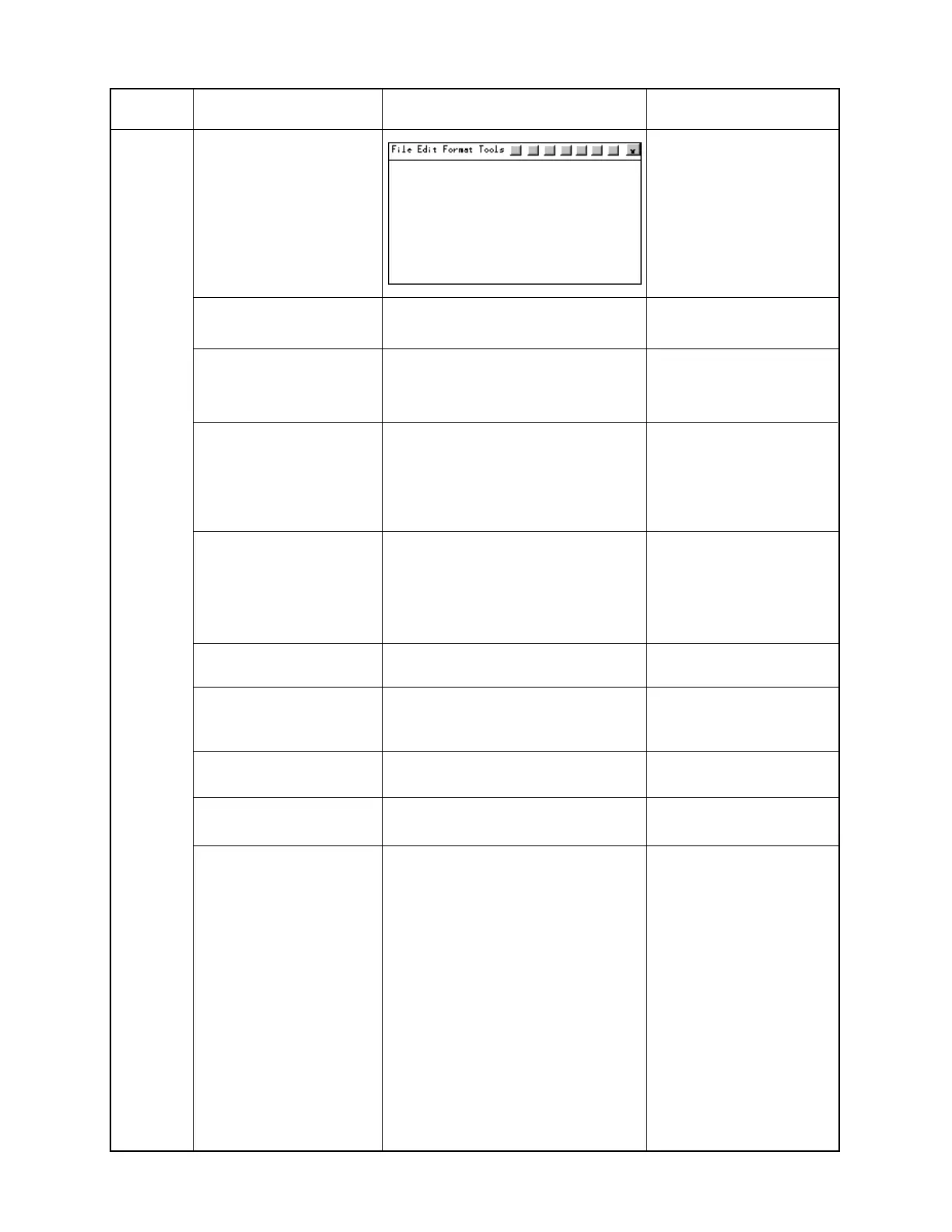
Double click Pocket Word
from Program Folder.
Open Pocket Word.
Hold key "A" press.
aaaaaaaaaaaaaaa.........
"a" displays successively.
Hold key "D" press not to
release from key "A".
aaaaaaaaaaaaaaadddddddddddddd
dddddddddddddddddd.............
"d" displays successively
after "a".
Hold keys "G" and "J"
press not to release from
keys "A" and "D".
aaaaaaaaaaaaaaadddddddddddddd
ddddddddddddddddddddddddddddd
ddddddddddddddddddddddddddddd
ddd.....
"d" displays successively.
"g" and "j" do not display.
If "d" stops, it is NG.
Release keys "A","D","G"
and "J".
aaaaaaaaaaaaaaadddddddddddddd
ddddddddddddddddddddddddddddd
ddddddddddddddddddddddddddddd
ddddddddddddddd
"d" stops.
Tap File, Close and No. Close Pocket Word.
("Program" directory)
Tap Start, Setting and
then double click System. (System properties display)
Confirm System version
and Memory.
OFF
(No display)
Power off.
Remove main batteries.
Load main batteries and
then backup batteries.
The end of the finishing
check.
Step Operation Display (Wiring) Note



 To Next Page