— 6 —
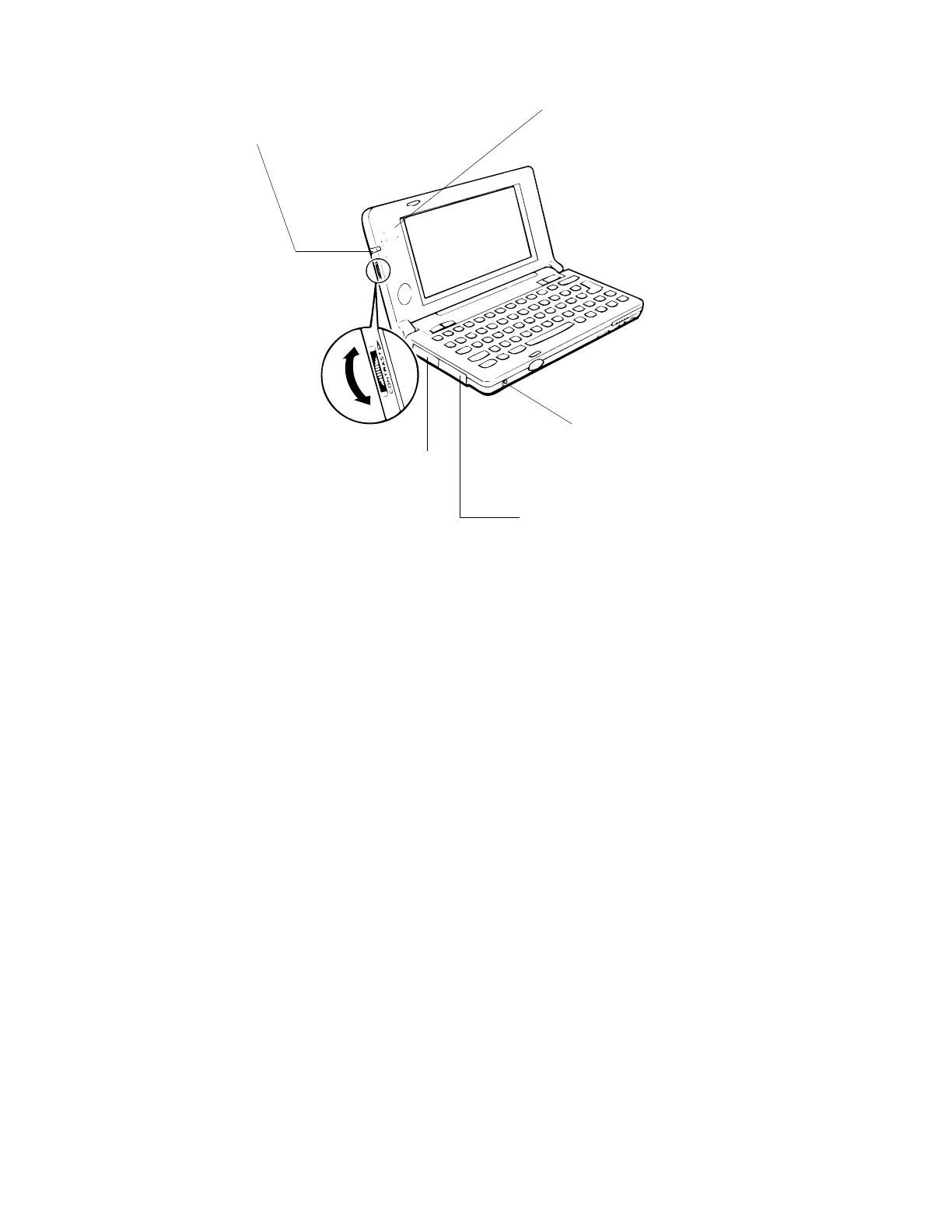
• Flashing light
Lights when an alarm time is reached
and to indicate other application-spe-
cific conditions.
• Speaker
Outputs alarm tones and other sounds.
• Notification Button
Turns off the flashing light and stops
the alarm.
• RS-232C/Power connector
For connection of an RS-232C cable,
docking station, mini dock or battery pack
charger.
• Infrared port
• Contrast dial
Rotate to adjust diplay
contrast. Rotate upwards
to make the display lighter
or downwards to make it
darker.



 To Next Page