Calculator Apps and Menus
Calculator Apps
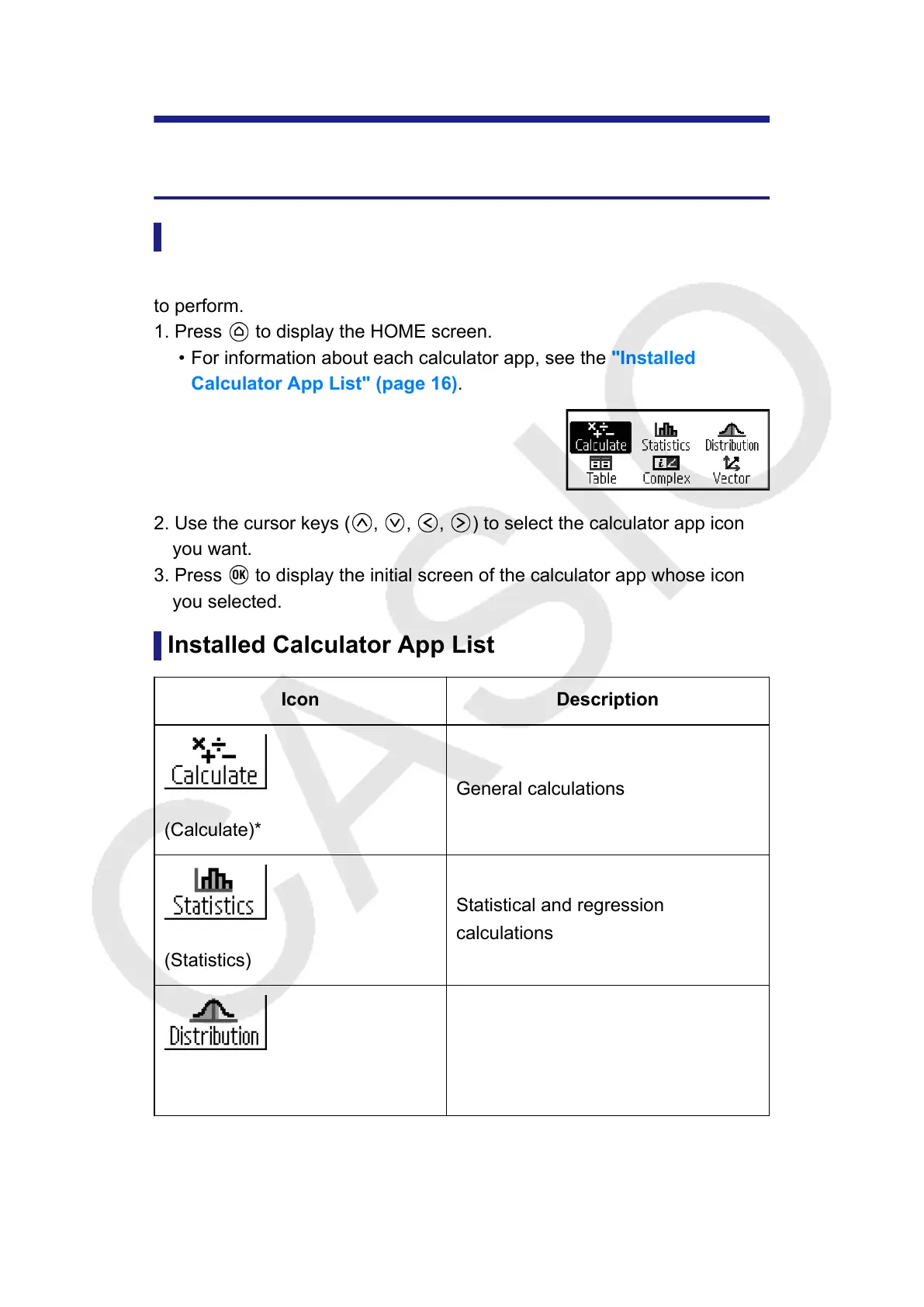
Selecting a Calculator App
Select a calculator app that is suitable for the type of calculation you want
to perform.
1. Press
to display the HOME screen.
• For information about each calculator app, see the "Installed
Calculator App List" (page 16).
2. Use the cursor keys ( , , , ) to select the calculator app icon
you want.
3. Press to display the initial screen of the calculator app whose icon
you selected.
Installed Calculator App List
Icon Description
(Calculate)*
General calculations
(Statistics)
Statistical and regression
calculations
(Distribution)
Distribution calculations
16



 To Next Page
 Loading...










