Editing the List Screen Contents
To change the x data in a cell
On the list screen, move the cursor to the cell containing the data you want
to change, input the new data, and then press
.
To delete a row
On the list screen, move the cursor to the row you want to delete and then
press .
To insert a row
1. On the list screen, move the cursor to the row that will be under the row
you will insert.
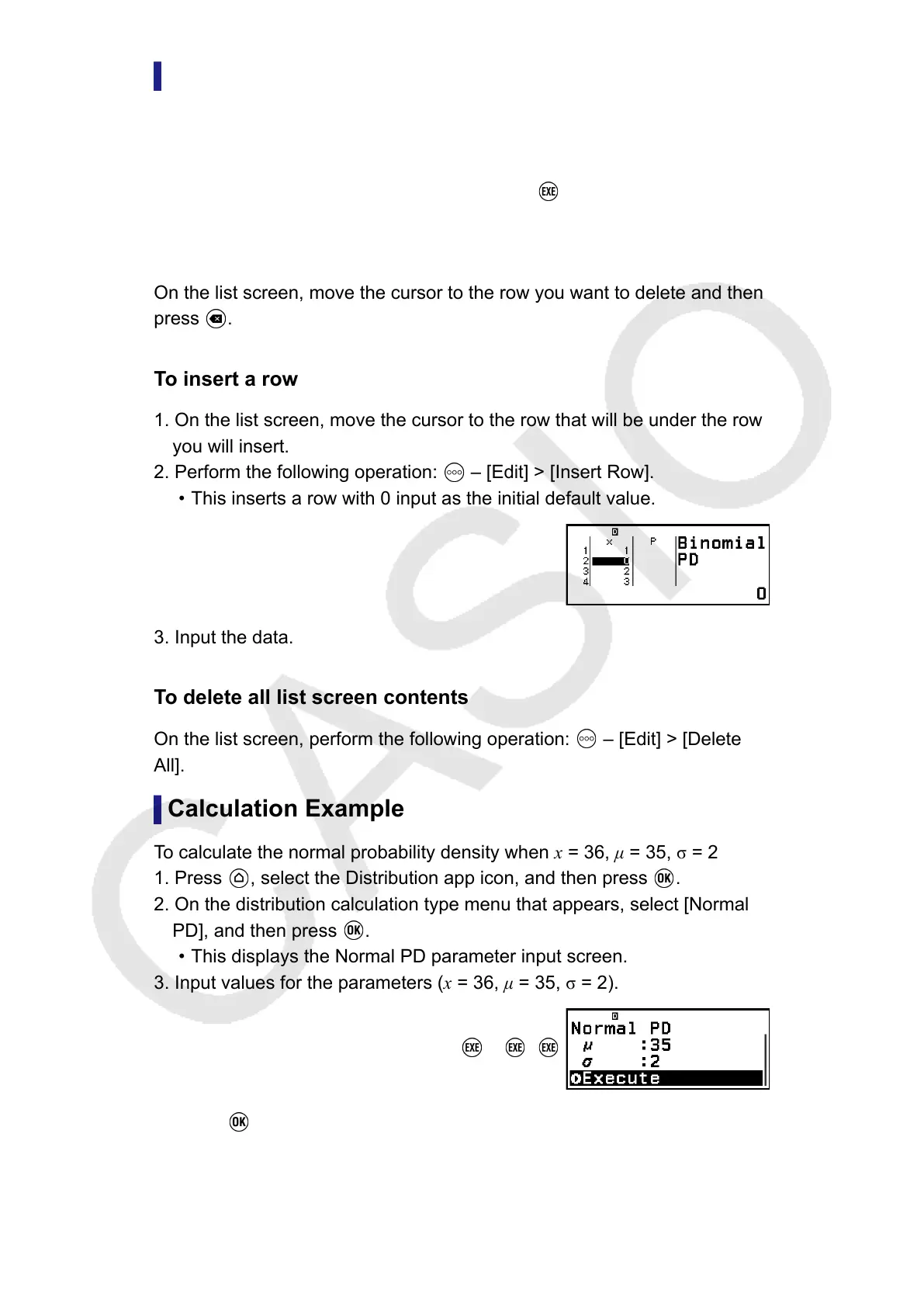
2. Perform the following operation: – [Edit] > [Insert Row].
• This inserts a row with 0 input as the initial default value.
3. Input the data.
To delete all list screen contents
On the list screen, perform the following operation: – [Edit] > [Delete
All].
Calculation Example
To calculate the normal probability density when x = 36, μ = 35, σ = 2
1. Press
, select the Distribution app icon, and then press .
2. On the distribution calculation type menu that appears, select [Normal
PD], and then press
.
•
This displays the Normal PD parameter input screen.
3. Input values for the parameters (x = 36, μ = 35, σ = 2).
36 35 2
4. Press .
85



 To Next Page