* Refer to "Key Markings" (page 12) for more information about the key
symbols used in this example.
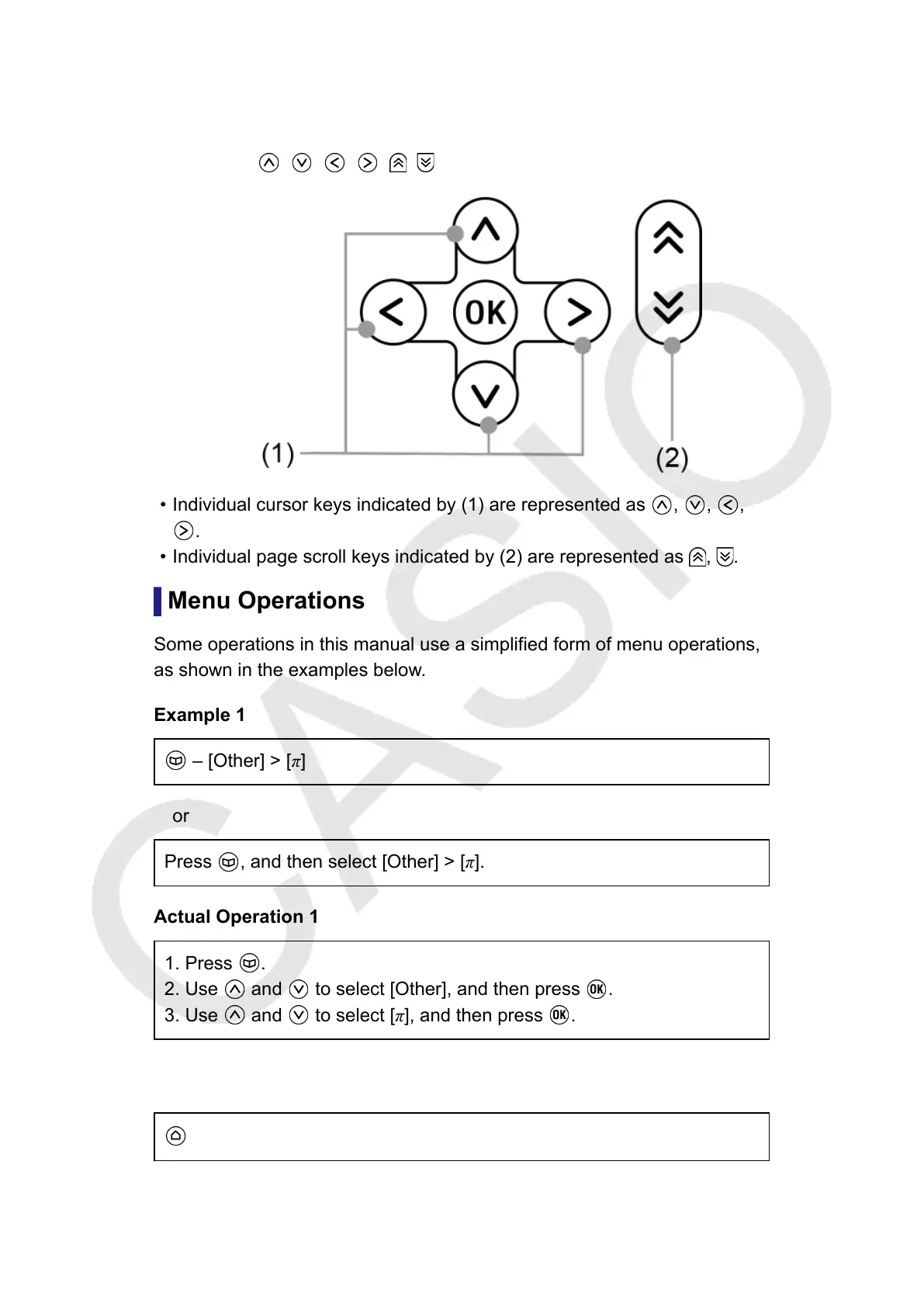
Example 3: , , , , ,
• Individual cursor keys indicated by (1) are represented as , , ,
.
• Individual page scroll keys indicated by (2) are represented as , .
Menu Operations
Some operations in this manual use a simplified form of menu operations,
as shown in the examples below.
Example 1
– [Other] > [π]
or
Press , and then select [Other] > [π].
Actual Operation 1
1. Press
.
2. Use and to select [Other], and then press .
3. Use and to select [π], and then press .
Example 2
- Calculate
or
6



 To Next Page