Displaying a Statistical Calculation Screen
Single-variable
1. While the Statistics Editor is displayed, press
.
2. On the menu that appears, select [Statistics Calc] and then press .
Paired-variable
1. While the Statistics Editor is displayed, press .
2. On the menu that appears, select [Statistics Calc] and then press .
• This displays the regression type menu (see the "Supported
Regression Type List" (page 73)).
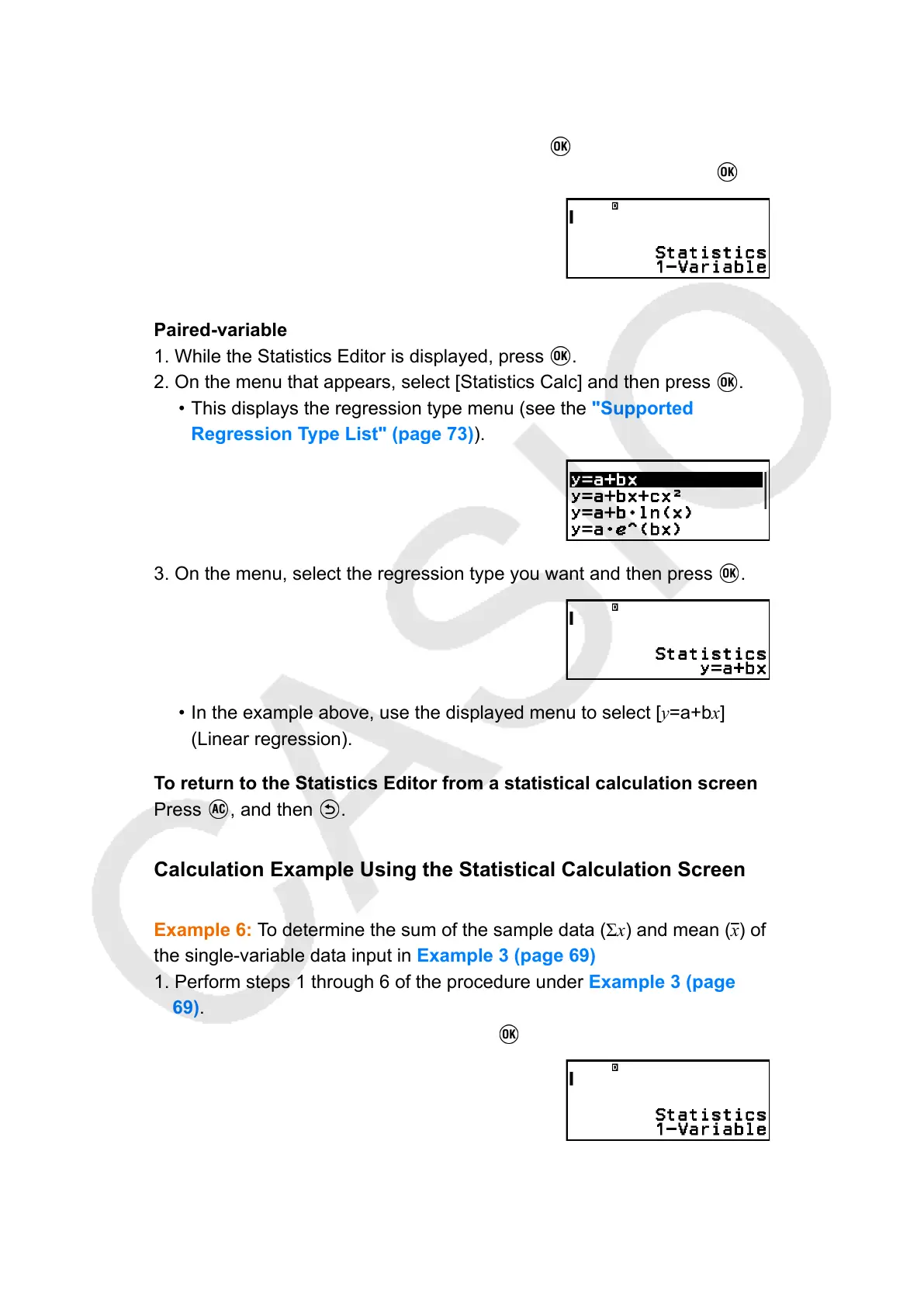
3. On the menu, select the regression type you want and then press .
• In the example above, use the displayed menu to select [y=a+bx]
(Linear regression).
To return to the Statistics Editor from a statistical calculation screen
Press
, and then .
Calculation Example Using the Statistical Calculation Screen
Example 6: To determine the sum of the sample data (Σx) and mean (x
) of
the single-variable data input in Example 3 (page 69)
1. Perform steps 1 through 6 of the procedure under Example 3 (page
69).
2. Select [Statistics Calc], and then press
.
3. Calculate the sum of the sample data (Σx).
74



 To Next Page