Chapter 8: Geometry Application 158
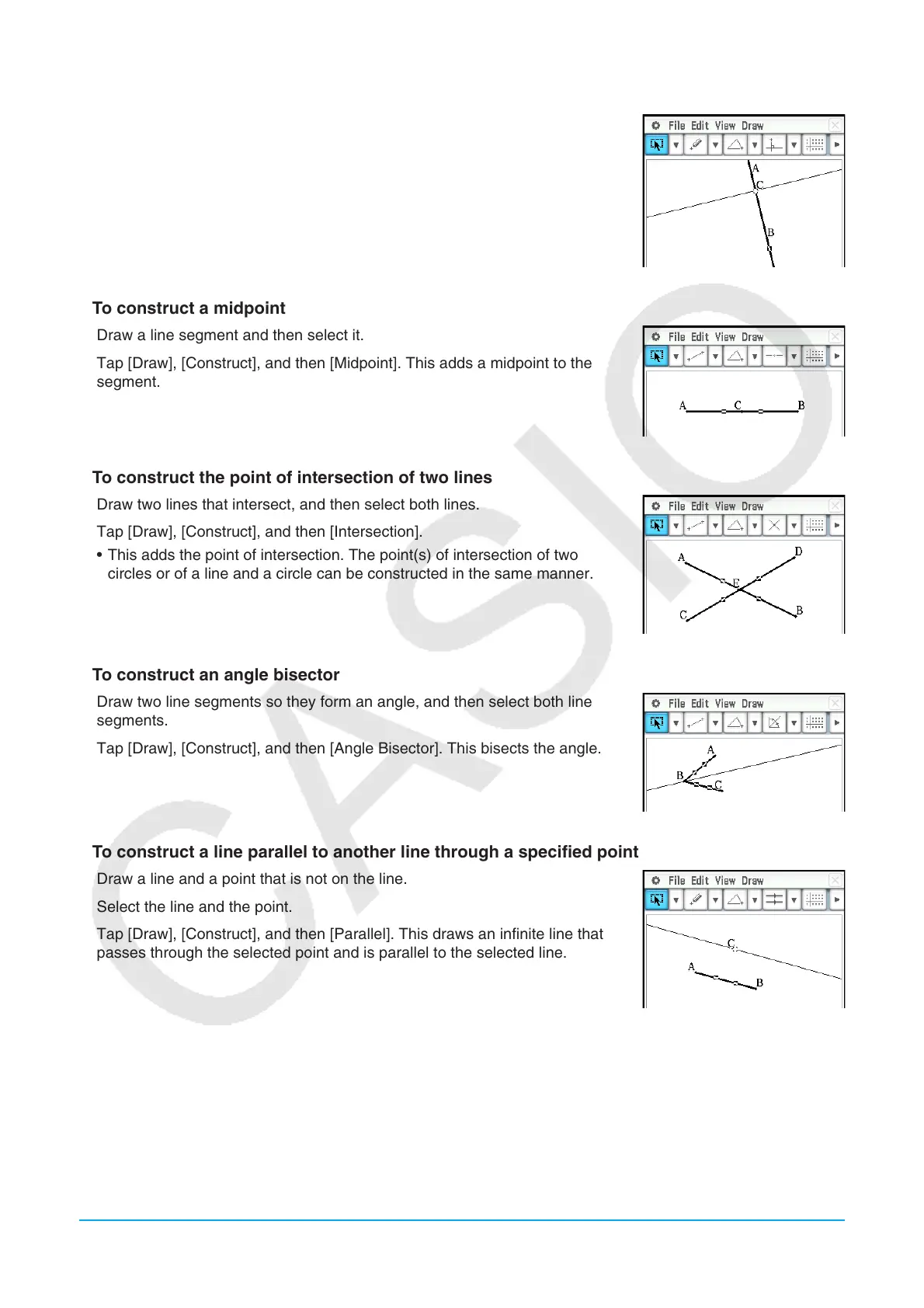
u To construct a perpendicular line that passes through a specified point on a line
1. Draw an infinite line, and then draw a point on the line through which you
want the perpendicular line to pass.
2. Select the line and the point.
3. Tap [Draw], [Construct], and then [Perpendicular]. This draws a line through
the point you selected, which is perpendicular to the line where the point is
located.
u To construct a midpoint
1. Draw a line segment and then select it.
2. Tap [Draw], [Construct], and then [Midpoint]. This adds a midpoint to the
segment.
u To construct the point of intersection of two lines
1. Draw two lines that intersect, and then select both lines.
2. Tap [Draw], [Construct], and then [Intersection].
• This adds the point of intersection. The point(s) of intersection of two
circles or of a line and a circle can be constructed in the same manner.
u To construct an angle bisector
1. Draw two line segments so they form an angle, and then select both line
segments.
2. Tap [Draw], [Construct], and then [Angle Bisector]. This bisects the angle.
u To construct a line parallel to another line through a specified point
1. Draw a line and a point that is not on the line.
2. Select the line and the point.
3. Tap [Draw], [Construct], and then [Parallel]. This draws an infinite line that
passes through the selected point and is parallel to the selected line.















 To Next Page