Chapter 1: Basics 22
Key set Key Description
Math3
[
Inputs square brackets ([ ]). “2-5 Matrix and Vector Calculations”
(page 56)
Math3
<>;:=/
“Equal Symbols and Unequal Symbols” (page 53)
Math3
~
“Angle Symbol (∠)” (page 52)
Trig
SCT
“Trigonometric and Inverse Trigonometric Functions” (page 47)
Trig
123
!@#
“Hyperbolic and Inverse Hyperbolic Functions” (page 47)
Advance
:!
“Other Functions” (page 48)
Advance
PN
“Permutation (
nPr) and Combination (nCr)” (page 51)
Advance
NM<
hin
“Chapter 6: Sequence Application”
Advance
r
“About rSolve” (page 127)
Advance
5%(^
“Using the Advanced Submenu” (page 62)
Advance
7
“Gamma Function” (page 55)
Advance
6
“Dirac Delta Function” (page 54)
Advance
l
“
nth Delta Function” (page 54)
Advance
'
“Heaviside Unit Step Function” (page 54)
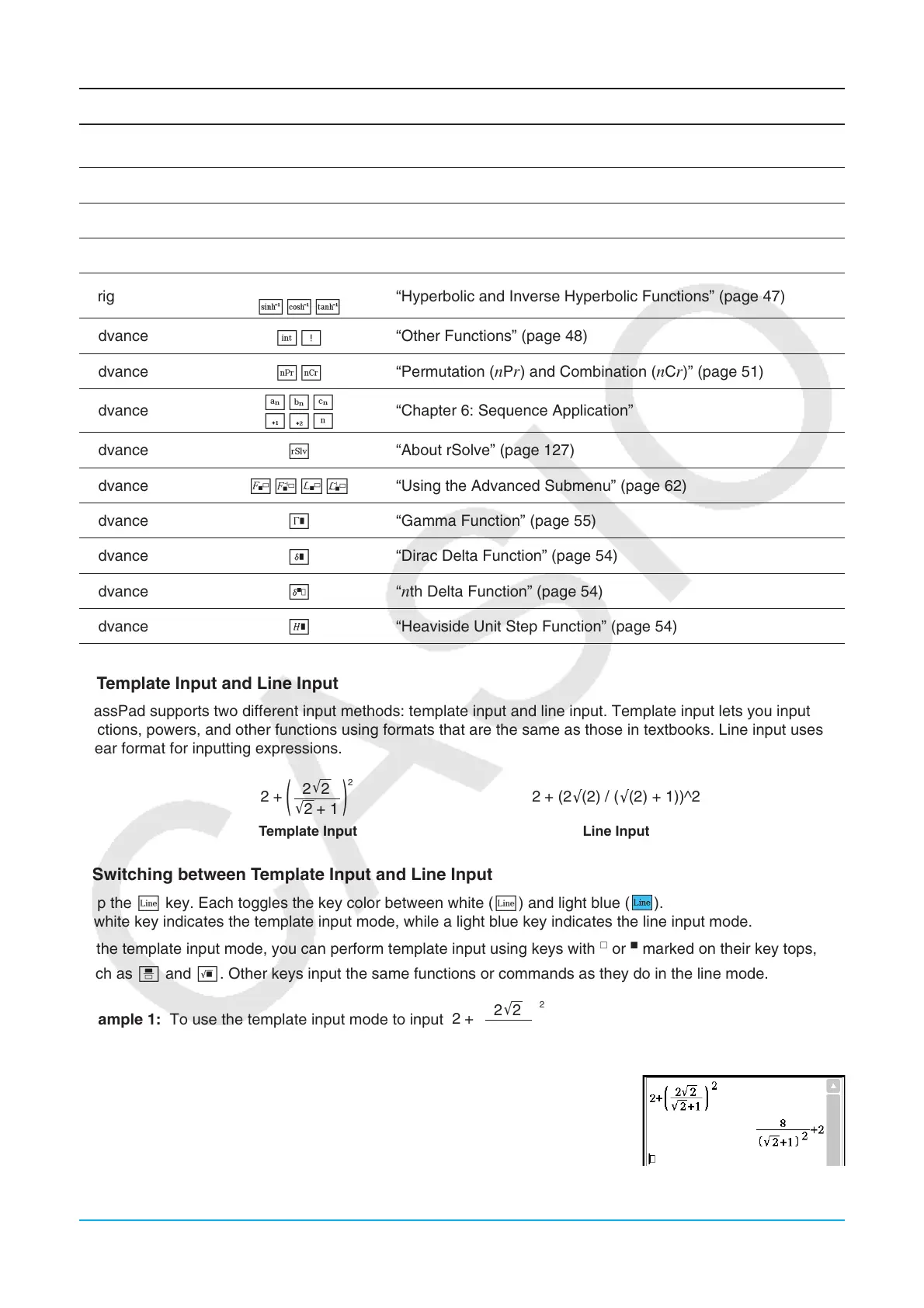
k Template Input and Line Input
ClassPad supports two different input methods: template input and line input. Template input lets you input
fractions, powers, and other functions using formats that are the same as those in textbooks. Line input uses a
linear format for inputting expressions.
2+
( )
2
'
2
'
2+ 1
2
2+ (2 (2) / ( (2) + 1))^2
Template Input Line Input
u Switching between Template Input and Line Input
Tap the L key. Each toggles the key color between white (L) and light blue ( ).
A white key indicates the template input mode, while a light blue key indicates the line input mode.
In the template input mode, you can perform template input using keys with
or
marked on their key tops,
such as N and !. Other keys input the same functions or commands as they do in the line mode.
Example 1: To use the template input mode to input
1. Tap the [Math1] tab and then enter the template input mode (white L key).
2. Perform the key operation below:
2+(N2!2c!2e+1
eem2E
2+
( )
2
'
2
'
2+ 1
2















 To Next Page