Chapter 2: Main Application 66
u
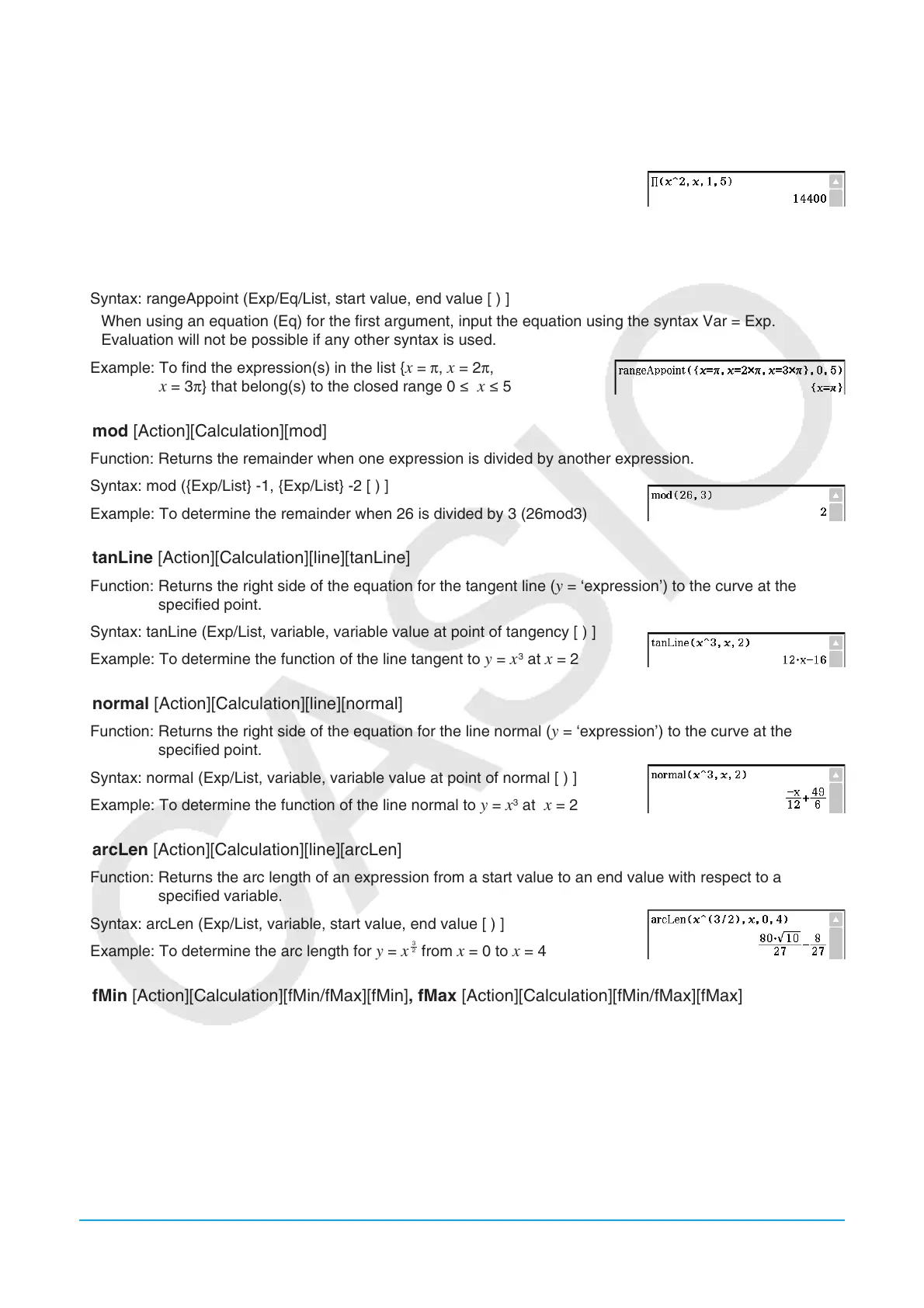
[Action][Calculation][Π]
Function: Evaluates an expression at discrete variable values within a range, and then calculates a product.
Syntax: Π(Exp/List, variable, lower value, upper value [ ) ]
Example: To calculate the product of
x
2
as the value of x changes from x = 1
through x = 5
u rangeAppoint [Action][Calculation][rangeAppoint]
Function: Finds an expression or value that satisfies a condition in a specified range.
Syntax: rangeAppoint (Exp/Eq/List, start value, end value [ ) ]
• When using an equation (Eq) for the first argument, input the equation using the syntax Var = Exp.
Evaluation will not be possible if any other syntax is used.
Example: To find the expression(s) in the list {
x = π, x = 2π,
x = 3π} that belong(s) to the closed range 0 s x s 5
u mod [Action][Calculation][mod]
Function: Returns the remainder when one expression is divided by another expression.
Syntax: mod ({Exp/List} -1, {Exp/List} -2 [ ) ]
Example: To determine the remainder when 26 is divided by 3 (26mod3)
u tanLine [Action][Calculation][line][tanLine]
Function: Returns the right side of the equation for the tangent line ( y = ‘expression’) to the curve at the
specified point.
Syntax: tanLine (Exp/List, variable, variable value at point of tangency [ ) ]
Example: To determine the function of the line tangent to
y = x
3
at x = 2
u normal [Action][Calculation][line][normal]
Function: Returns the right side of the equation for the line normal ( y = ‘expression’) to the curve at the
specified point.
Syntax: normal (Exp/List, variable, variable value at point of normal [ ) ]
Example: To determine the function of the line normal to
y = x
3
at x = 2
u arcLen [Action][Calculation][line][arcLen]
Function: Returns the arc length of an expression from a start value to an end value with respect to a
specified variable.
Syntax: arcLen (Exp/List, variable, start value, end value [ ) ]
Example: To determine the arc length for
y = x
3
2
from x = 0 to x = 4
u fMin [Action][Calculation][fMin/fMax][fMin], fMax [Action][Calculation][fMin/fMax][fMax]
Function: Returns the minimum (fMin) / the maximum (fMax) point in a specific range of a function.
Syntax: fMin(Exp[,variable] [ ) ]
fMin(Exp, variable, start value, end value[,
n] [ ) ]
fMax(Exp[,variable] [ ) ]
fMax(Exp, variable, start value, end value[,
n] [ ) ]
• “
x ” is the default when you omit “[,variable]”.
• Negative infinity and positive infinity are the default when the syntax fMin(Exp[,variable] [ ) ] or
fMax(Exp[,variable] [ ) ] is used.















 To Next Page