Chapter 2: Main Application 80
Note
For the solution, the solve function returns an expression or value for the expression (Exp/Eq) input as its
argument. The message “More solutions may exist” will appear on the display when a value is returned as the
solution, because there may be multiple solutions.
The solve function can return a maximum of 10 solutions in the case of values.
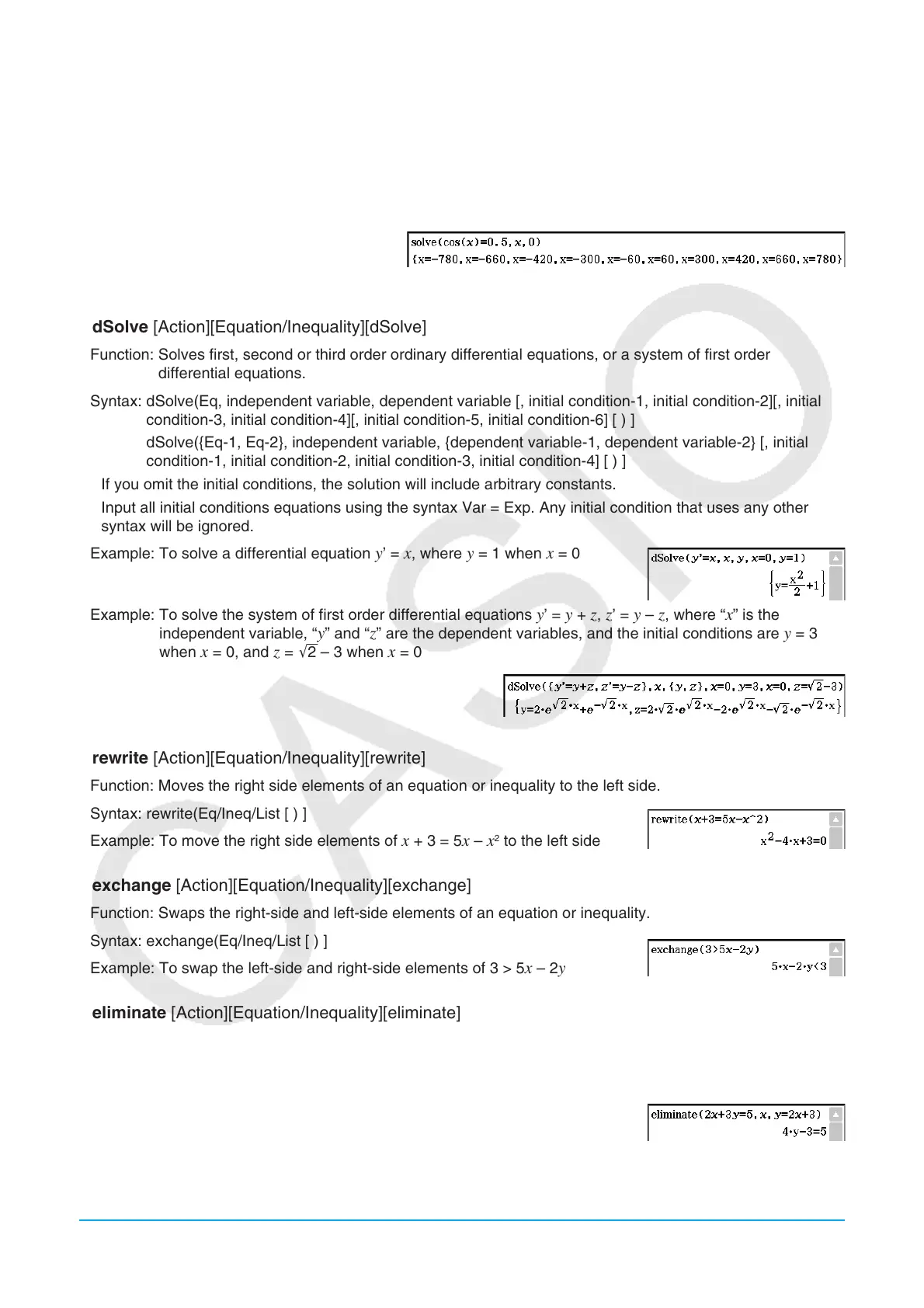
Example: To solve cos (
x ) = 0.5 for x (initial value: 0)
(Angle unit setting: Deg)
u dSolve [Action][Equation/Inequality][dSolve]
Function: Solves first, second or third order ordinary differential equations, or a system of first order
differential equations.
Syntax: dSolve(Eq, independent variable, dependent variable [, initial condition-1, initial condition-2][, initial
condition-3, initial condition-4][, initial condition-5, initial condition-6] [ ) ]
dSolve({Eq-1, Eq-2}, independent variable, {dependent variable-1, dependent variable-2} [, initial
condition-1, initial condition-2, initial condition-3, initial condition-4] [ ) ]
• If you omit the initial conditions, the solution will include arbitrary constants.
• Input all initial conditions equations using the syntax Var = Exp. Any initial condition that uses any other
syntax will be ignored.
Example: To solve a differential equation
y ’ = x , where y = 1 when x = 0
Example: To solve the system of first order differential equations
y ’ = y + z , z ’ = y – z , where “ x ” is the
independent variable, “ y ” and “ z ” are the dependent variables, and the initial conditions are y = 3
when x = 0, and z = '2 – 3 when x = 0
u rewrite [Action][Equation/Inequality][rewrite]
Function: Moves the right side elements of an equation or inequality to the left side.
Syntax: rewrite(Eq/Ineq/List [ ) ]
Example: To move the right side elements of
x + 3 = 5 x – x
2
to the left side
u exchange [Action][Equation/Inequality][exchange]
Function: Swaps the right-side and left-side elements of an equation or inequality.
Syntax: exchange(Eq/Ineq/List [ ) ]
Example: To swap the left-side and right-side elements of 3 > 5
x – 2 y
u eliminate [Action][Equation/Inequality][eliminate]
Function: Solves one equation with respect to a variable, and then replaces the same variable in another
expression with the obtained result.
Syntax: eliminate(Eq/Ineq/List-1, variable, Eq-2 [ ) ]
Example: To transform
y = 2 x + 3 to x =, and substitute the result into
2 x + 3 y = 5















 To Next Page