MSD LEDs
The Status of the four Safety relays is indicated by the four red LEDs above the LCD. When the LED is on the NO
terminal will be closed, and when the LED is off (and in all cases when the MSD has no power) the NC terminals
will be closed.
The four LEDs to the right of the LCD relate more to operational status as follows:
▪ STATUS / POWER shows that the unit is on and other various states, as shown in Table 12.
▪ COMM LOSS illuminates if one of more PSDs are either in danger of losing, or have lost, communication.
▪ E-Stop illuminates when one or more PSDs have an active E-Stop switch.
▪ The ERROR LED illuminates if there is an internal error.
MSD LCD
The MSD LCD displays the current operational state, as detailed in Table 12.
The LCD also provides additional information when using the five-button cluster to the left.
The MSD LCD remains illuminated.
When first turned on, the MSD display will show the current firmware revision for three seconds, followed by the
master address on line 1 and the frequency on line 2 for the next three seconds. The LCD will then revert to the
indications on the table below.
8.4 MSD Operational States
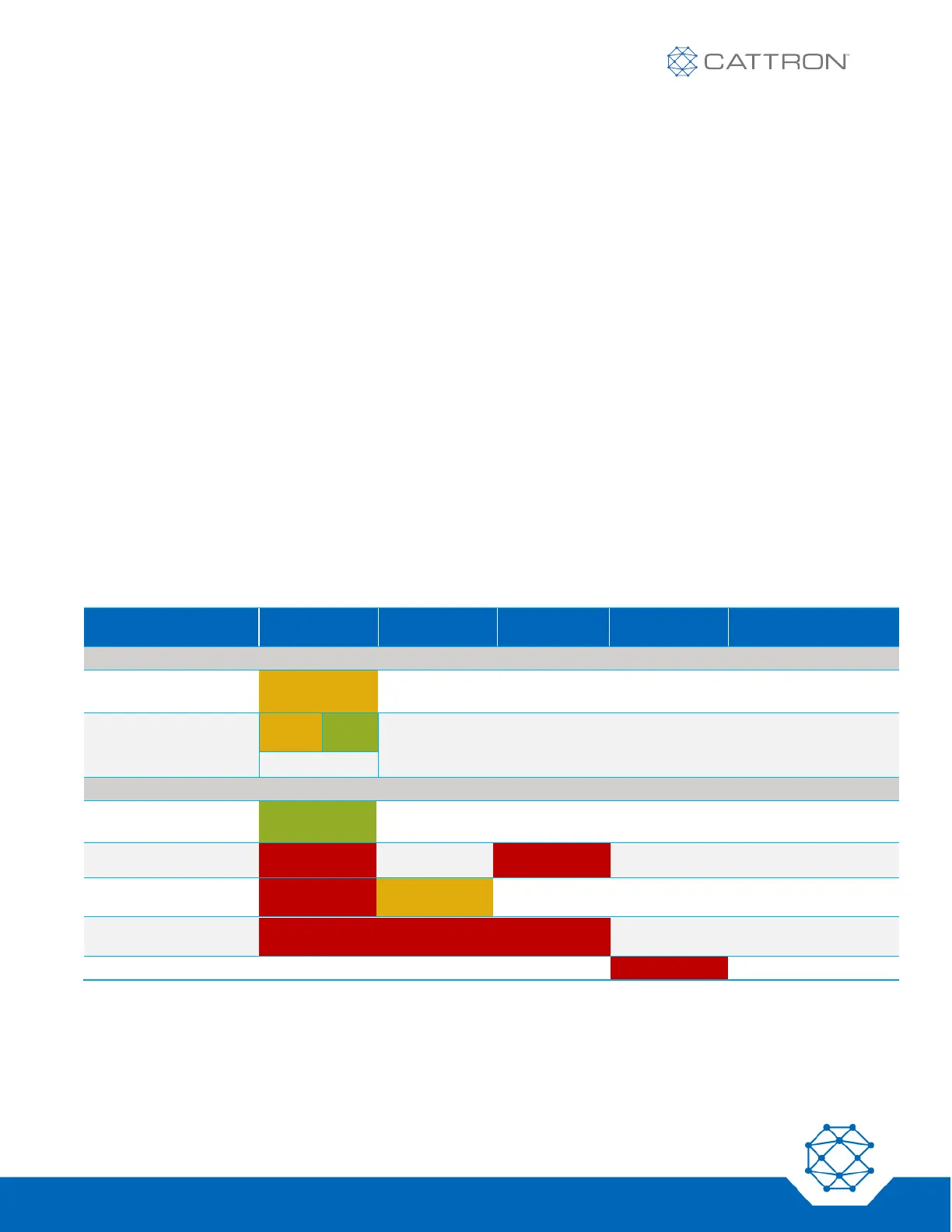
Table 12: MSD Operational States — # represents the PSD sub-address


 To Next Page