8.6 MSD Ethernet Address Configuration
To program the IP address on an MSD it is first necessary to download a third-party tool which is freely available
from HMS, the manufacturer of the Anybus EtherNet modules used in the MSD.
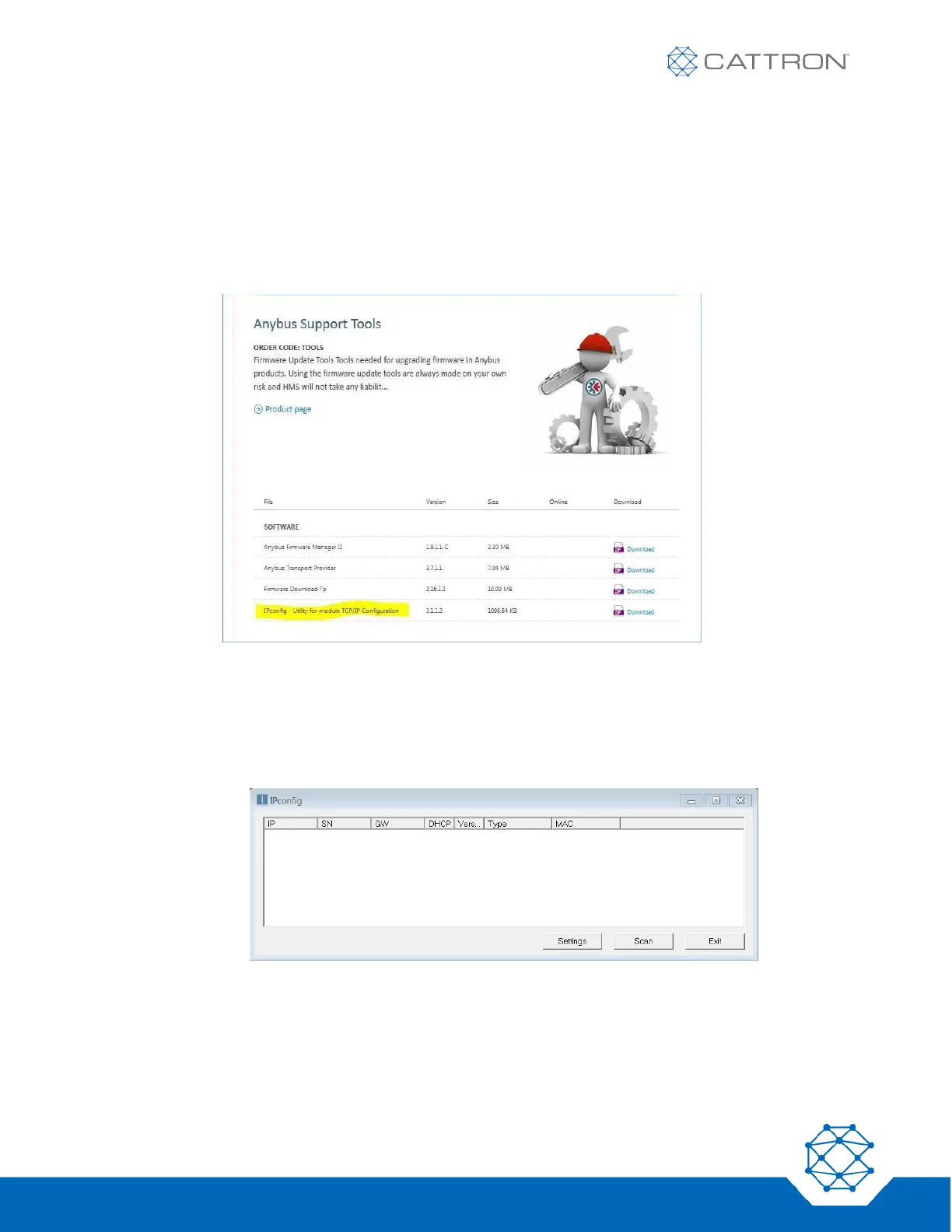
a. To download and install the IPconfig software tool onto your PC follow this link:
https://www.anybus.com/support/file-doc-downloads/anybus-support-tools?orderCode=tools
Figure 17: Anybus download webpage
b. Connect your PC to the sameLAN the MSD is connected to. They do not need to be configured to the
same subnet.
c. Start the tool. A simple window will open.
Figure 18: IP Configuration Window
d. Press the Scan button. All devices using Anybus EtherNet interface will be detected and shown.
e. Double-click on the device you wish to configure and a new window will appear where you can set all IP
parameters (IP address, subnet mask, gateway, etc.)
f. The MSD’s current setting can be reviewed on the IP address screen



 To Next Page