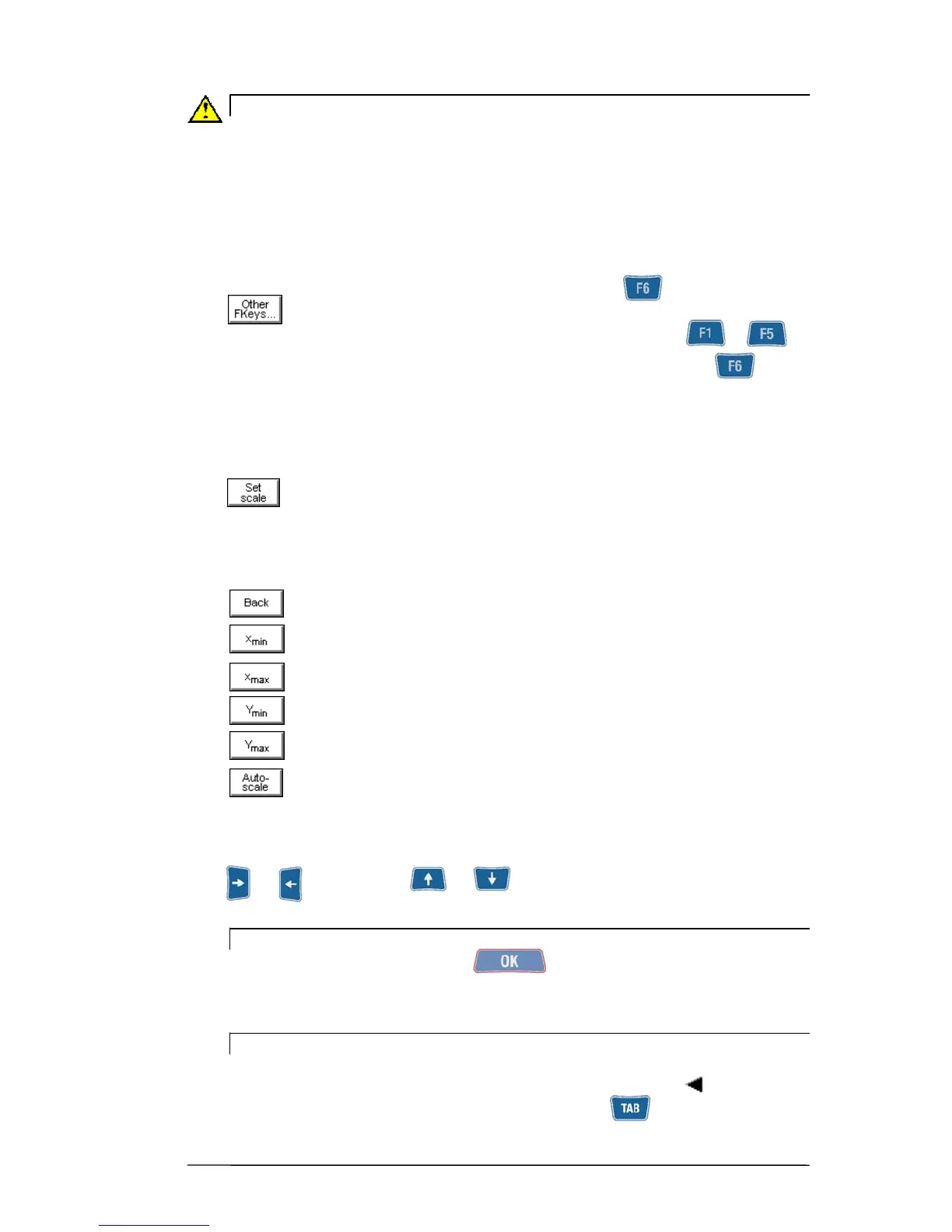
General layout 2 - 5
Caution:
After changing the amplification, wait for a few seconds until the measurement
becomes steady.
- Function “Other functions...”
When there are more than six functions accessible from a certain screen, there are not
enough function keys to correspond to them; in such cases the key is associated
with
Pressing of this key causes substitution of the functions corresponding to ...
with another five. The original correspondence can be reset by again pressing
- Functions operating on the graphs
Scale setting:
allows selecting the function for modification of the minimum and
maximum values of the axes in a graph; in this way it is possible to display just the
zone of greater interest. When activated, the following sub-functions are made
available:
: : quit the Scale Setting function
: preset minimum value of the x axis
: preset maximum value of the x axis
: preset minimum value of the y axis
: preset maximum value of the y axis
: sets the axis limits to be coherent with the graph data
The value of the limit selected (x
min
, x
max
, Y
min
or else Y
max
, displayed by white
wording on black background), can be increased or decreased by pressing
. or for x axis and or for the y axis.
N.B.
Measurement can be started with also while Set scale is activated but
it would automatically cause exit from this function.
N.B.
When two graphs are shown both at the same time on the same screen, the
scale functions operate on the active graph (identified by symbol ).
To change the active graph, proceed to press the key


 To Next Page