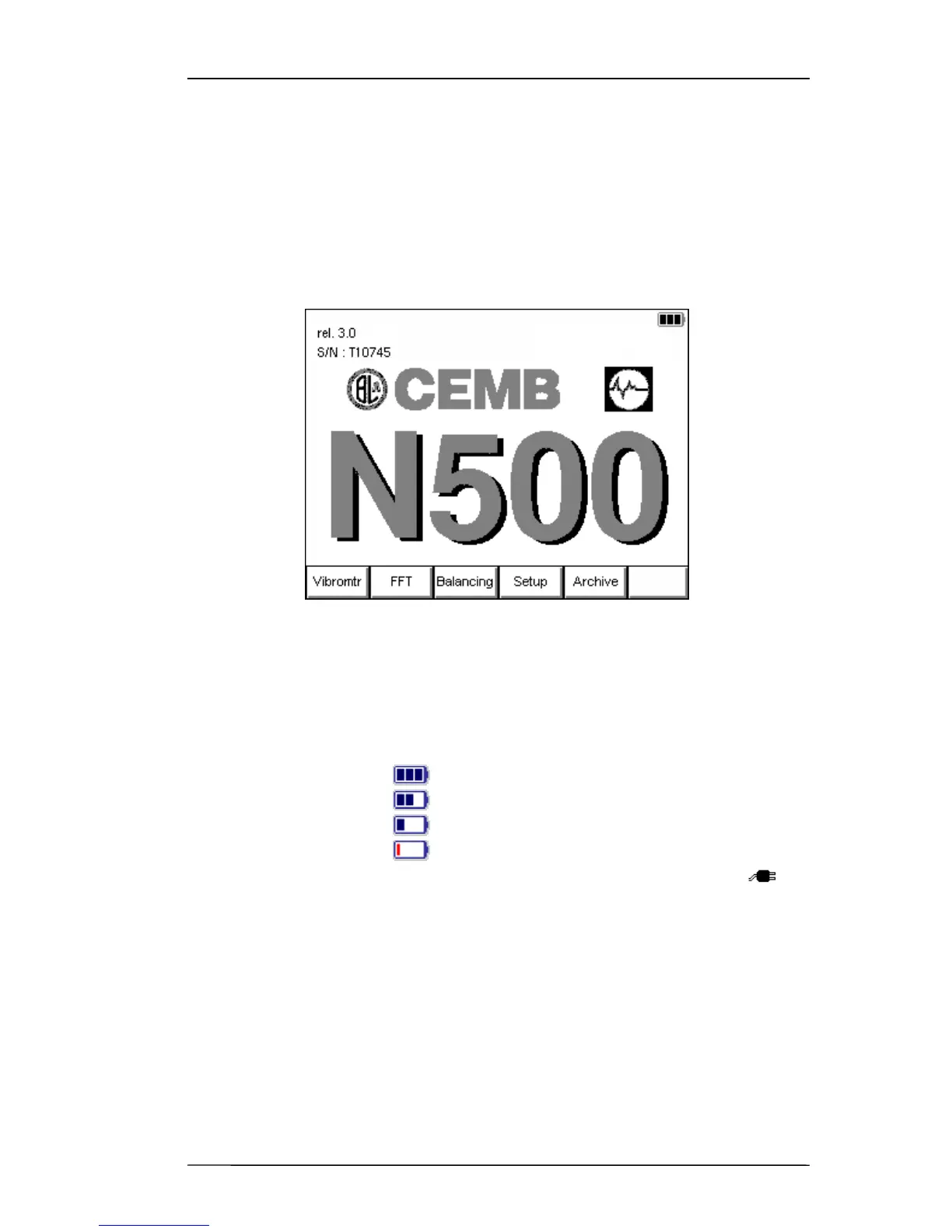
Home screen 3 - 1
Chapter 3
Home screen (menu)
After fully switching on the N500 instrument, it shows its Home screen
which, besides showing a set of information:
– Manufacturer logo and name of the instrument
– Serial number (S/N) of the instrument
– Current program version
– Battery state:
- fully charged
- partly charged
- almost flat
- flat
– instrument being charged (connection to socket via the battery charger
supplied) as a normal menu, it also proposes and allows selection of the available
modes, namely:
1. Vibrometer mode
- Measurement of the total value and synchronous measurement of vibration
- Measurement and memorization of the trend in vibration against variation in time or
rotor speed


 To Next Page