Data manager mode 8 - 3
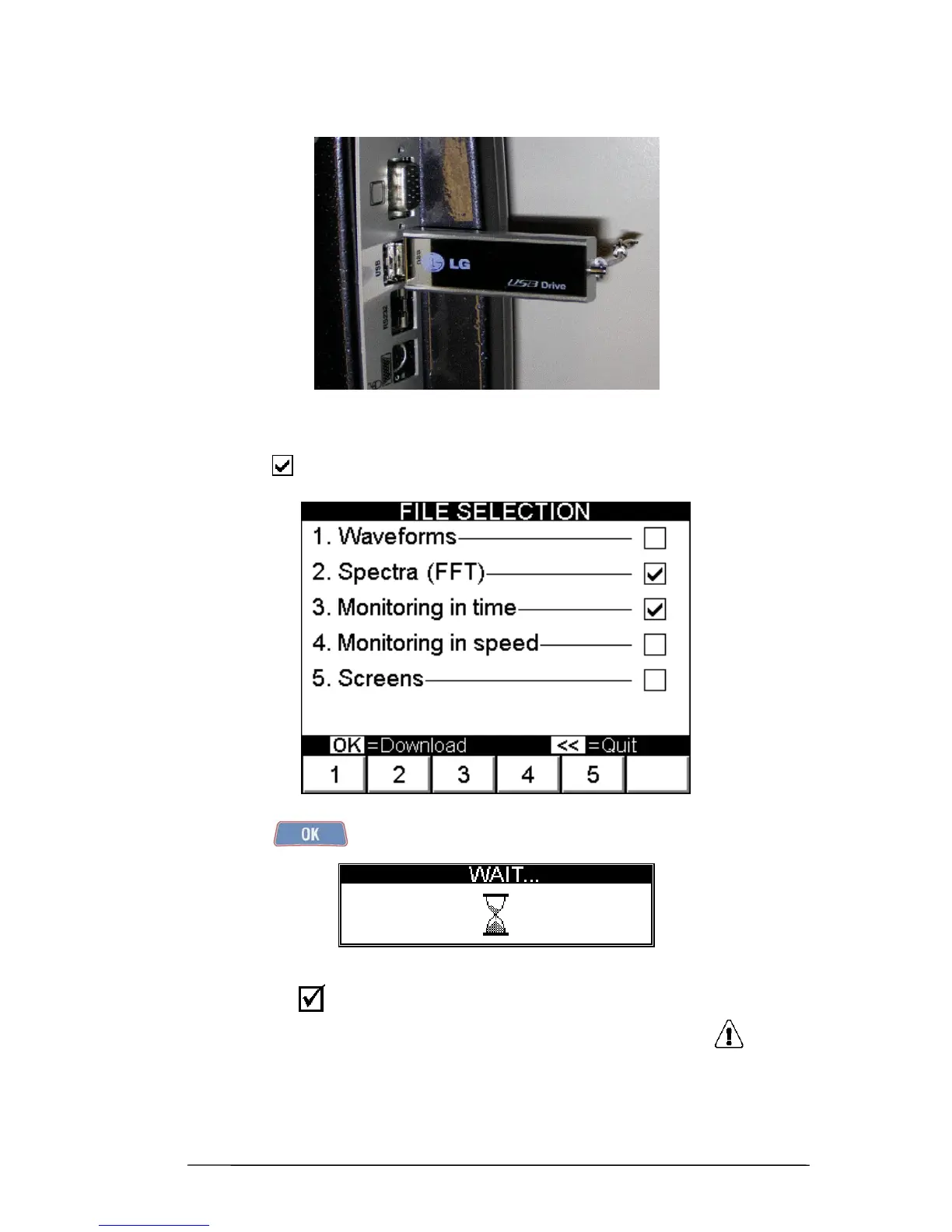
After inserting the pen drive in one of the two USB ports on the instrument
it is necessary to select which archive/archives to be transferred. These will be marked with
the symbol placed alongside its/their name.
Pressing of
causes starting of the data transfer process, indicated by the
pop-up wait message
At the end, the symbol indicates that the operation has been concluded successfully.
Instead, any errors are given in the same pop-up message alongside the symbol .


 To Next Page