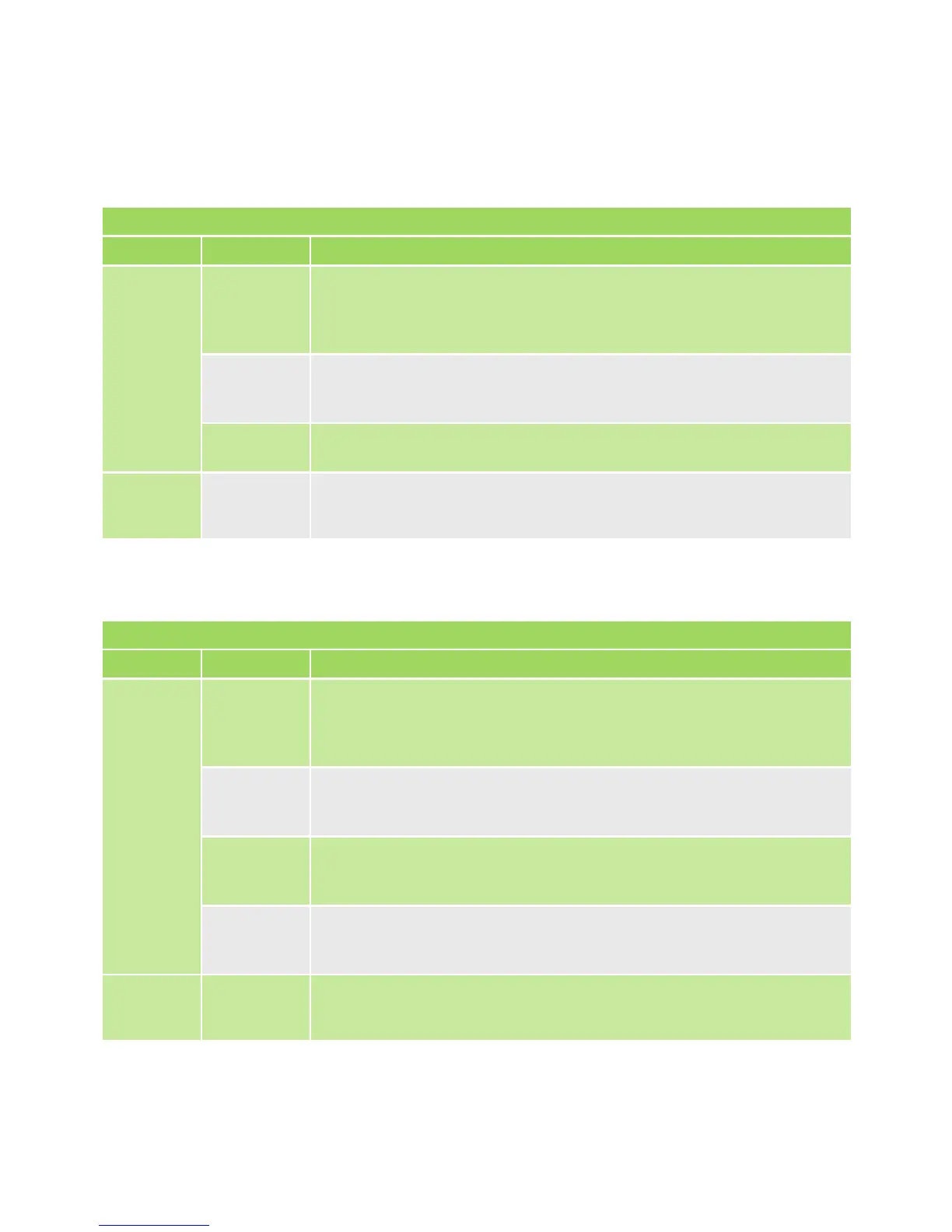
LINK LED - INPUT
COLOUR LED State Description
GREEN O Thisinputhasnotbeenconguredtotriggeranoutput;
no link exists to either a local or remote device.
This is the factory default state.
On The input is linked to at least one output, either a local or
remote WiZo.
Fast Flash InputtoOutputcongurationmodeforthisspecicInput.
RED On Communications with at least one of the outputs to which it
has been linked has been lost or has failed.
LINK LED - OUTPUT
COLOUR LED State Description
GREEN O This output has not been linked to an input; no link exists
to either a local or remote WiZo. This is the factory default
state.
On The output is linked to at least one input, either local or a
remote WiZo.
Slow
Flash
The output is notcurrentlylinkedtothespecicInputthat
isinlinkingcongurationmode.
Fast
Flash
TheoutputiscurrentlylinkedtothespecicInputthatisin
linkingcongurationmode.
RED On Communications with at least one of the inputs to which it
has been linked has been lost or has failed.
TABLE 10
TABLE 11
The devicemustrstbeplacedintoinput-linkingmode.Oncethismodehas
been activated, the installer will use the state of the LEDs to identify which inputs are
available and their status.
The Link I has two LEDs side-by-side.
The Link O has two LEDs side-by-side.
QUICK START SECTIONSECTION 4


 To Next Page