page 24 www.centsys.com
QUICK START SECTIONSECTION 4
4.6.4. Output State
4.6.5. Modes of Operation for the WiZo Output
The output or relay of the WiZotogglesorswitchesonandthenowhentheinput
is triggered; this is the factory default and does not require any additional setup or
conguration.Alternatively,theoutputcanbeconguredtolatchorstayonwhenthe
input is triggered. Changing the output mode is done at the output WiZo, and not at
the WiZo where the input is triggered. The latch mode is useful for when one wants to
switchalighton,forexample,andthelightmuststayonuntilitisswitchedo.
The WiZo’s output works in one of two ways: either in toggle mode, which is the factory
default,orinLatchmode,whichmustbyconguredbytheinstaller.
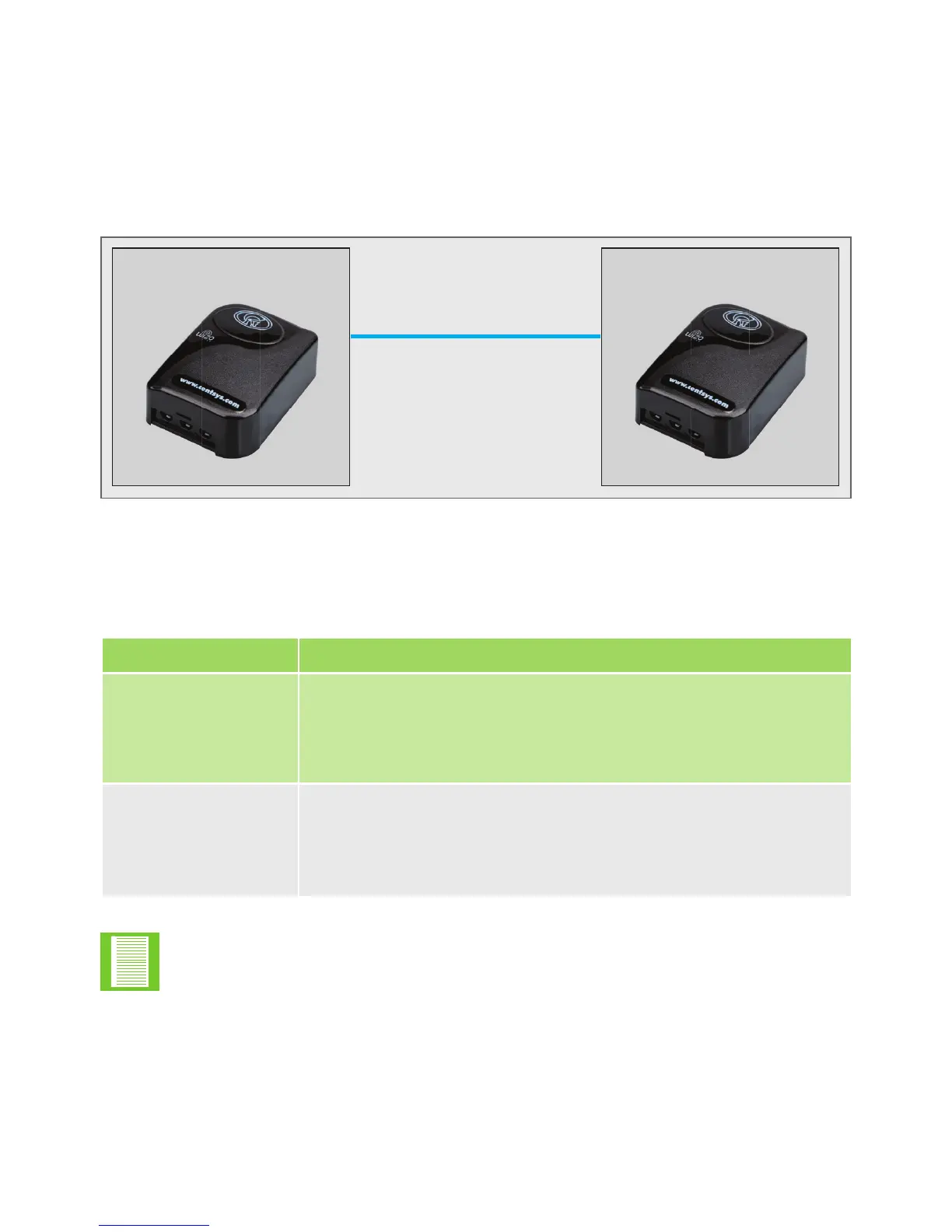
FIGURE 11. OUTPUT STATE
Input WiZo Output WiZo
1. Create Link from input WiZo
2. Congureoutputmodeat
output WiZo
The factory default output mode is non-latching or toggle mode.
Mode Description
Normal Toggle or non-latched mode; in this mode the output responds
directly to the input. When the input is active, the output is
active. When an input is inactive, then the output is inactive
as well.
Latch mode Latch mode allows for the output to stay on after the input is
inactive. This means that releasing the input won’t switch the
outputo;theinputmustbeactivatedtoswitchtheinputon
andthenactivatedagaintoswitchito.
TABLE 12
Pre-step
1. Ensure that an I/O link exists between an input and an output.
2. Ensure that both WiZos are powered up.
3. If a device or system is connected to the WiZo output, ensure that it is disconnected
or powered down to prevent any injury or damage.


 To Next Page