page 5 www.centsys.com
INTRODUCTIONSECTION 1
1. Introduction
is a mesh networkable product which enables a fully redundant network of
devices to be constructed. The network topology requires a minimum of two
devices to be connected to create a network; as more devices are added
network redundancy is improved until full redundancy is achieved. Integrated inputs and
outputs (I/O) enhance the Network’s ability to respond to events and actuate devices.
A network is a standalone network of devices that inter-communicate,
managing the distributed I/O. Each device is supervised, which ensures that, when a
deviceislosttothenetwork,anoticationissentsothatthenetworkcanbemaintained
to mitigate the loss.
1.1.1. Architecture
1.1.2. Security and Management Features
is comprised of two
elements:
1. The network, which enables
communication between
devices as both a receiver and a
transmitter.
2. The distributed I/O of which each
device has one input
and one output.
When a factory fresh device is powered up, it does not yet belong to a
network of devices. The device can either be added to an existing network or
beusedasaninitiatortocreateanewnetwork.Oncecongured,a device
retainsitscongurationevenwhenpowerislosttothedevice.
The network is initiated on a WiZo; which requires that one WiZo be elected as the
temporary mesh network master. As soon as a second WiZo joins the network, there is
no longer a need for the master role and it falls away, with the WiZo devices determining
the best message transmission route. As additional WiZo devices are added, the network
management is delegated amongst the WiZos, building up the mesh until it reaches full
network redundancy.
When a mesh network has been initiated and then federated, the devices
belong to a secure network with 128 BIT encryption. Additional nodes can only be added
to the network if one of the devices on the network is placed into “Add Node” mode.
This requires physical access to at least one device.
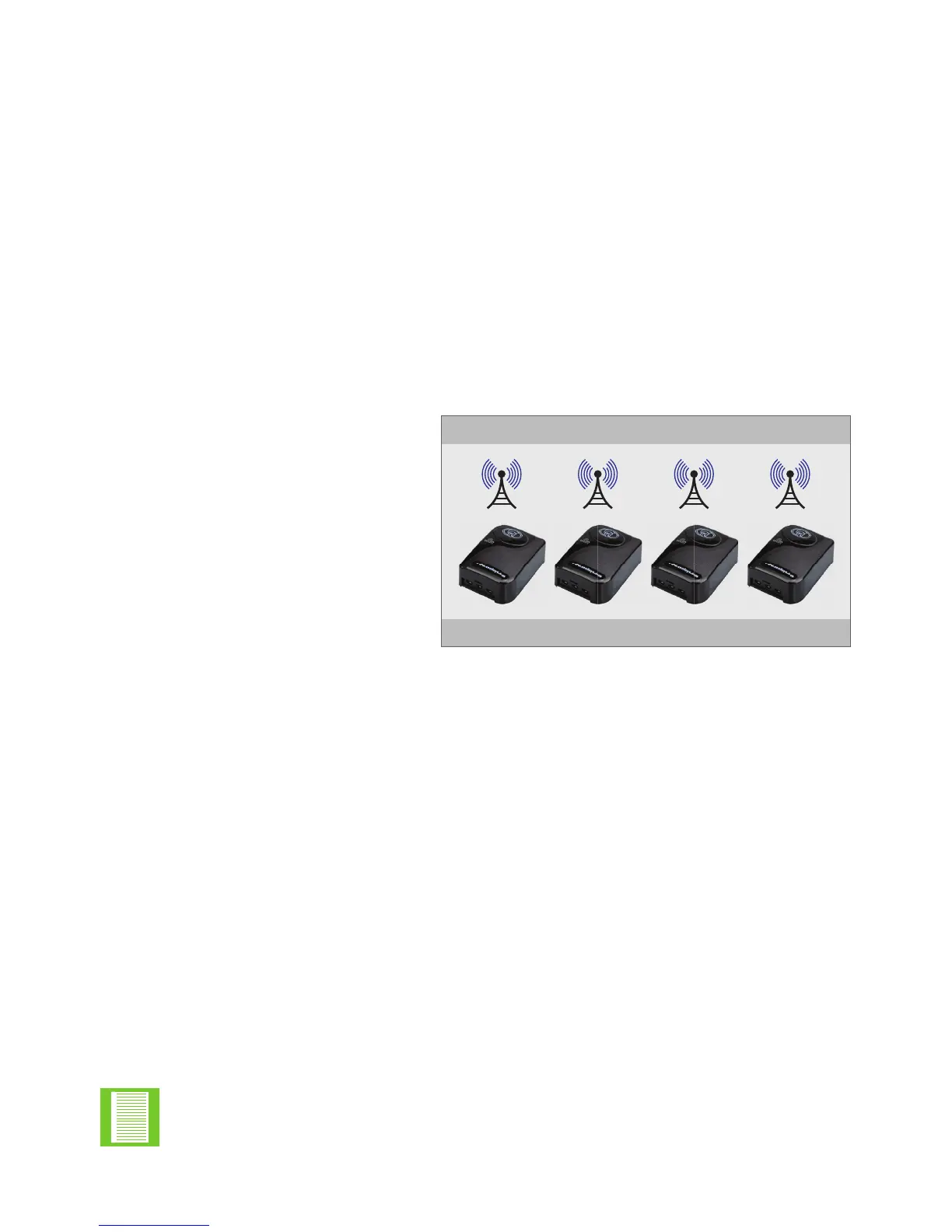
FIGURE 1. NETWORK ARCHITECTURE
RADIO FREQUENCY 2.4GHZ
INPUTS AND OUTPUTS
Owing to the federated nature of the network, when one device
is placed into “Add Node” mode, this places the mesh network of
devices into “Add Node” mode.


 To Next Page