Instruction Manual CertoClav Vacuum Pro 45 l — Model STE-45-T
16
If a notification indicating a connection failure with the autoclave appears on the screen,
the touchscreen and autoclave are not connected correctly. Check whether the
autoclave is switched on and connected to the COM4-port of the interface box.
6.4 Installing accessories
Optionally available accessories.
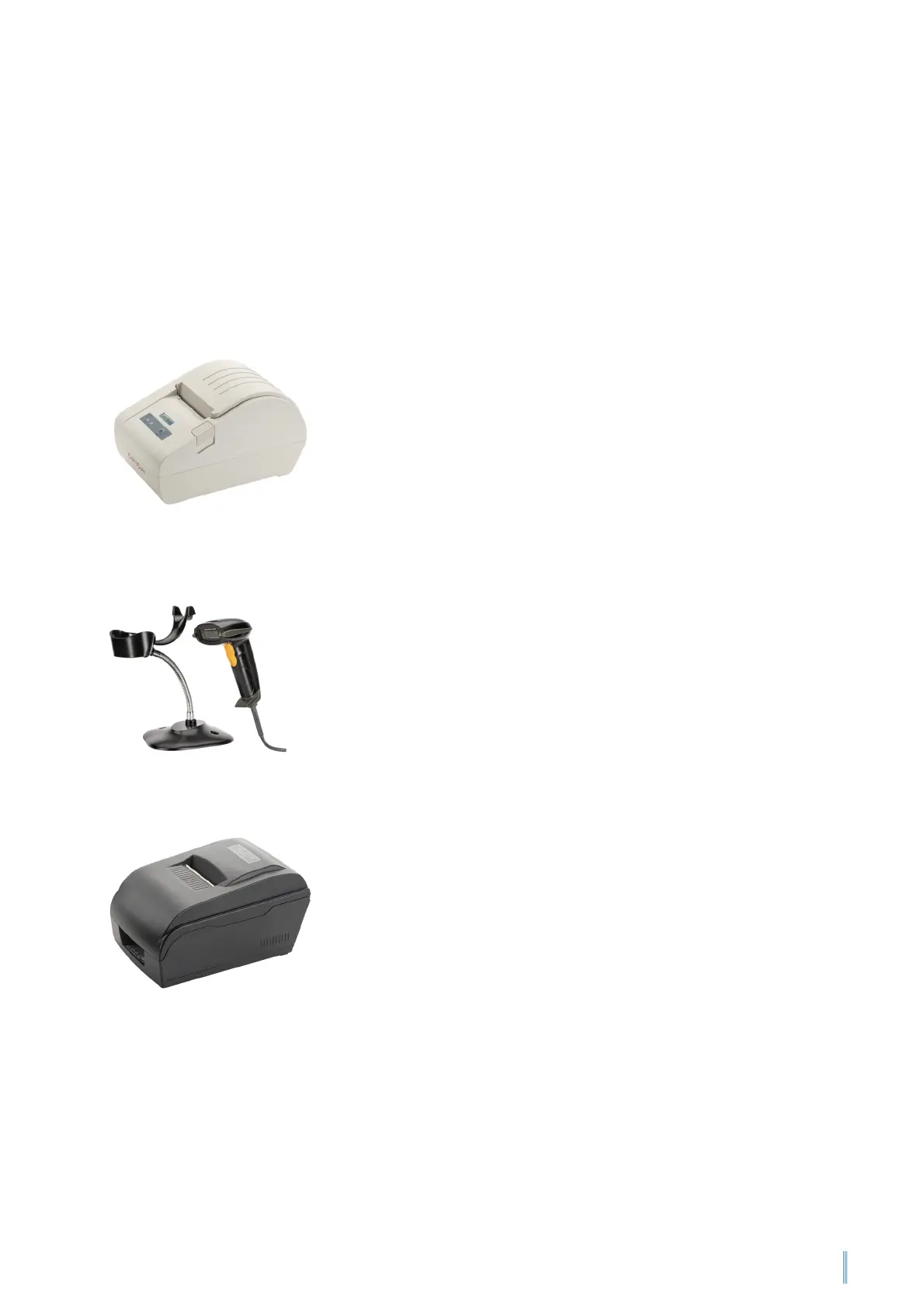
6.4.1 Connecting the protocol printer
Connect the protocol printer (thermal or dot-matrix printer)
to the COM1-port of the interface box. You can find the
connecting cable in the box for the protocol printer. Follow
the instructions in the protocol printer manual.
6.4.2 Connecting the barcode reader
Connect the barcode reader to the USB port of the interface
box. You can find the connecting cable in the box for the
barcode reader. Follow the instructions in the barcode
reader manual.
6.4.3 Connecting the label printer
Connect the label printer to the COM2-port of the interface
box. You can find the connecting cable in the box for the
label printer. Follow the instructions in the label printer
manual.


 To Next Page