chapter 5000
page 122
1,2 - 2,0 t A.C.
SERVICE MANUAL
Electric
036-0410-07
DASH CE V 1.00
24 0A 00000
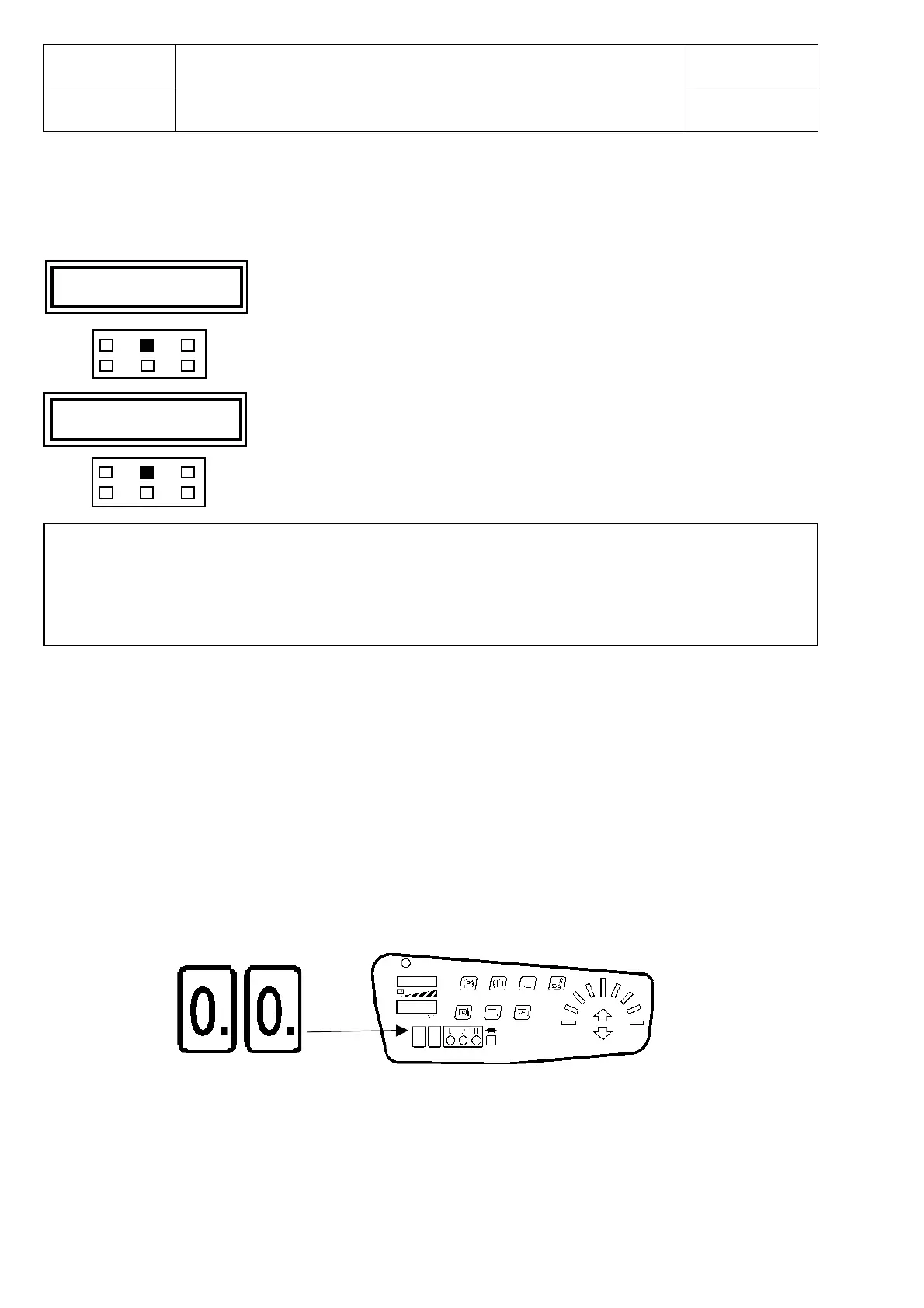
MAIN MENU
PARAM. CHANGE
Press ENTER
Press ENTER
Parameters shown in the adjusting table wich can be modified in a fixed range.
Scroll the parameters using ROLL, store the new parameters pressing OUT and then ENTER.
Reset by ignition key whenever a modification is carryed out.
If the parameter HOURS COUNTER is switched in KEY ON option the hourglass will start to blink
whenever the ignition key will be tourned on (=key workhours count).
If the parameter DISPLAY SPEED is switched ON on the display used to point off the alarm codes, will
appear two zeros (=truck speed displayed).
In case of folt the speed indication disappears and the alarm code appears.
MAIN MENU : PARAMETER CHANGE (Dashboerd connection number 11)
HOURS COUNTER RUNNING/KEY: key on / lifting unit working hours counter switch
DISPLAY ON/OFF: displaied speed switch
SPEED RATIO 0-5 12: speed calculation ratio



 To Next Page