BGX501-943-R01 Prometer 100 User Manual Page 57 of 72
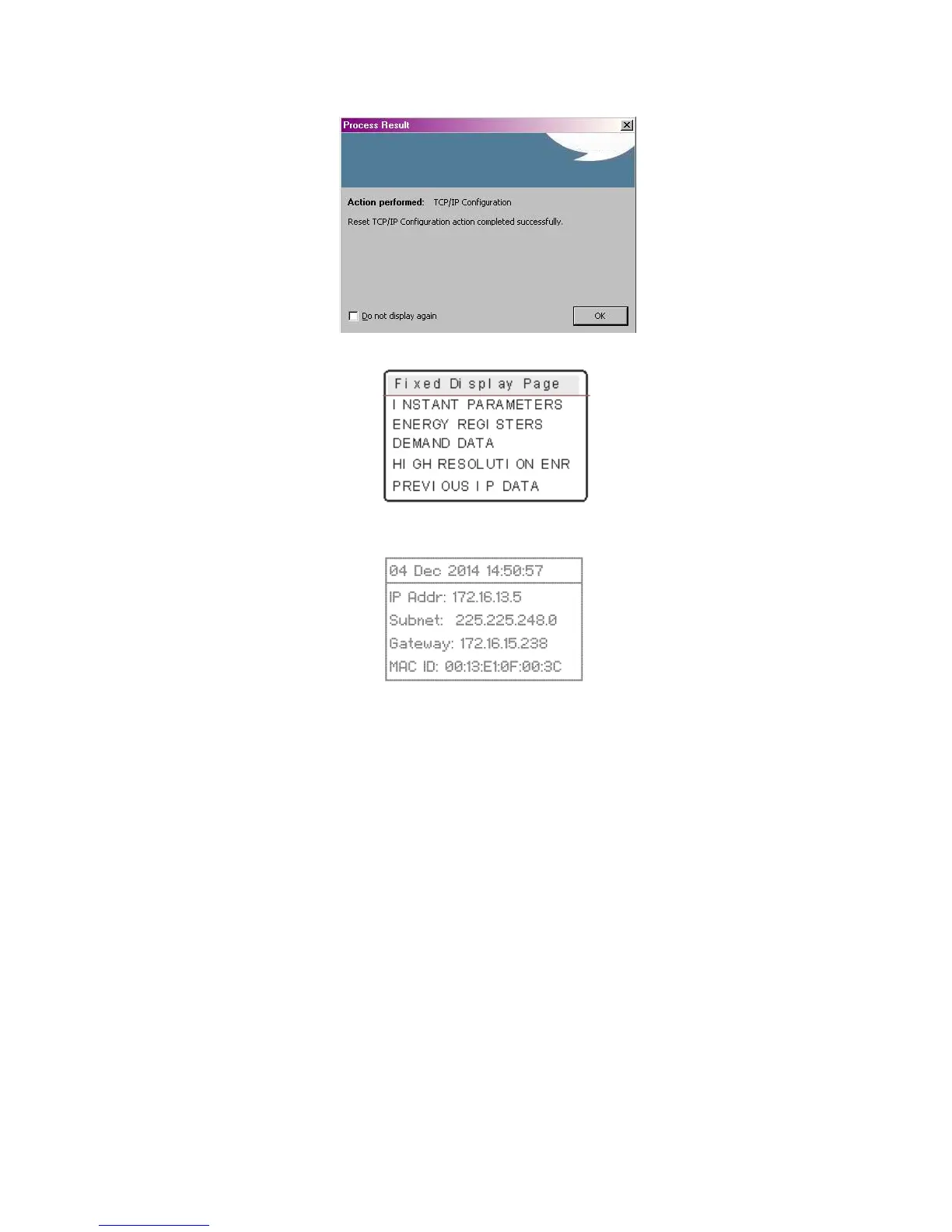
IP configured successfully.
You can verify on the meter display.
Go to the Fixed Display Page
Scroll down to view the Ethernet
configuration information
Reading the Prometer 100 Meter on the Ethernet port
Connect the meter with the LAN network using the LAN cable.
Confirm that the LAN cable is firmly connected to both the meter and PC Ethernet ports.


 To Next Page