103
MAINTENANCENÁVOD K POUŽITÍ
2. způsob: Vyhledejte si aplikaci v App Storu a stáhněte si ji
1 • V případě telefonů se systémem Android vyhledejte aplikaci WYBOT v Google Play a
stáhněte si ji
2 • V případě iPhonu vyhledejte aplikaci WYBOT v Apple Storu a stáhněte si ji
2 • Zapněte přístroj, kontrolka stroje se trvale rozsvítí modře
3 • Po spuštění přístroje připojte k přístroji aplikaci
4 • Po úspěšném připojení aplikace zobrazí zprávu „Success“. Současně kontrolka
přístroje začne svítit fialově a zůstane rozsvícená.
5 • Poté, co přejdete do rozhraní aplikace, se zobrazí parametry aktuálního přístroje, které
mohou uživatelé nastavit podle vlastních požadavků na čištění (zóna čištění, doba
trvání)
6 • Zvolte požadované parametry
7 • Po restartu přístroj provede odpovídající čisticí program podle přednastavených
parametrů
1. Download the App:
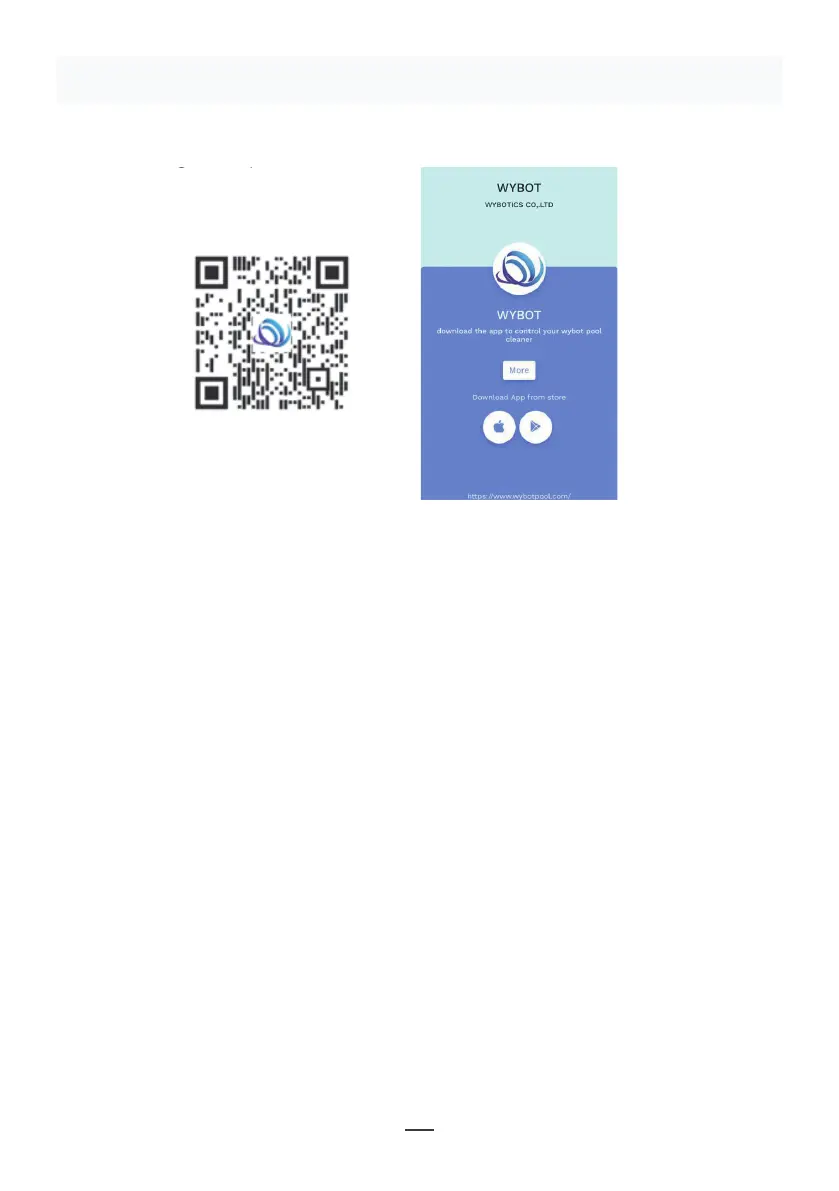
Method 1: Scan the QR code below (Figure 5-1). After scanning, you can
click on the corresponding store (Apple Store, Android Store) to download
the APP (Figure 5-2).
Method 2: Search and download the APP in the App Store
1) In case of Android phones, search google play for WYBOT, and download
it
2) In case of iPhone, searches the app store for WYBOT, download it
2. Turn on the machine, the machine light is blue and always on
3. Connect the APP with the machine after the machine starting.
4. After the connection is successful, the APP will give a "Success" prompt.
At the same time, the machine indicator light turns purple and always on.
5. After entering the APP interface, the parameters of the current machine
will be displayed, and users can set the parameters according to their own
demands in cleaning
6. Select the parameters you want
V. WYBOT APP Connec�on.
(The machine shall be outside the water when connec�ng the APP):
11
Figure 5-2
Figure 5-1
Obrázek 5-1
Obrázek 5-2
POZNÁMKA:
1 • Při používání potřebuje aplikace získat oprávnění k použití Bluetoothu a lokalizaci
mobilního telefonu
2 • Aplikace je kompatibilní se systémem IOS 14 a vyšším a Android 8.0 a vyšším.
3 • Chcete-li v aplikaci získat informace o počasí, musíte povolit lokalizaci mobilního
telefonu.


 To Next Page
 Loading...