115
MAINTENANCENÁVOD NA POUŽITIE
2. spôsob: Vyhľadajte si aplikáciu v App Store a stiahnite si ju
1 • V prípade telefónov so systémom Android vyhľadajte aplikáciu WYBOT v Google Play
a stiahnite si ju
2 • V prípade iPhonu vyhľadajte aplikáciu WYBOT v Apple Store a stiahnite si ju
2 • Zapnite prístroj, kontrolka stroja sa trvalo rozsvieti modro
3 • Po spustení prístroja pripojte k prístroju aplikáciu
4 • Po úspešnom pripojení aplikácia zobrazí správu „Success“. Súčasne kontrolka prístroja
začne svietiť fialovo a zostane rozsvietená.
5 • Potom, čo prejdete do rozhrania aplikácie, sa zobrazia parametre aktuálneho
prístroja, ktoré môžu používatelia nastaviť podľa vlastných požiadaviek na čistenie
(zóna čistenia, doba trvania)
6 • Zvoľte požadované parametre
7 • Po reštarte prístroj vykoná zodpovedajúci čistiaci program podľa prednastavených
parametrov
1. Download the App:
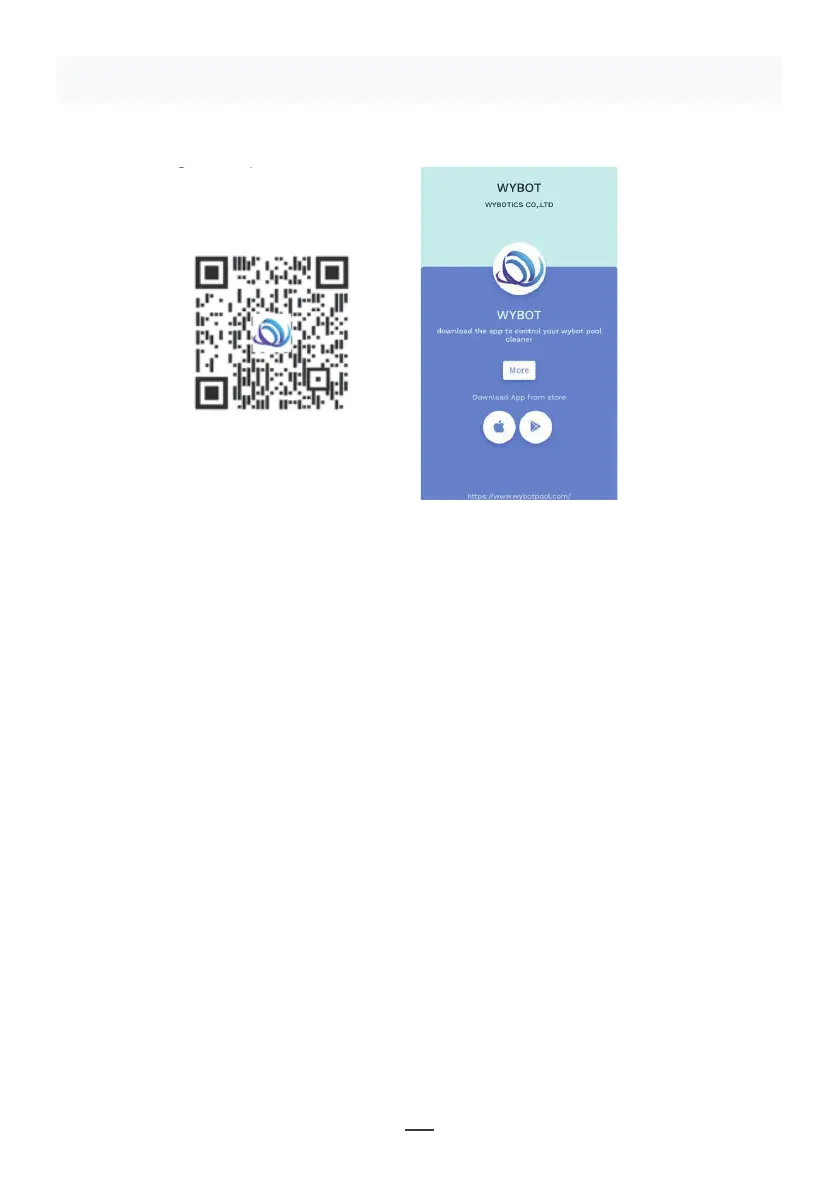
Method 1: Scan the QR code below (Figure 5-1). After scanning, you can
click on the corresponding store (Apple Store, Android Store) to download
the APP (Figure 5-2).
Method 2: Search and download the APP in the App Store
1) In case of Android phones, search google play for WYBOT, and download
it
2) In case of iPhone, searches the app store for WYBOT, download it
2. Turn on the machine, the machine light is blue and always on
3. Connect the APP with the machine after the machine starting.
4. After the connection is successful, the APP will give a "Success" prompt.
At the same time, the machine indicator light turns purple and always on.
5. After entering the APP interface, the parameters of the current machine
will be displayed, and users can set the parameters according to their own
demands in cleaning
6. Select the parameters you want
V. WYBOT APP Connec�on.
(The machine shall be outside the water when connec�ng the APP):
11
Figure 5-2
Figure 5-1
Obrázok 5-1
Obrázok 5-2
POZNÁMKA:
1 • Pri používaní potrebuje aplikácia získať oprávnenie na použitie Bluetoothu a
lokalizáciu mobilného telefónu
2 • Aplikácia je kompatibilná so systémom IOS 14 a vyšším a Android 8.0 a vyšším.
3 • Ak chcete v aplikácii získať informácie o počasí, musíte povoliť lokalizáciu mobilného
telefónu.


 To Next Page
 Loading...