19
MAINTENANCEUTILISATION
Méthode 2 : Recherchez et téléchargez l’application dans l’App Store
1 • Dans le cas de téléphones Android, recherchez dans Google play l’application
WYBOT et téléchargez-la.
2 • Dans le cas d’iPhones, recherchez dans l’App Store l’application WYBOT et
téléchargez-la.
2 • Allumez la machine, le voyant de la machine est bleu et reste allumé.
3 • Connectez l’application à la machine une fois la machine démarrée.
4 • Une fois la connexion réussie, l’application achera une notification « Success ».
En même temps, le témoin lumineux de la machine devient violet et reste allumé.
5 • Après être entré sur l’interface de l’application, les paramètres de la machine actuelle
s’achent et les utilisateurs peuvent définir les paramètres en fonction de leurs
propres demandes de nettoyage (zone de nettoyage, durée).
6 • Sélectionnez les paramètres que vous voulez.
7 • Après un redémarrage, la machine exécute le programme de nettoyage
correspondant selon les paramètres prédéfinis.
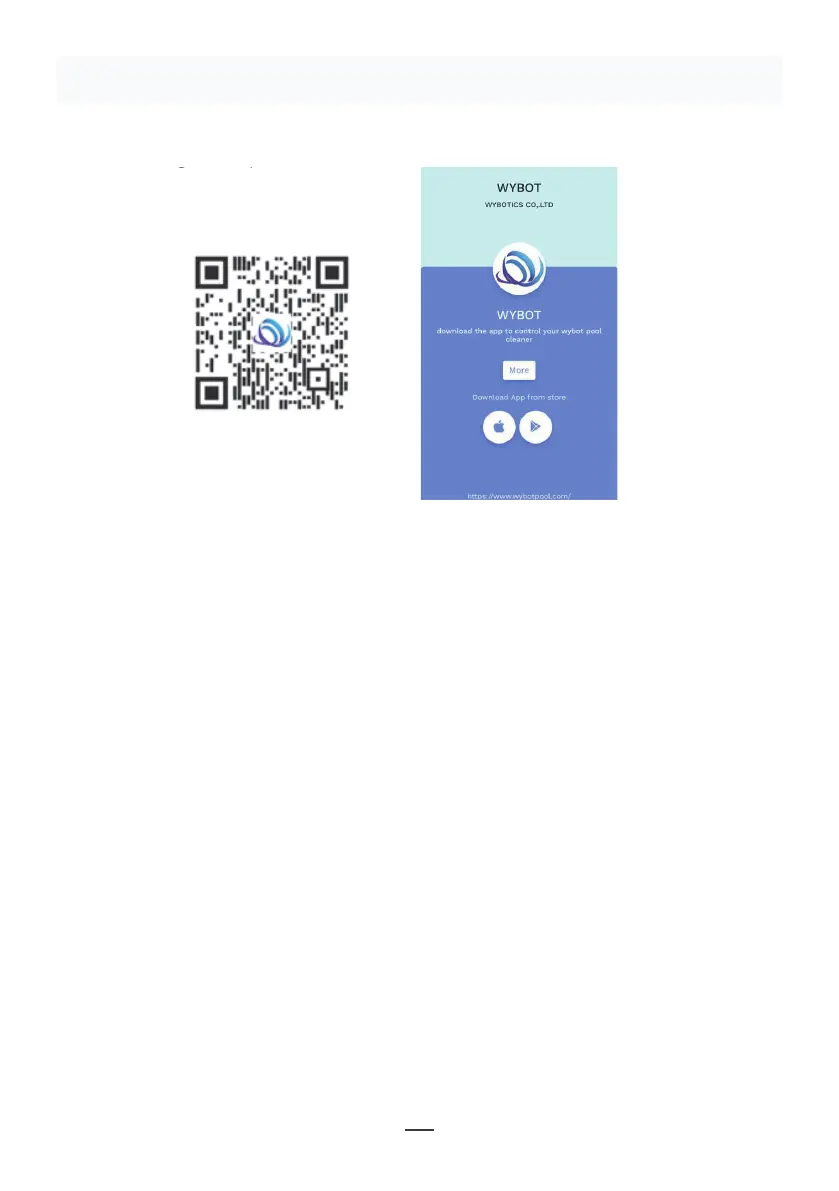
1. Download the App:
Method 1: Scan the QR code below (Figure 5-1). After scanning, you can
click on the corresponding store (Apple Store, Android Store) to download
the APP (Figure 5-2).
Method 2: Search and download the APP in the App Store
1) In case of Android phones, search google play for WYBOT, and download
it
2) In case of iPhone, searches the app store for WYBOT, download it
2. Turn on the machine, the machine light is blue and always on
3. Connect the APP with the machine after the machine starting.
4. After the connection is successful, the APP will give a "Success" prompt.
At the same time, the machine indicator light turns purple and always on.
5. After entering the APP interface, the parameters of the current machine
will be displayed, and users can set the parameters according to their own
demands in cleaning
6. Select the parameters you want
V. WYBOT APP Connec�on.
(The machine shall be outside the water when connec�ng the APP):
11
Figure 5-2
Figure 5-1
Schéma 5-1
Schéma 5-2
Remarque :
1 • Lors de l’utilisation de l’application, les autorisations d’utilisation du Bluetooth et de la
localisation du téléphone portable doivent être accordées.
2 • L’application est compatible avec IOS 14 et versions ultérieures et Android 8.0 et
versions ultérieures.
3 • Pour obtenir les informations sur la météo dans l’application, vous devez activer le
service de localisation.


 To Next Page
 Loading...