43
MAINTENANCEGEBRUIKSAANWIJZINGEN
Methode 2: Zoek en download de App in de App Store
1 • Voor Android-telefoons, zoek WYBOT in google play en download
2 • Voor iPhone, zoek WYBOT in de app store en download
2 • Schakel de machine in, het lampje van de machine is blauw en brandt vast
3 • Koppel de App aan de machine na de machine gestart te hebben
4 • Na een geslaagde verbinding, geeft de App de prompt «Geslaagd» weer.
Tegelijkertijd wordt het lampje van de machine paars en brandt vast.
5 • Na het openen van de App-interface worden de parameters van de huidige machine
weergegeven, en kunnen de gebruikers de parameters instellen volgens hun eigen
reinigingsbehoeften (reinigingszone, duur)
6 • Selecteer de gewenste parameters
7 • Herstart de machine, waarbij hij het overeenkomstige reinigingsprogramma zal
uitvoeren volgens de ingestelde parameters
1. Download the App:
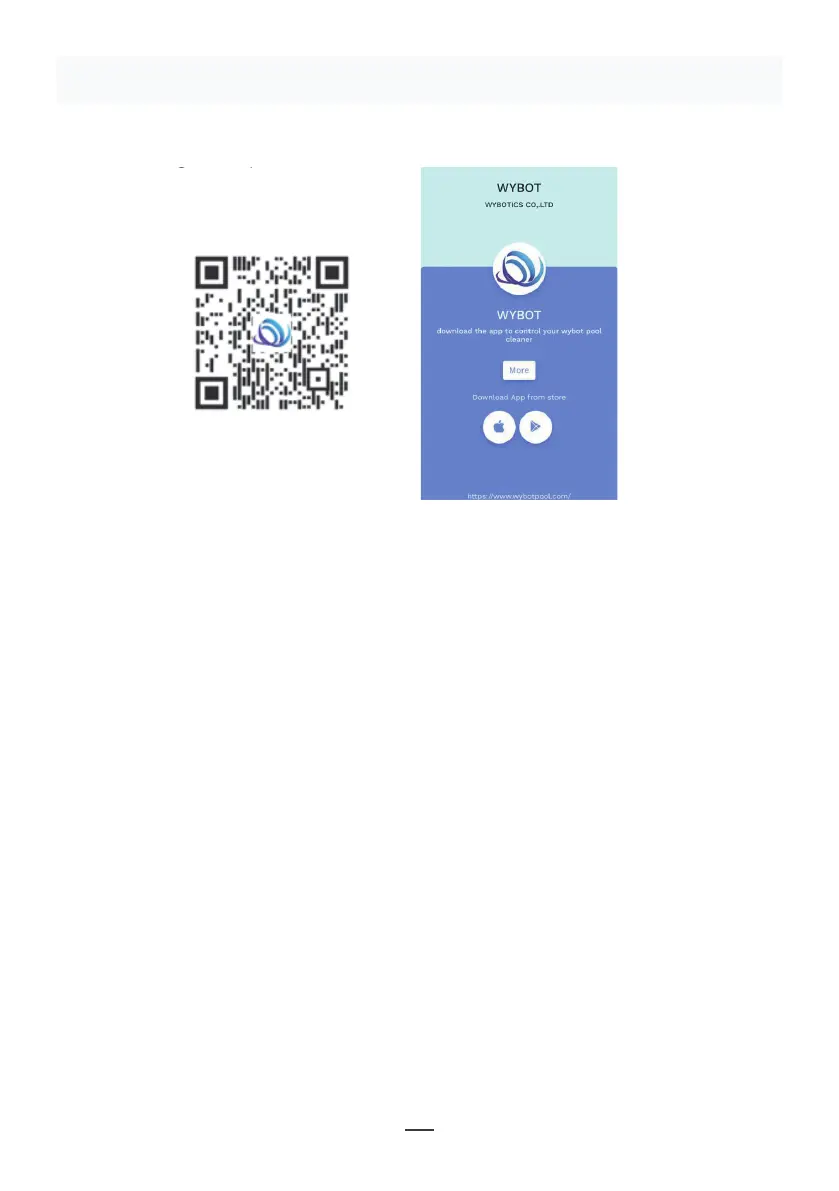
Method 1: Scan the QR code below (Figure 5-1). After scanning, you can
click on the corresponding store (Apple Store, Android Store) to download
the APP (Figure 5-2).
Method 2: Search and download the APP in the App Store
1) In case of Android phones, search google play for WYBOT, and download
it
2) In case of iPhone, searches the app store for WYBOT, download it
2. Turn on the machine, the machine light is blue and always on
3. Connect the APP with the machine after the machine starting.
4. After the connection is successful, the APP will give a "Success" prompt.
At the same time, the machine indicator light turns purple and always on.
5. After entering the APP interface, the parameters of the current machine
will be displayed, and users can set the parameters according to their own
demands in cleaning
6. Select the parameters you want
V. WYBOT APP Connec�on.
(The machine shall be outside the water when connec�ng the APP):
11
Figure 5-2
Figure 5-1
Figuur 5-1
Figuur 5-2
Opmerking:
1 • Bij het gebruik van de App, heeft men toestemming nodig tot het gebruik van
Bluetooth en lokalisatietoestemming van de mobiele telefoon
2 • App is geschikt voor IOS 14 en hoger, en Android 8.0 en hoger.
3 • Om weerinformatie te krijgen in de App, moet u de Lokalisatiedienst inschakelen.


 To Next Page
 Loading...