55
MAINTENANCEINSTRUCCIONES DE USO
Método 2: Buscar y descargarse la App en la Tienda de App
1 • En los teléfonos con Android, busque WYBOT en Google Play, y descárguela
2 • En el caso de iPhone, busque WYBOT en la tienda de Apps, y descárguela
2 • Encienda la máquina. Se enciende la luz azul permanentemente
3 • Conecte la App con el inicio de la máquina
4 • Una vez realizada la conexión con éxito, la App indicará “Éxito”. Al mismo tiempo, la
luz indicadora de la máquina se volverá de color morado y permanecerá encendida
permanentemente.
5 • Al acceder a la interfaz de la App, aparecerán los parámetros de la máquina en
cuestión, y los usuarios podrán configurar los parámetros en función de sus propias
necesidades de limpieza (zona a limpiar, duración)
6 • Seleccione los parámetros que desea
7 • Cuando reinicie, la máquina ejecutará el programa correspondiente de limpieza
aplicando los parámetros preestablecidos.
1. Download the App:
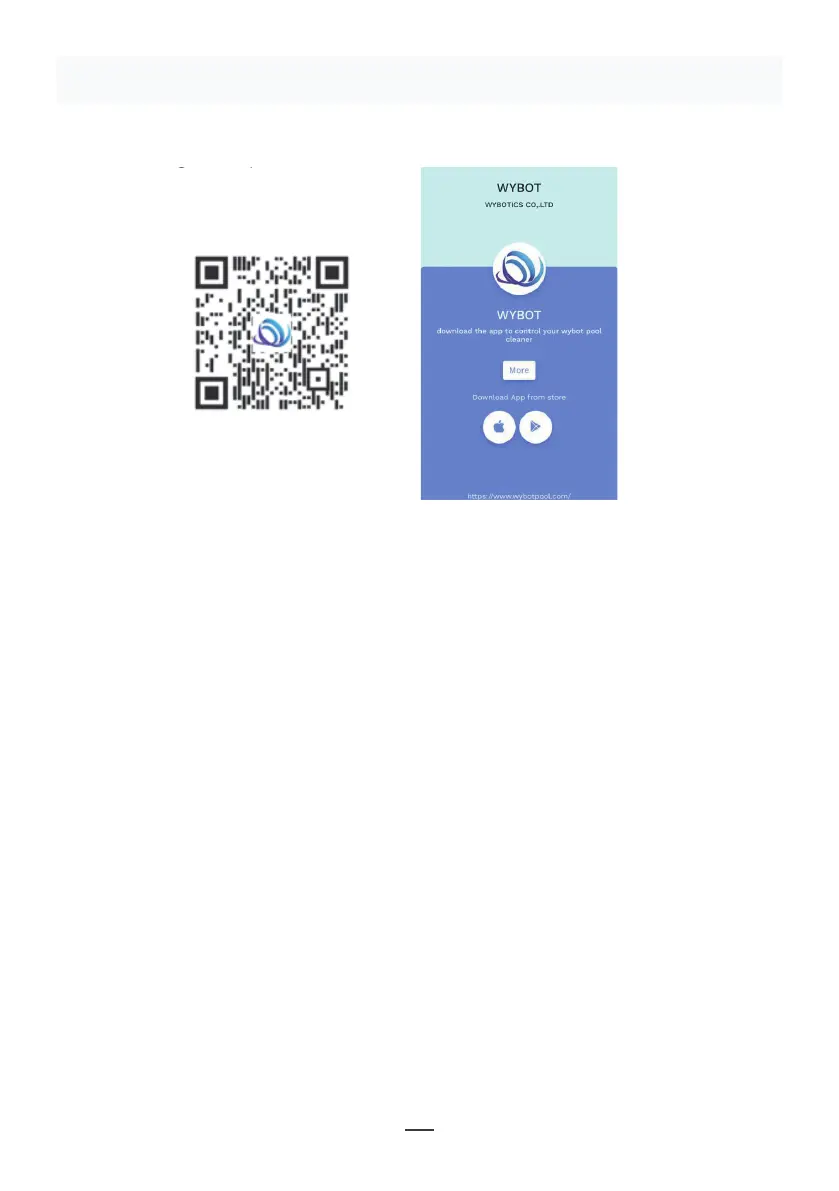
Method 1: Scan the QR code below (Figure 5-1). After scanning, you can
click on the corresponding store (Apple Store, Android Store) to download
the APP (Figure 5-2).
Method 2: Search and download the APP in the App Store
1) In case of Android phones, search google play for WYBOT, and download
it
2) In case of iPhone, searches the app store for WYBOT, download it
2. Turn on the machine, the machine light is blue and always on
3. Connect the APP with the machine after the machine starting.
4. After the connection is successful, the APP will give a "Success" prompt.
At the same time, the machine indicator light turns purple and always on.
5. After entering the APP interface, the parameters of the current machine
will be displayed, and users can set the parameters according to their own
demands in cleaning
6. Select the parameters you want
V. WYBOT APP Connec�on.
(The machine shall be outside the water when connec�ng the APP):
11
Figure 5-2
Figure 5-1
Figura 5-1
Figura 5-2
Nota:
1 • Al utilizar la App, es necesario obtener permiso de uso de Bluetooth y autorizar la
localización del teléfono móvil
2 • La App es adecuada para IOS 14 o superiores, y Android 8.0 o superior.
3 • Para obtener información meteorológica en la App, debe activar el servicio de
ubicación.


 To Next Page
 Loading...