40
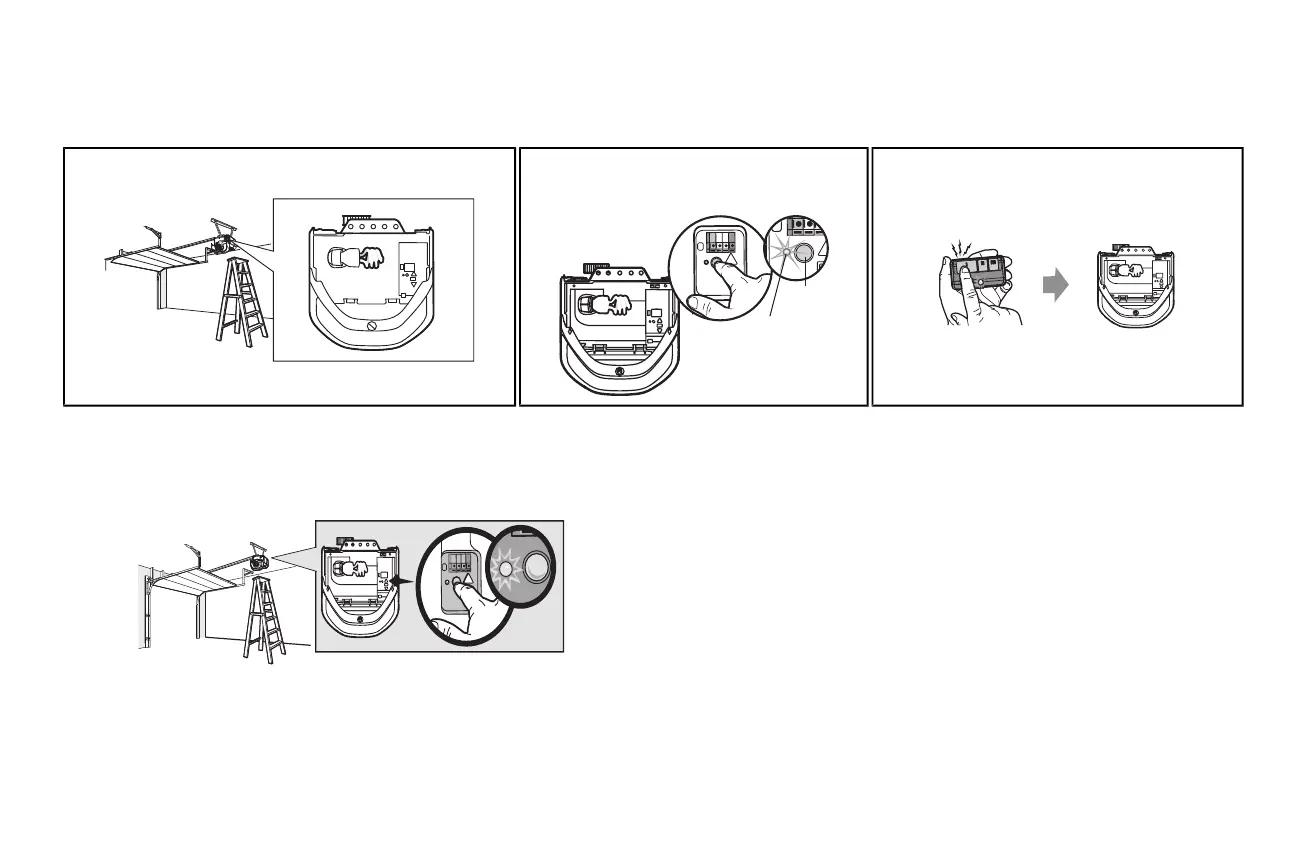
PROGRAM A REMOTE CONTROL USING THE LEARN BUTTON
1 Locate the Learn Button. 2 Pressand immediately release the Learn button. The
Learn LEDwill glow steady for 30 seconds. Within 30
seconds...
3 Pressand hold the button on the remote control thatyou
wish to use.
Release the button when the garage door opener lights
blinkor two clicksare heard.
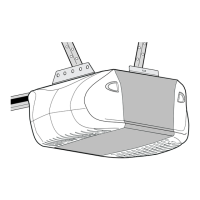
When replacing the light lenscover, ensure the antenna wires are handing straightdown.
To Erase the Memory
ERASE ALL REMOTE CONTROLS AND KEYLESS ENTRIES
1 Pressand hold the learn button on garage door opener until the learn LED goes out
(approximately 6 seconds). All remote control and keyless entry codes are nowerased.
Reprogram any accessoryyou wish to use.
ERASE ALL DEVICES (Including MyQ™ enabled accessories)
1 Pressand hold the learn button on garage door opener until the learn LED goes out
(approximately 6 seconds).
2 Immediately pressand hold the learn button again until the learn LED goes out. All codes are now
erased.
Reprogram any accessoryyou wish to use.
Remote Control




 To Next Page