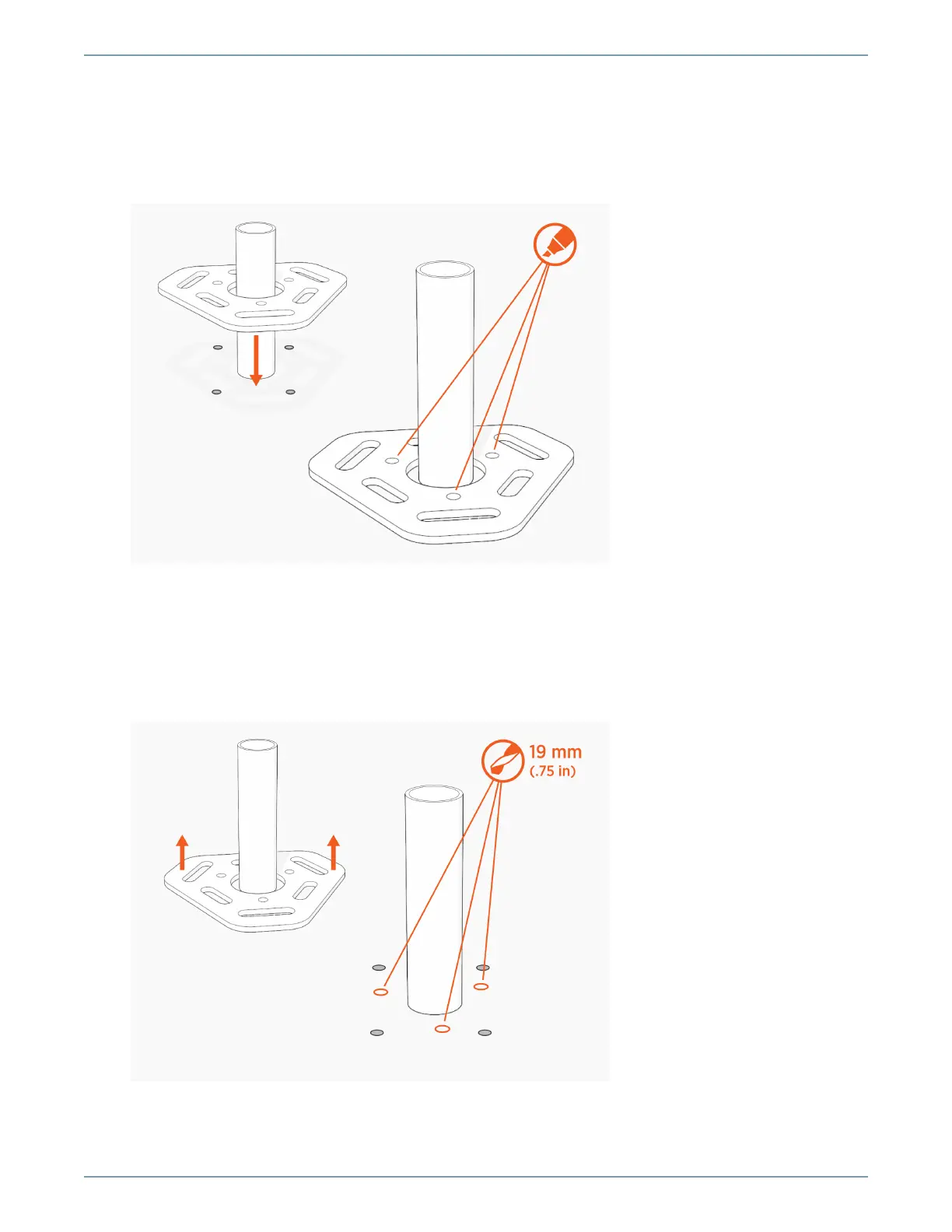
2. Place the lower template on the concrete and mark the hole locations.
l
When placing the template, consider the charging station’s total footprint.
l
If installing over an existing conduit stub-up or armored cable, position the center of the
template around that stub-up / cable.
3. Remove the template and drill three 19 mm (0.75 in) diameter holes 250 mm (9.85 in) deep into the
concrete.
l
You may need two drill bits: one for the concrete (with the pilot) and another for the rebar
(without the pilot). Always start the hole using the standard drill bit, and then switch to the
rebar drill bit only if drilling through rebar.
37
Install on Existing Concrete












 To Next Page