Maintenance
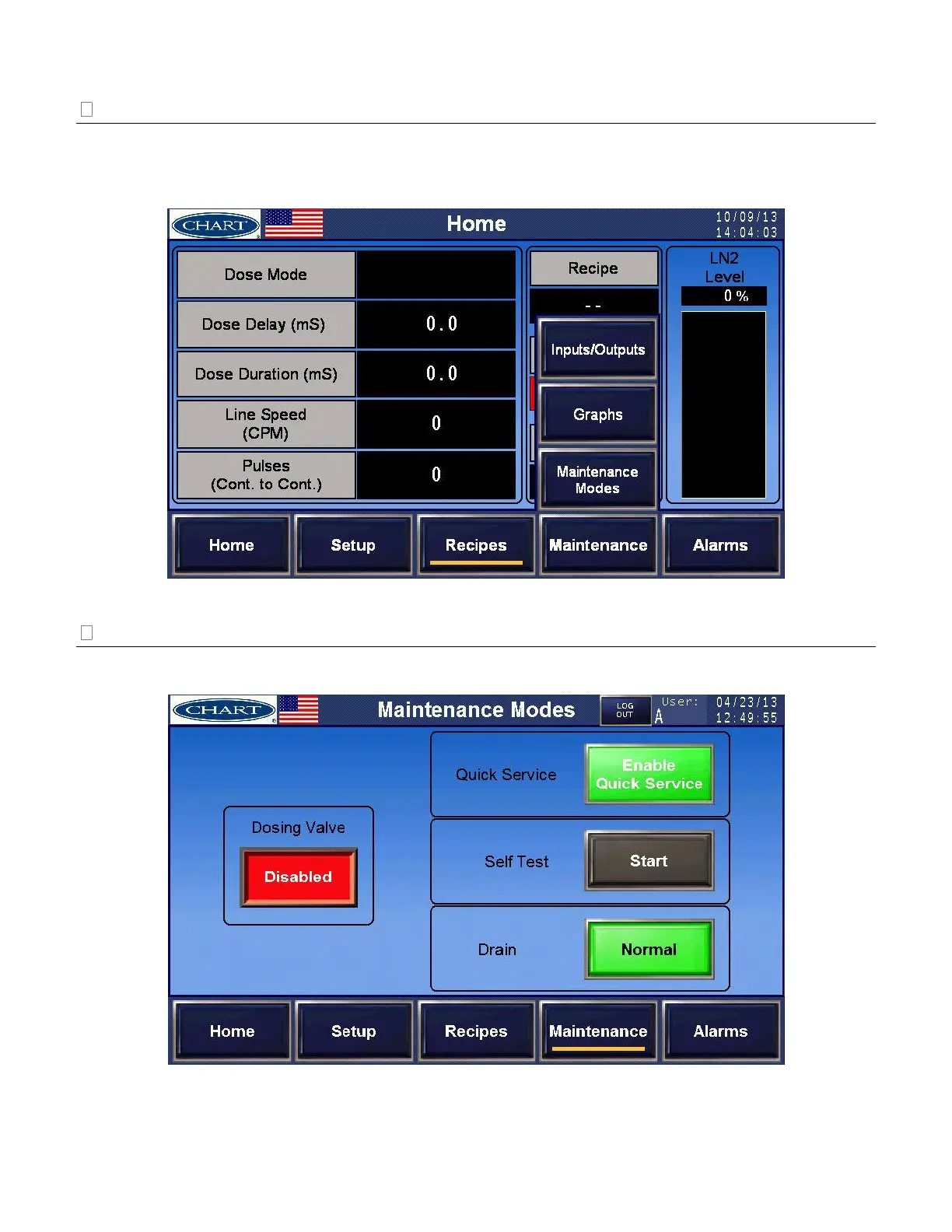
Selecting the [Maintenance] navigation button will prompt three sub-navigation buttons: [Maintenance
Modes], [Graphs], and [Inputs/Outputs]. Access to these screens will require log in with user ID and
password. See ‘Access and Passwords’ on page 27 for additional information.
Maintenance Modes
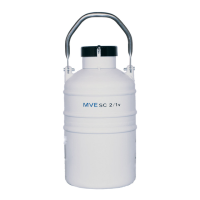
From [Maintenance], select [Maintenance Modes] to select and activate maintenance related features.


 To Next Page