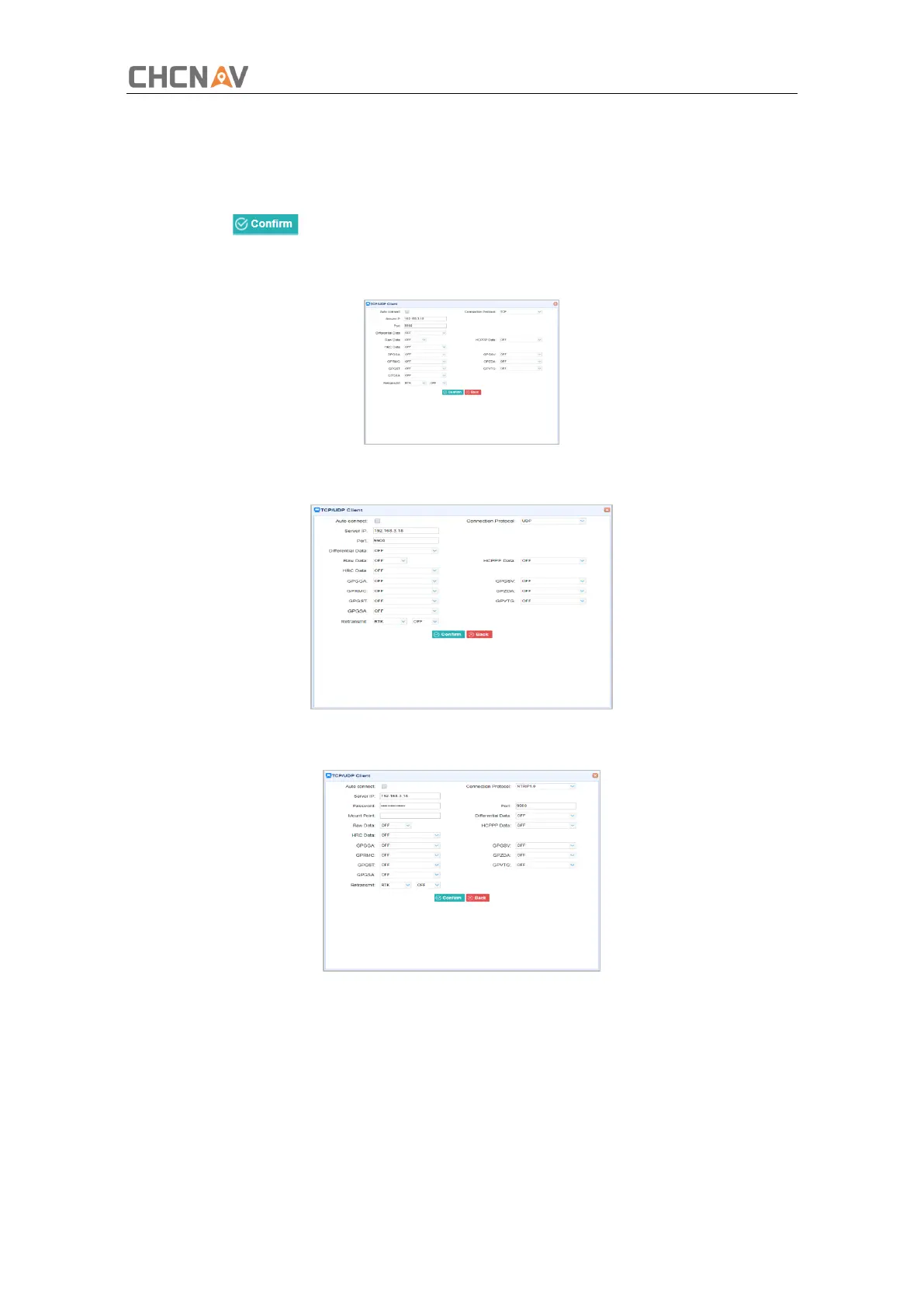
Tap the Connect button on the right of required TCP/UDP Client → the IO Settings screen will
appear → select the connection protocol from TCP, UDP, NTRIP1.0 and NTRIP2.0 → enter the IP
and Port of the target server → configure messages that you want to output to the target
server → click to save and complete the connection.
➢ Connection Protocol: TCP
➢ Connection Protocol: UDP
➢ Connection Protocol: NTRIP1.0
➢ Connection Protocol: NTRIP2.0



 To Next Page