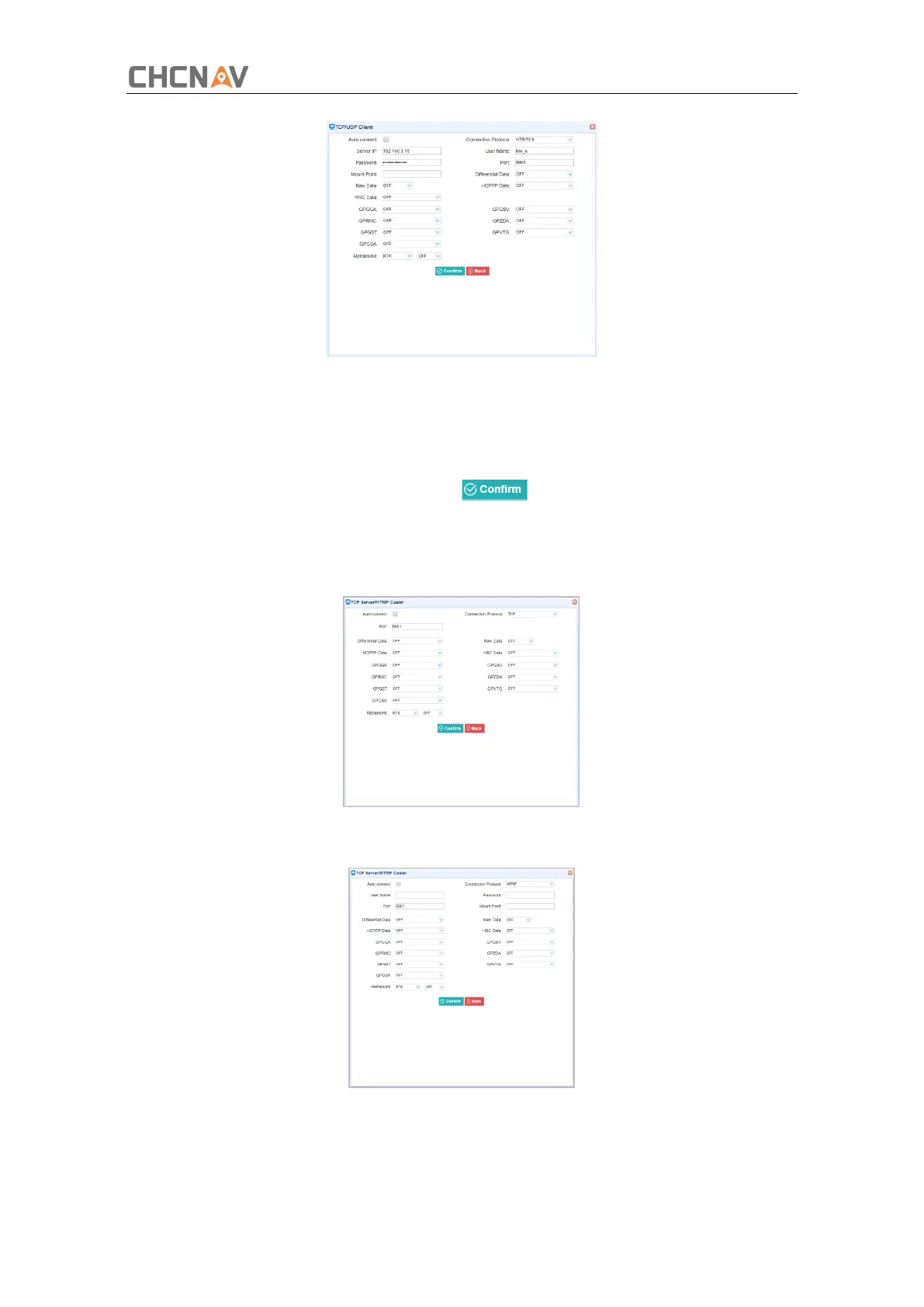
3.TCP Server/NTRIP Caster
Tap the Connect button to the right of required TCP Server/NTRIP Caster→ the IO Settings
screen will appear → select one of the connection protocols between NTRIP and TCP →
configure the other related parameters → click to save the settings and open the
server.
➢ Connection Protocol: TCP
➢ Connection Protocol: NTRIP
4.Serial Port
Tap the Settings button on the right of Serial Port → the Serial Port Setup screen will



 To Next Page