Click Apply to connect.
Your appliance will connect to
smbmgmt.provisioning.local&Sample-Gateway.domain.Prime
(Gateway ID) using the key 6382020 (registration key).
Thank you,
Service Center security team
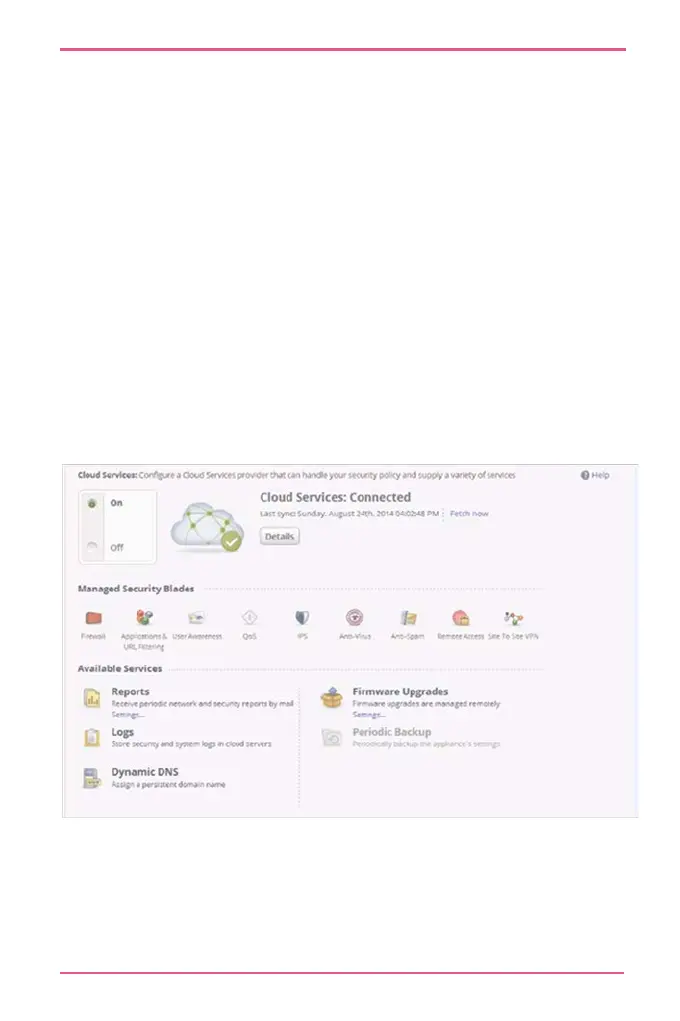
When connectivity is established, the Cloud Services section at
the top of the page shows:
• The date of the synchronization
• The On/Off lever shows that Cloud Services is turned on.
A Cloud Services Server widget shows Connected on the
status bar. Click this widget to open the Cloud Services page.












 To Next Page