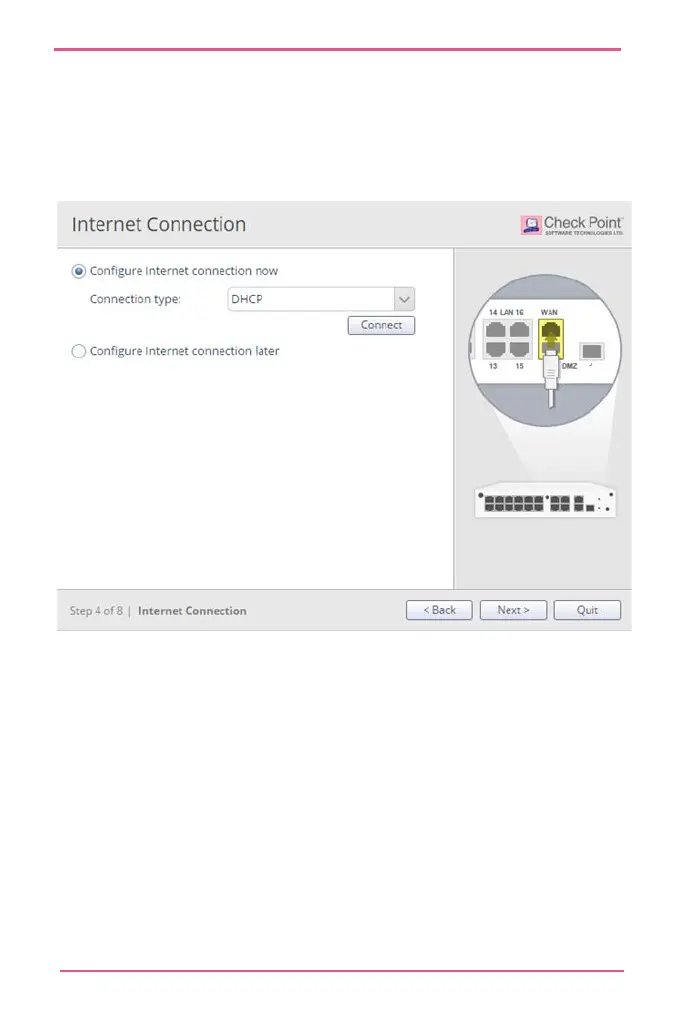
To test your ISP connection status:
Click Connect.
The appliance connects to your ISP. Success or failure shows
at the bottom of the page.
Local Network
In the Local Network page, select to enable or disable switch
on LAN ports and configure your network settings. By default,
they are enabled. You can change the IP address and stay
connected as the appliance's original IP is kept as an alias IP
until the first time you boot the appliance.
DHCP is enabled by default and a default range is configured.
Make sure to set the range accordingly and be careful not to












 To Next Page