Configuring a Guest Network
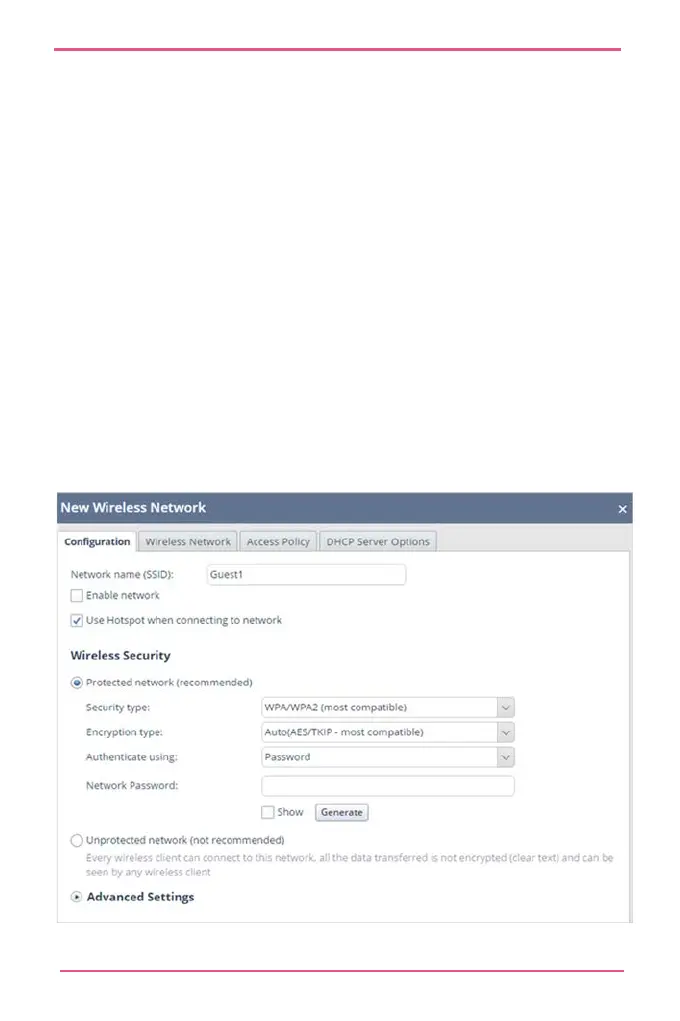
To configure a guest network:
1.
Go to Device > Wireless.
Click Guest.
Select Use Hotspot.
Set Wireless Security to Unprotected or Protected.
In the Access Policy tab, set the access and log policy
options.
Note - Do not select the boxes in the Access Policy tab if
you do not want guests to access your local network.
Enter a password.
Click Apply.












 To Next Page