To make sure you have the latest version:
1.
Go to Device > System Operations.
Click Check now.
Internet Connectivity
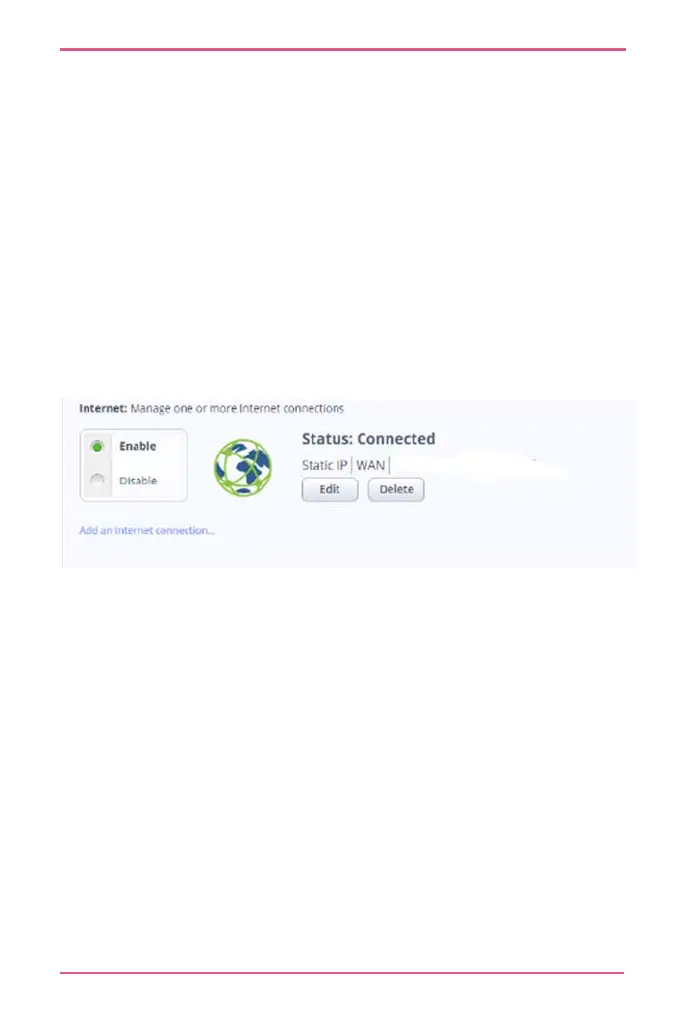
To see the Internet Connectivity status:
Click the status bar.
If you are not connected, go to Devices > Internet.
Licensing
You must first register the appliance in your Check Point User
Center account. If you do not have a User Center account, you
must create one to receive support and updates.
To see license information:
1.
Go to Home > License.
If you did not do this during the First Time Configuration
Wizard, click Activate.












 To Next Page