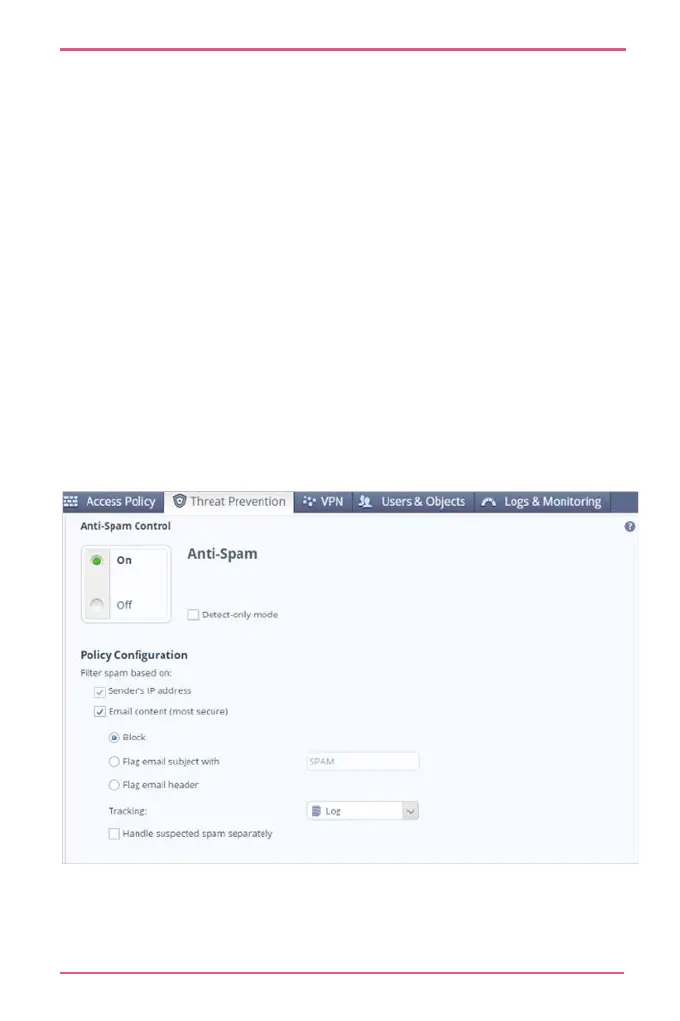
The spam filter can identify spam emails by their source
address (default), or by email content.
To configure your appliance to inspect email content:
1.
Go to Threat Prevention > Anti-Spam Blade Control.
Click Email content.
Select one or more of these actions:
• Block spam emails.
• Flag spam email subject with X - Replace X with
manually defined text to add to the subject line for
spam emails.
• Flag spam email header - Identify email as spam in the
email message header.
• Handle suspected spam separately












 To Next Page