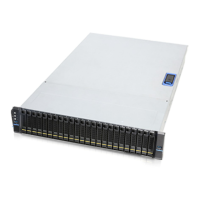
SR209 Plus Series
│ 16
2-2 Front Bezel Installation
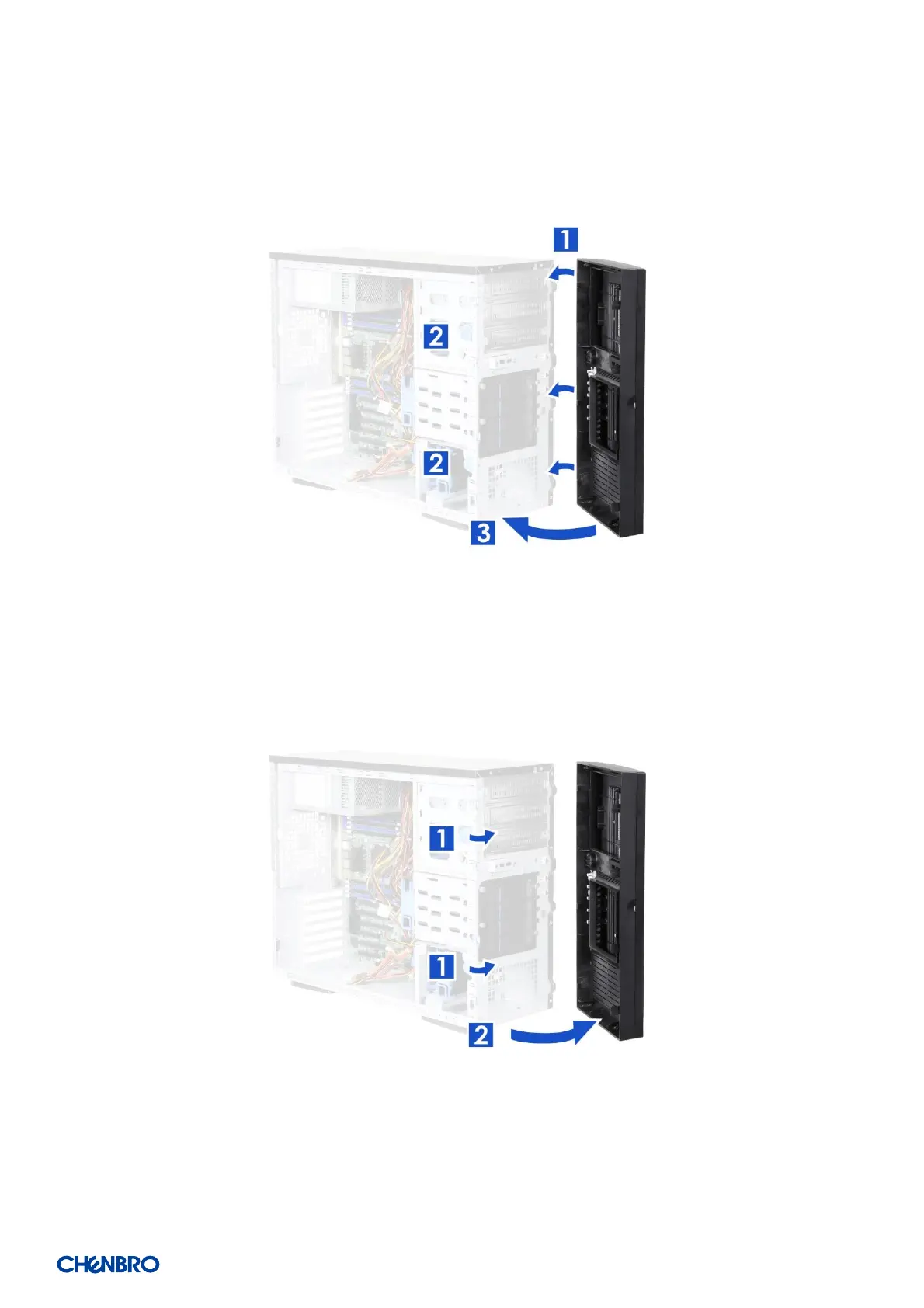
Figure 11 Bezel installation
1. Lean the right side of the bezel on the front chassis.
2. Fully attach the bezel on the front of the chassis, and make sure the internal latches (x 2) are up.
3. Push down the bezel until it is secured.
Figure 12 Bezel removal
1. Lift the internal latches (x 2) up.
2. Detach the bezel tabs and remove the bezel.


 To Next Page