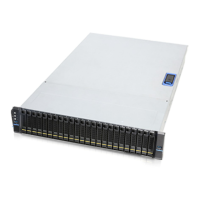
SR209 Plus Series
│ 19
2-4 HDD Cage Installation
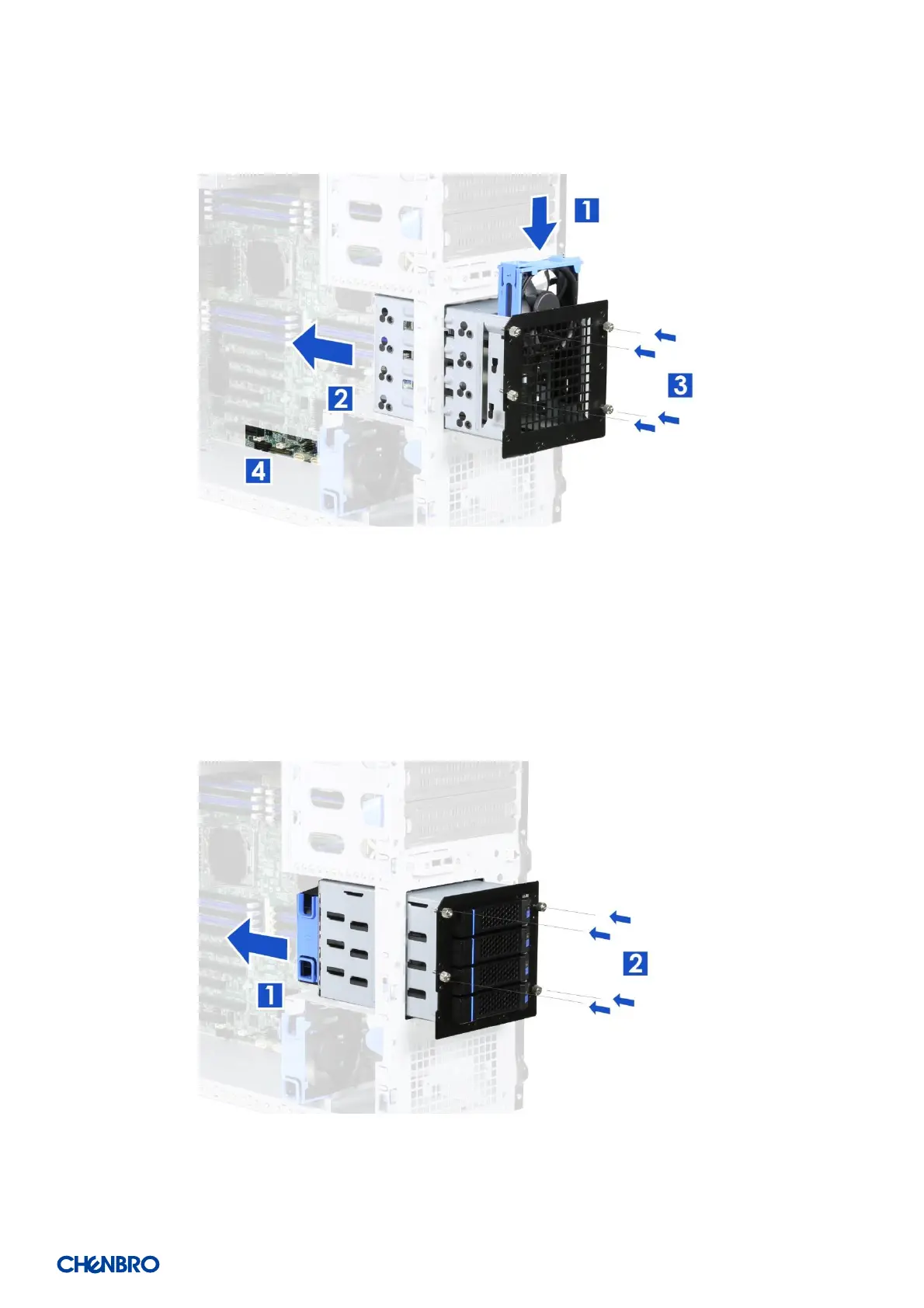
Figure 16 3.5” internal HDD cage installation
1. Insert the fan into the reserved slot.
2. Insert the HDD cage into the chassis.
3. Secure the thumb screws on the four sides of the HDD cage.
4. Plug the fan power connector into the system board.
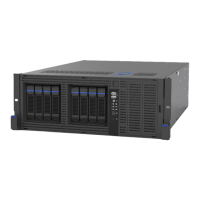
Figure 17 3.5” hot-swap HDD cage installation
1. Insert the HDD cage into the chassis.
2. Secure the thumb screws on the four sides of the HDD cage.


 To Next Page