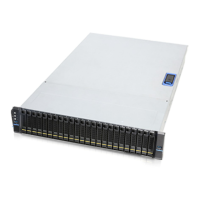
SR209 Plus Series
│ 22
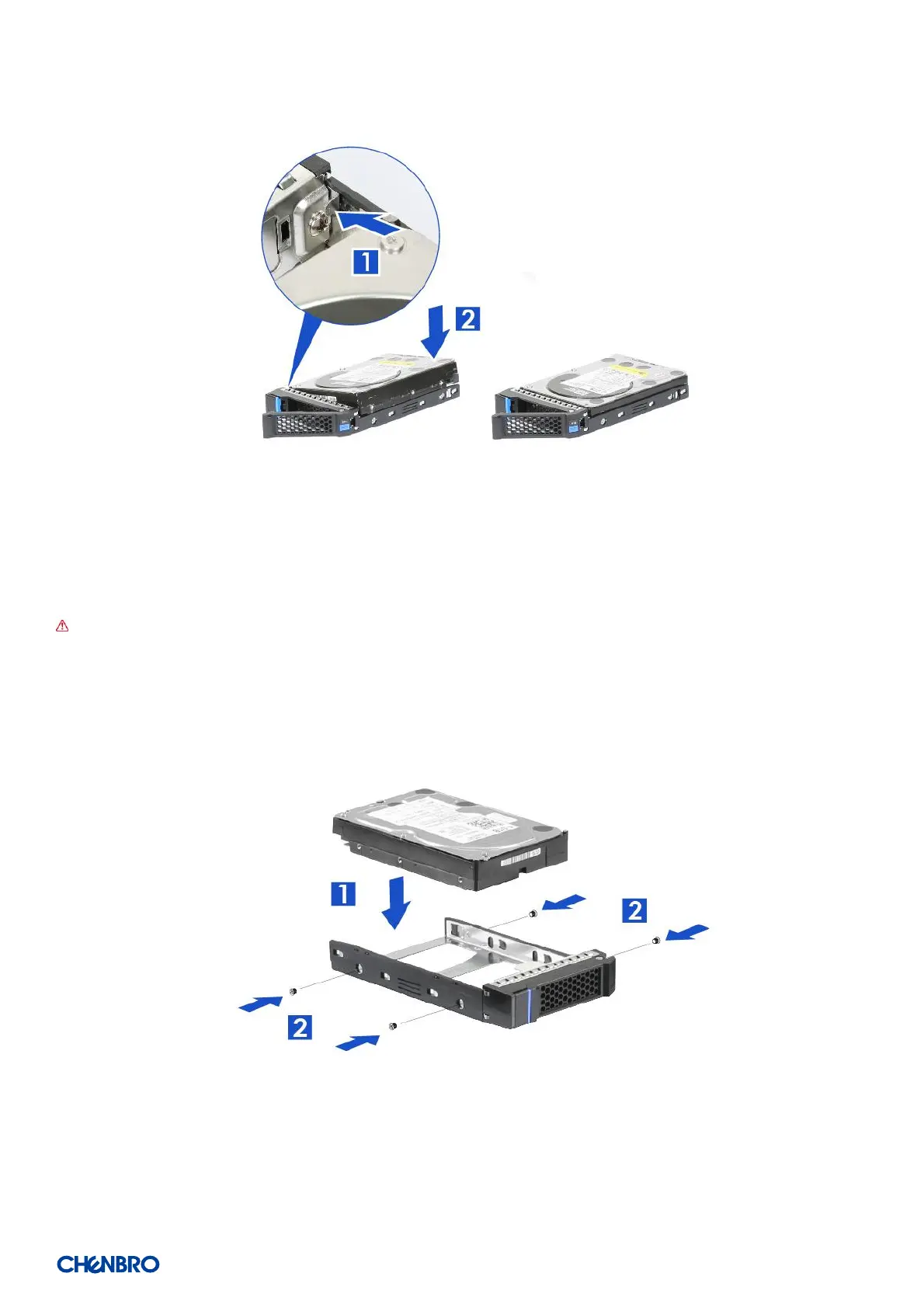
Figure 22 3.5” HDD installation (tool-less type)
1. Engage two embossed pins into the side dimples on the HDD as shown
2. Carefully push down the other side of the HDD until another two embossed pins and side dimples lock into place
NOTE: Due to degraded performance and reliability concerns, the use of the 3.5” drive blank filler as a 2.5” device bracket is
intended to support SSD type storage devices only. Installing a 2.5” hard disk drive into the 3.5” drive carrier cannot be
supported.
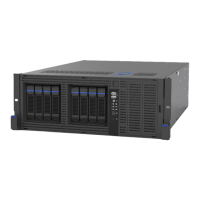
Figure 23 3.5” HDD installation (screw type)
1. Align front HDD with the anchor point on the carrier.
2. Assemble 3.5” HDD with carrier by four screws as shown.


 To Next Page