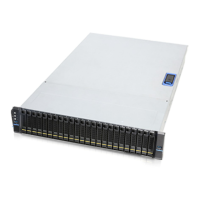
The settings of on-board hardware monitor can be
controlled and configured through this DIP switch. It
can manage the functions of PWM fan & temperature
threshold.
The motherboard can monitor HDD temperature and
fan status through this connector. However, the I2C
connector on motherboard side is vendor dependent,
so please contact our field application engineers to
fully utilize this feature.


 To Next Page