Milliohm Meter 16502 User’s Manual
5-6
In addition, to give two commands at the same time (ex. to set or query ZERO ON and
OFFSet), use the following method to simplify the command.
:SENSe:ZERO:STATe ON;DATA?
It is same as the following two commands below, but simpler.
: SENSe:ZERO:STATe ON
: SENSe:ZERO:STATe:DATA?
Colon (:) is required to separate the command between levels and the first colon at the
beginning of each command line indicates the Root. Also two commands need to be
separated by semicolon (;) in one command line. For example:
Ex. : SENSe:ZERO:STATe ON;:SOURce:DRY ON
It means the same as the following two command lines.
:SENSe:ZERO:STATe ON
:SOURce:DRY ON
The colon after a semicolon indicates the Root. If the command is available for setting and
query, add a parameter to the command when setting it and add a question mark “?” to it
when query is required.
:SENSe:ZERO:STATe?
The lower case letter and the text in [ ] in the command indicates they can be omitted.
Data Transmitting Format:
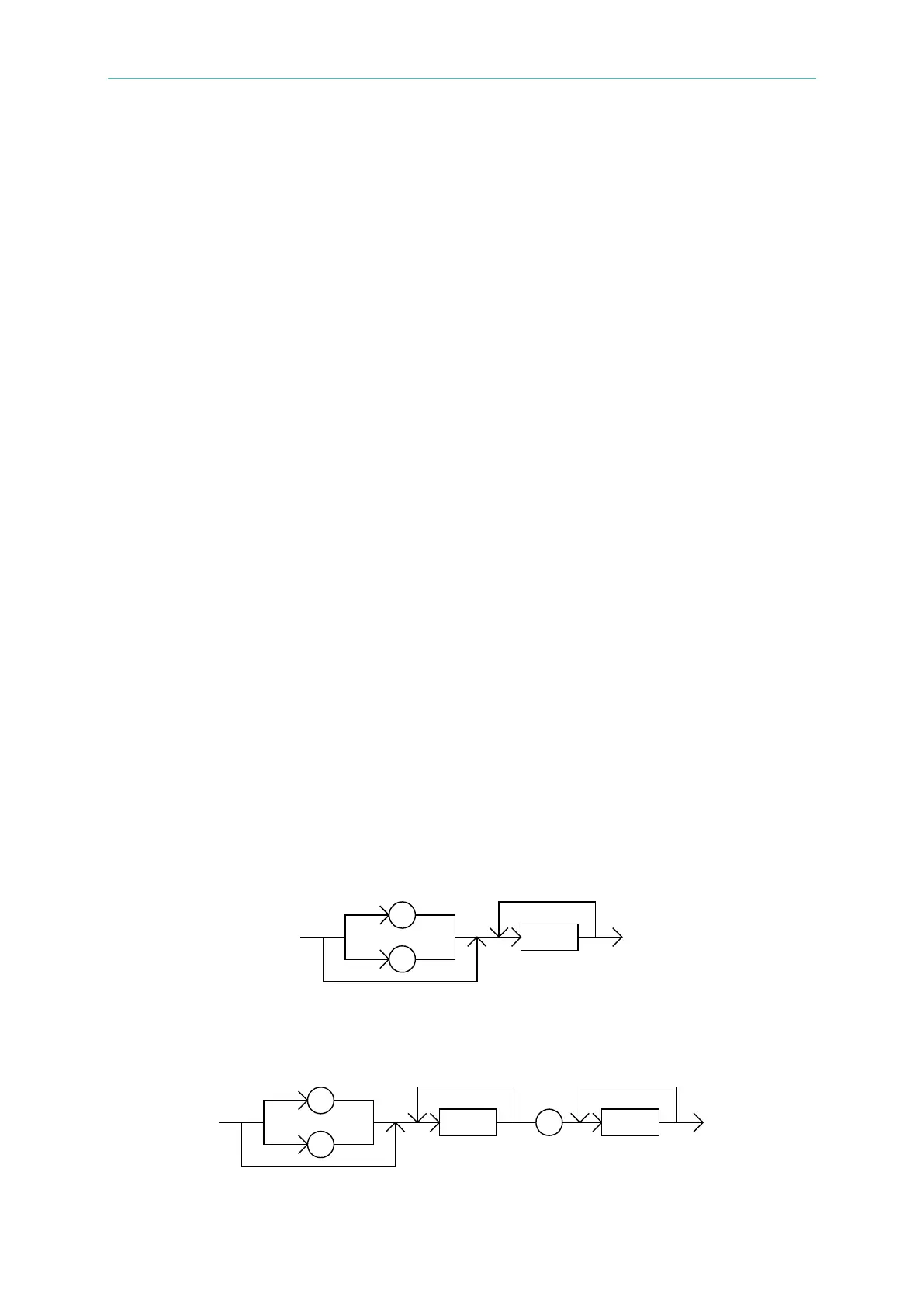
The data will be transmitted by ASCII byte along with the formats of <NR1> (integral format),
<NR2> (fixed decimal format) and <NR3> (floating number format). The data are separated
by comma (the standard of IEEE-488.2). The format descriptions are as follows.
(1) <NR1> format:
Ex.: 9000
(2) <NR2> format:
Ex.: 9000.0



 To Next Page