EN7510364-00
EN - 6
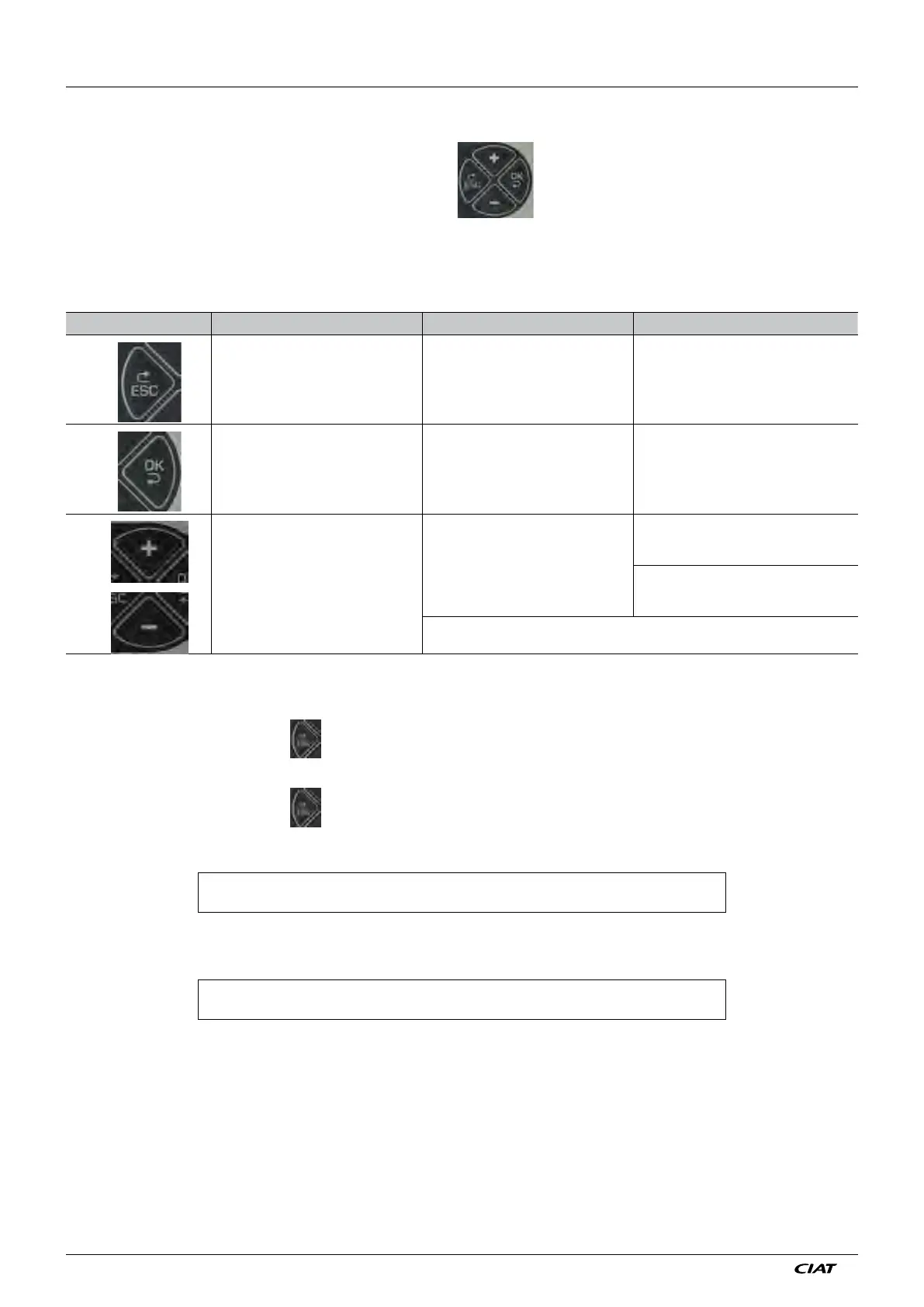
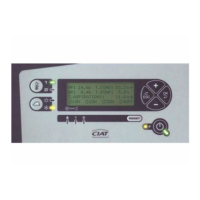
Four buttons are available for navigating through the menus
Button Menus level Parameters level Values level
Back to Menus level Back to Parameters level
Select menu Select parameter Confirm value and go back to parameters
Menu scroll buttons
Scroll through the parameters
Decrease the parameter
value or scroll
through the values
Increase the parameter
value or scroll
through the values
Pressing and holding the '+' or '-' button will cause the display to scroll faster
Powered on:
The "machine stopped - on/off" menu [2-Machine state] screen appears.
Press to go back to the menu list.
If the console is not used for one hour, the [2-Machine state] menu reappears.
Press to go back to the menu list.
Arrows on the right of the screen indicate that additional information is available. To see this information, press the + or - button.
example:
C O I L P R E S S U R E ↑
2 0 . 7 B ↓
The active line in a menu is shown by a flashing box to the left of the menu number.
example:
A 1 0 0 L A N G U A G E
E N G L I S H
The use of each button is described in the table below:
Press these buttons firmly!
3 - NAVIGATING THROUGH THE MENUS


 To Next Page