26
8.4 Measured values menu
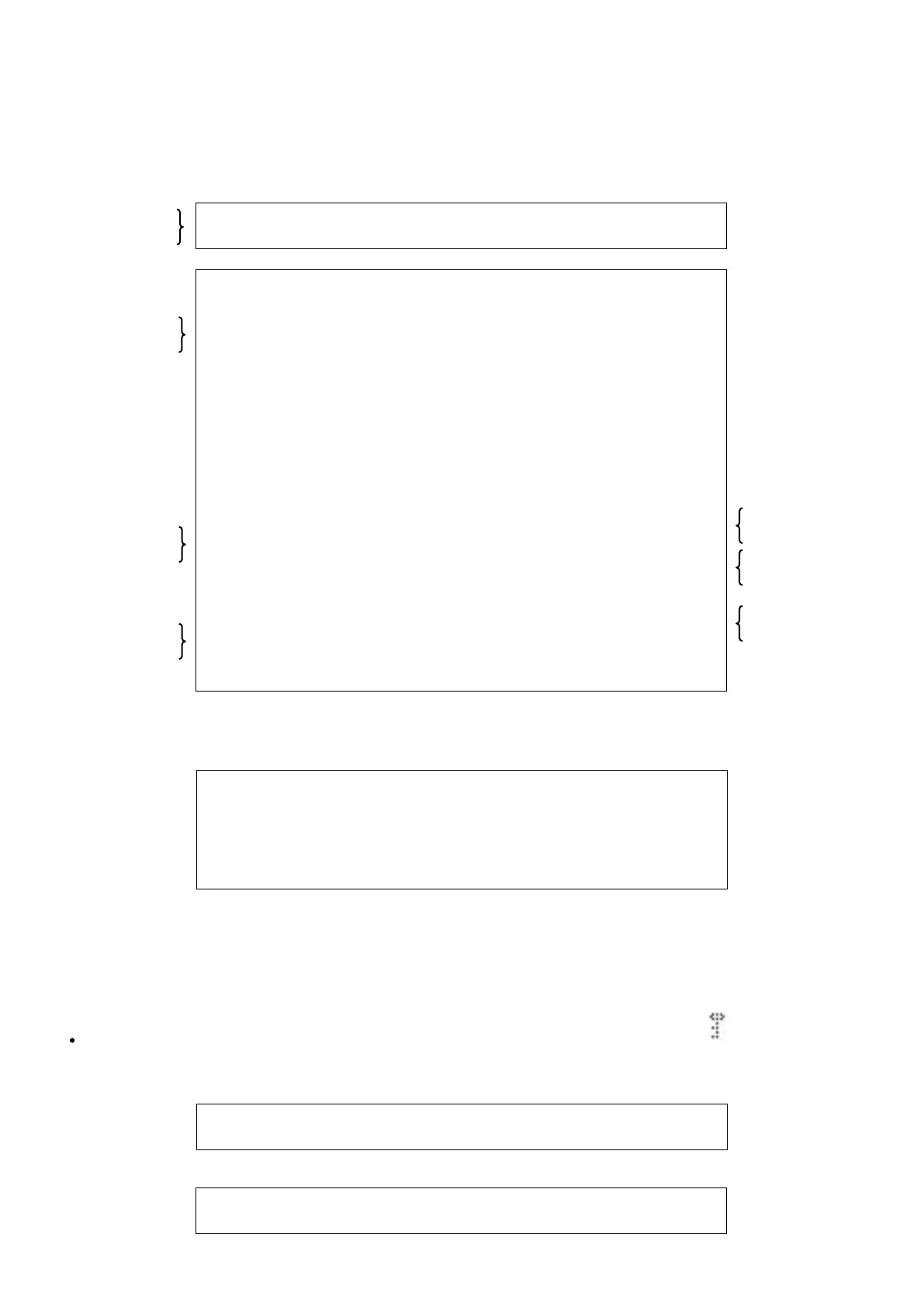
To access the MEASURED VALUES menu, use the+ or – buttons
to position the cursor on 3, then press OK (the list of submenus
can then be accessed).
Position the cursor on CIRCUIT 1 or CIRCUIT 2 then press OK .
The values for the circuit selected appear.
Use the + and - buttons to scroll through the tables at a rate of
three rows at a time.
The square at the bottom right flashes for the reading.
Press the ESC button to return to the main menu.
Example:
For circuit 1:
For circuit 2:
The menu for circuit 2 is the same as for circuit 1, but with the digit 1 replaced by the digit 2. Thus, discharge temperature REF 1 becomes
REF 2 (or 3 depending on the number of compressors per circuit) and REF 2 becomes DISCHARGE 4
Message on first row:
8.5 MACHINE PARAMETERS menu
To access the MACHINE PARAMETERS menu, use the + or -
buttons to position the cursor on 4 then press OK.
The display shows the list of configuration parameters.
Use the + and - buttons to scroll through the tables at a rate of two
rows at a time.
To modify a parameter the configuration must be unlocked (via
parameter P99). This turns off the machine.
To change a value:
Press OK to enter the parameter. Use the + or – buttons to
increment or decrement the value of the parameter then press OK
to confirm the changes. Press OK to save the change or ESC to
cancel. When a parameter value is being changed, the square at
the bottom right should flash.
In the case of parameters, the letter P flashes.
The text in messages scrolls in a loop.
Numerical values (with adjustment ranges), however, do not scroll
in a loop.
If a parameter is locked (P99 = yes), the symbol is displayed at
the top left.
To return to the main menu, press the ESC button repeatedly.
If the user tries to access a locked parameter, the following message appears for 2 seconds before the parameter is redisplayed:
C I R C U I T 1
C I R C U I T 2
C L G R E T U R N C T R L ↑
C T R L S T P : - x x . x °
W A T E R I N L E T : - x x . x ° ↓
W A T E R o r M A N O U T L E T : x x . x °
H P 1 : x x x . x b C O N T : + x x . x ° ↑
B P 1 : x x x . x b E V A T : + x x . x °
S U C T I O N T . x : + x x . x ° ↓
O V E R H E A T 1 : x x . x ° ↑
D I S . T 1 : x x x ° D I S . T 2 : x x x °
O U T D O O R T . : - x x . x ° ↓
W A T E R O U T L E T 1 : - x x . x ° ↑
WAT E R O U T L E T 2 : - x x . x °
M A N . W A T E R O U T : - x x . x ° ↓
R E F R I G . T . 1 + x x . x ° ↑
L I Q U I D T E M P . 1 + x x . x °
H O T W A T E R T . - x x . x ↓
H O T S U P P L Y C T R L ↑
H O T R E T U R N C T R L ↓
C L G R E T U R N C T R L ↑
S T O R A G E C T R L ↓
C O M P E N S A T I O N C T R L ↑
4 - M A C H I N E . P A R A M E T E R
P A R A M E T E R L O C K E D
M O D I F I C A T I O N . I M P O S S I B L E
Visible if water-to-water
and operating mode
≠ heating
Visible if P3 = 2
and if P141 ≠ 3
Visible if P3 = 2
and if P141 ≠ 3
Visible if P2 = 1 or
2, or 3 + cooling mode



 To Next Page