EL DC Instalation and operation manual v13.docx
38 / 56
5. LOCAL TOUCHSCREEN CONTROL PANEL
5.1. Basic functions
The LCD touchscreen main purpose is to provide the user with the necessary information about
the power supply principal variables. Besides, the touchscreen allows the user to interact with
the power converter and control some of these variables.
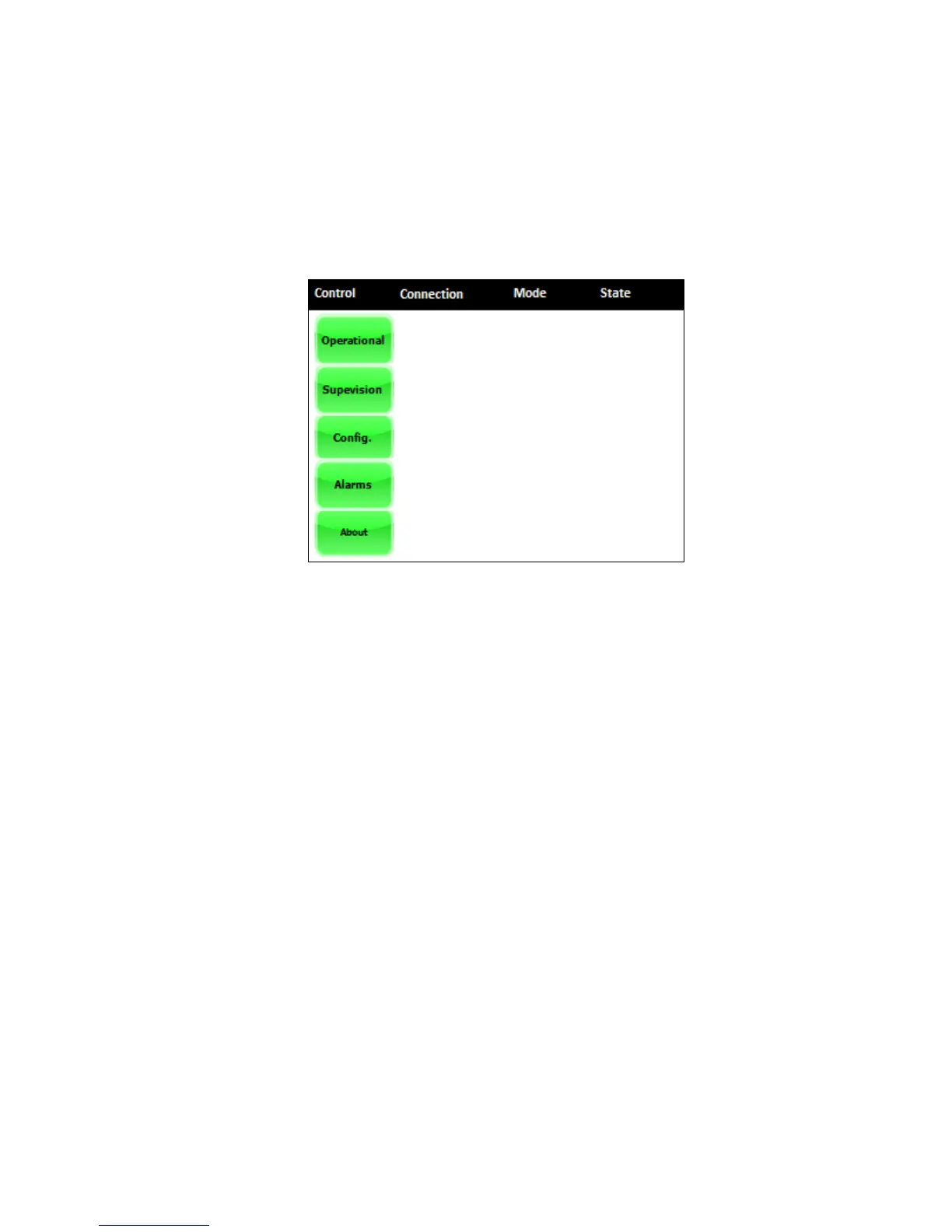
By means of the black bar in the upper side of the touchscreen, the user is constantly aware of
the following variables:
- Mode (LCD/Remote/Console)
- Control (Current/Power/Impedance/Voltage)
- State of the power supply (Init/Standby/Precharge/Ready/Run/Alarm)
The rest of information can be found throughout the menus and submenus.
5.2. Menus and submenus
5.2.1. General
There are five main menus: Operational, Supervision, Config., Alarms, About. A description of
each one can be found in the following points.


 To Next Page