EL DC Instalation and operation manual v13.docx
43 / 56
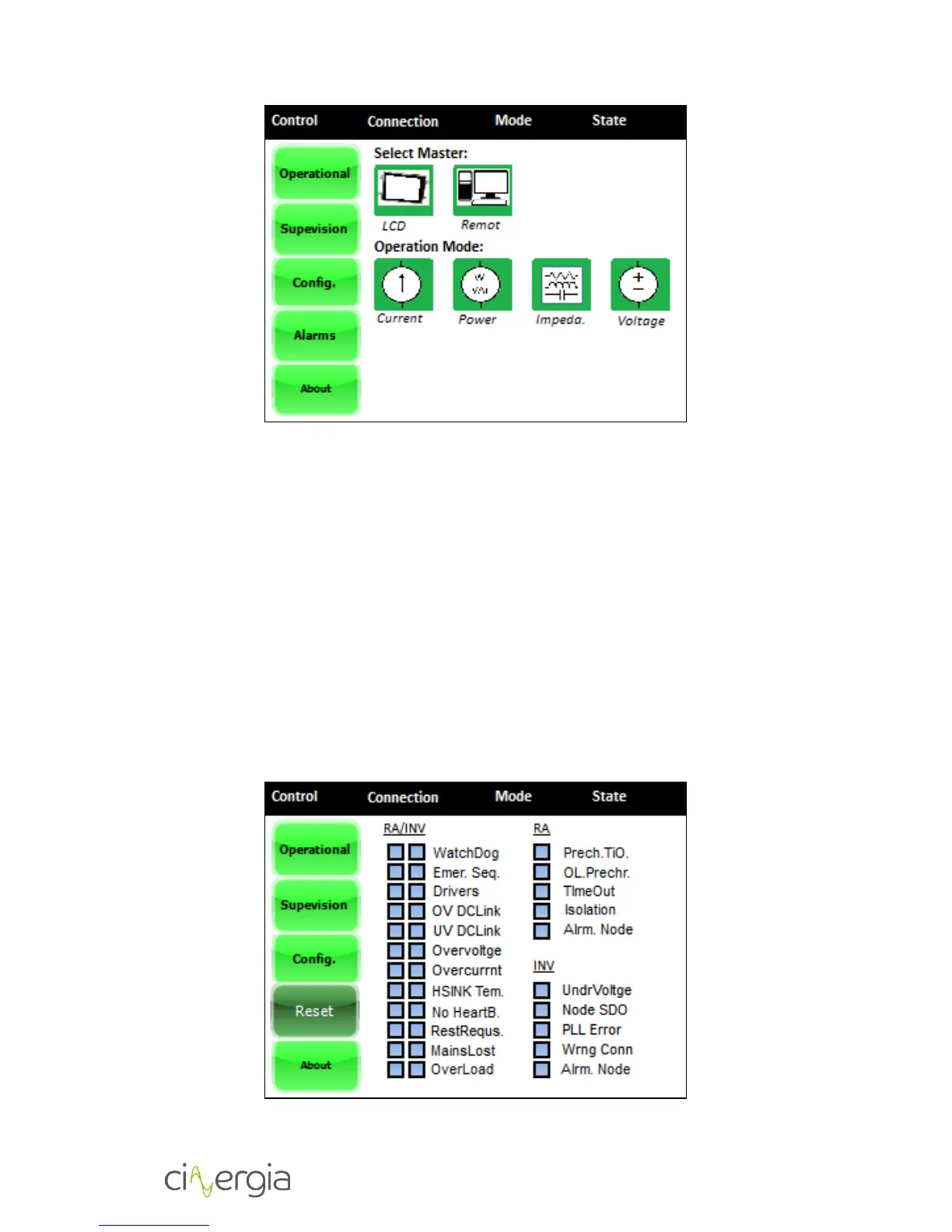
Using this menu, the user can choose:
Select Master. The supervision master is the device which controls the converter.
Choosing the LCD, the converter is controlled by the touchscreen, on the other hand if
the user chooses the Modbus master, the converter will be controlled by the HMI
interface.
Operation Mode. The user can choose between the Current mode, Power Mode and
Impedance Mode.
5.2.5. Alarms
The Alarms window displays information about the power supply alarms. Any existing
alarm will appear in this window. In case the user is willing to reset the system, the RESET button
permits him to do so.


 To Next Page