DA-1000 User’s Manual
Chapter 4: BIOS Setup
4.2 Main Setup
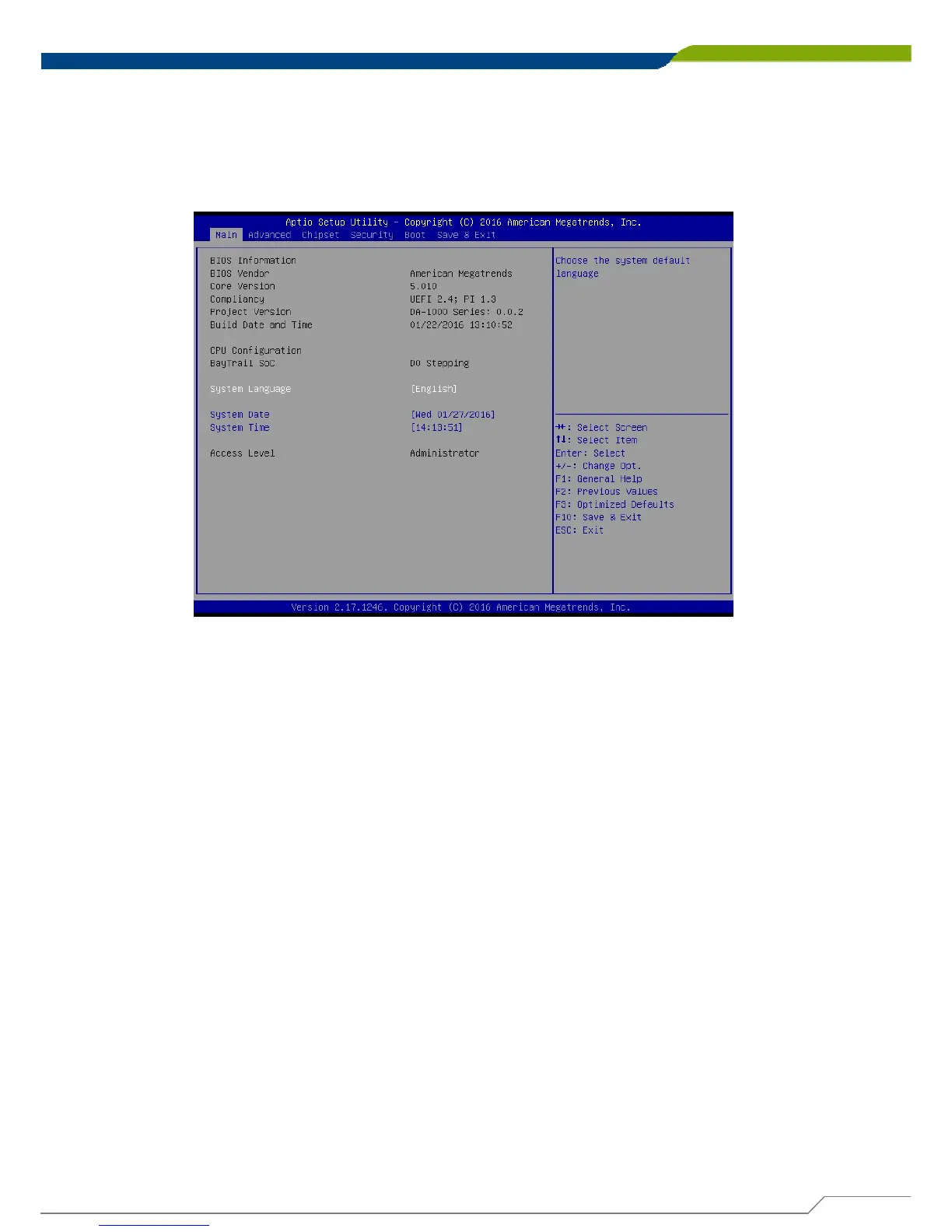
Press <Del> to enter BIOS CMOS Setup Utility, the Main Menu (as shown below) will
appears on the screen. Use arrow keys to move among the items and press <Enter> to
accept or enter a sub-menu.
4.2.1 System Date
Set the date. Please use <Tab> to switch between time elements.
4.2.2 System Time
Set the time. Please use <Tab> to switch between date elements.
51



 To Next Page