DA-1000 User’s Manual
53
Chapter 4: BIOS SetupChapter 4: BIOS Setup
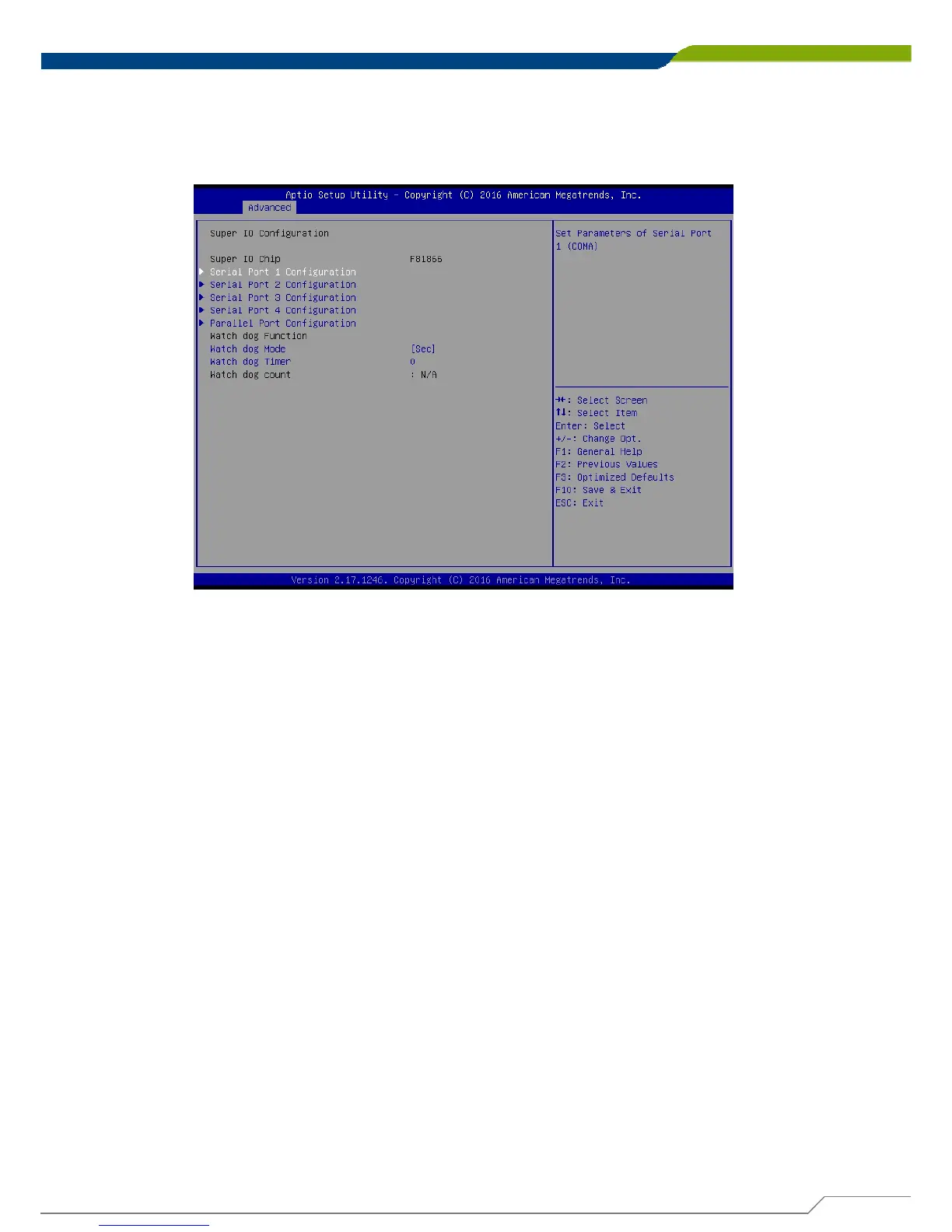
4.3.2 Super I/O Configuration
This allows you to configure legacy ports such as serial and parallel ports. It also
has watch dog function embedded in the Super I/O chip.
■ Serial Port 1 Configuration
This allows you to configure serial port 1.
■ Serial Port 2 Configuration
This allows you to configure serial port 2.
■ Serial Port 3 Configuration
This allows you to configure serial port 3.
■ Serial Port 4 Configuration
This allows you to configure serial port 4.
We’ll use serial port 1 configuration as an example in the manual. Similar settings
apply to other serial ports configuration.



 To Next Page