DA-1000 User’s Manual
64
Chapter 4: BIOS SetupChapter 4: BIOS Setup
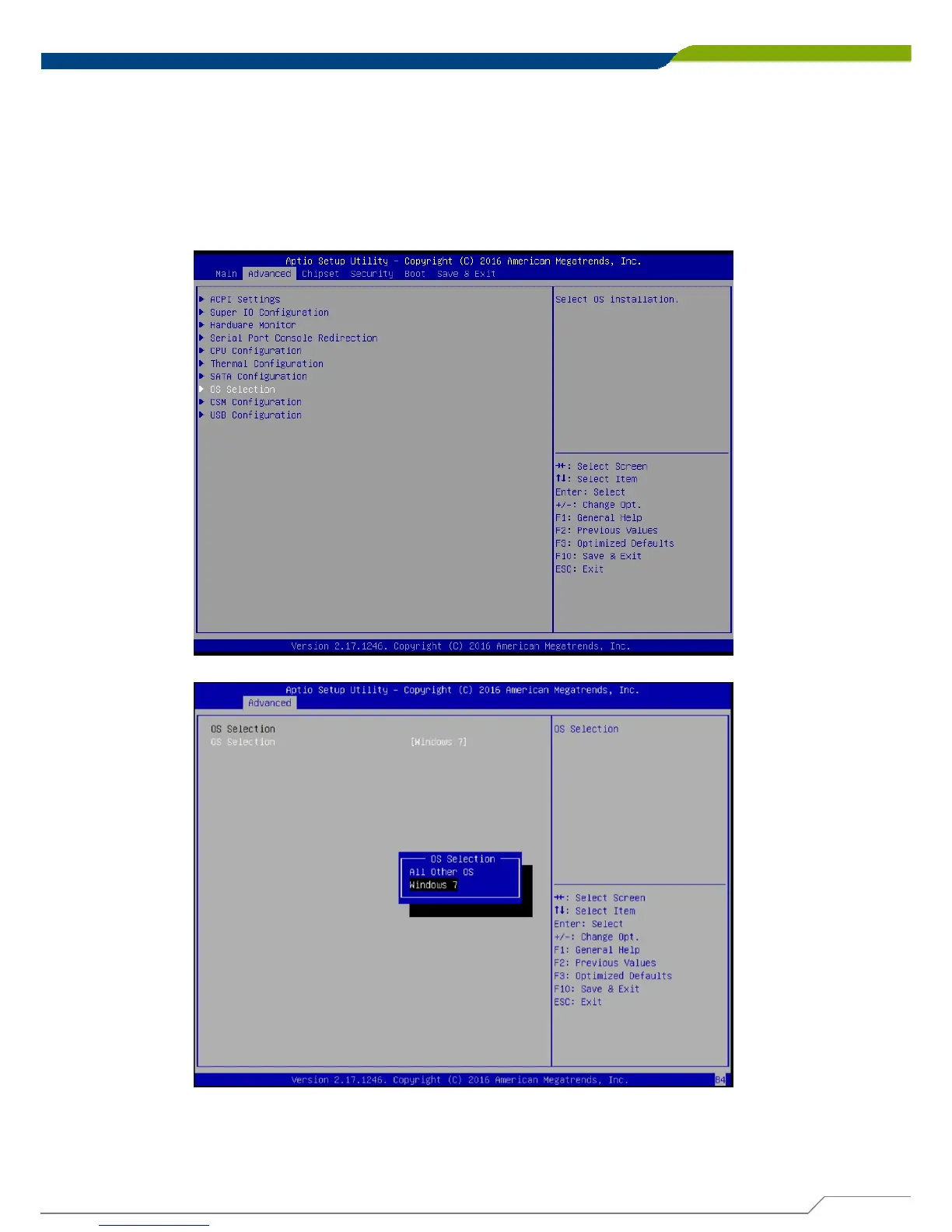
4.3.8 OS Selection
This allows you to configure Windows OS version to install. The purpose of this is
to enable USB 3.0 controller interface. If you set Windows 7 and install the OS,
you will need to install USB 3.0 driver at the OS level to fully support USB 3.0
interfaces. If you set all other OS and install it or later OS, the Windows OS will
easily support USB 3.0 interfaces.
■ OS Selection
This allows to set All Other OS or Windows 7 (default).



 To Next Page