DA-1000 User’s Manual
76
Chapter 4: BIOS Setup
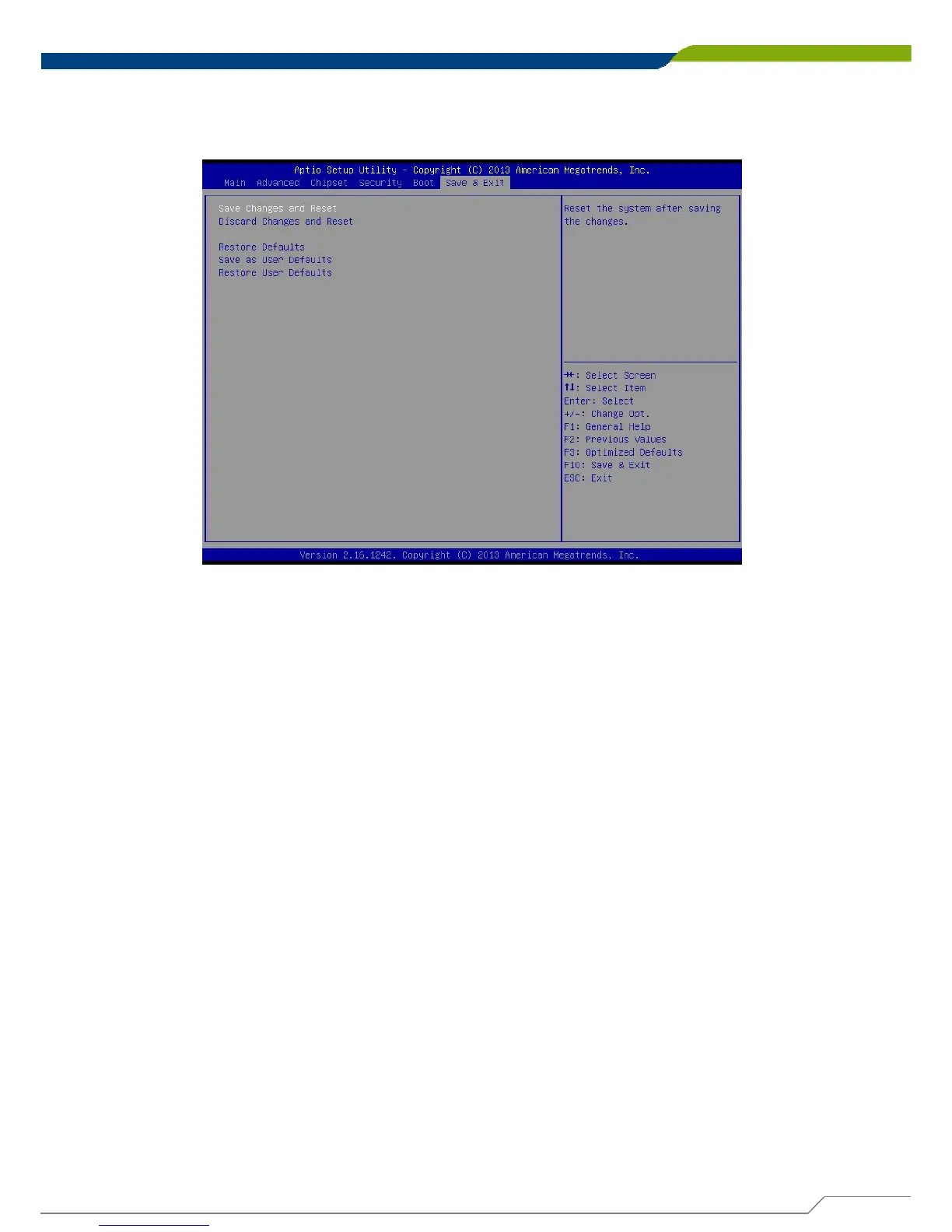
4.7 Save & Exit
This section allows you to configure the boot settings.
4.7.1 Save Changes and Reset
This item allows user to reset system setup after saving changes.
4.7.2 Discard Changes and Reset
This item allows user to reset system setup without saving any changes.
4.7.3 Restore Defaults
This item allows user to restore/ load default values for all the options.
4.7.4 Save as User Defaults
This item allows user to save the changes done so far as user defaults.
4.7.5 Restore User Defaults
This item allows user to restore the user defaults to all the options.



 To Next Page